Updated
How to Create a Party
Party
A Party in Udyot ERP is an individual or organization with whom your business conducts financial transactions. A party can be a customer, supplier, vendor, or any other entity involved in buying, selling, making payments, or receiving payments. Each party is maintained as a ledger to track outstanding balances, transaction history, and account statements.
Create party
1. Select the Account Module
2. Select Ledgers
3. Select Party
4. A party page will appear
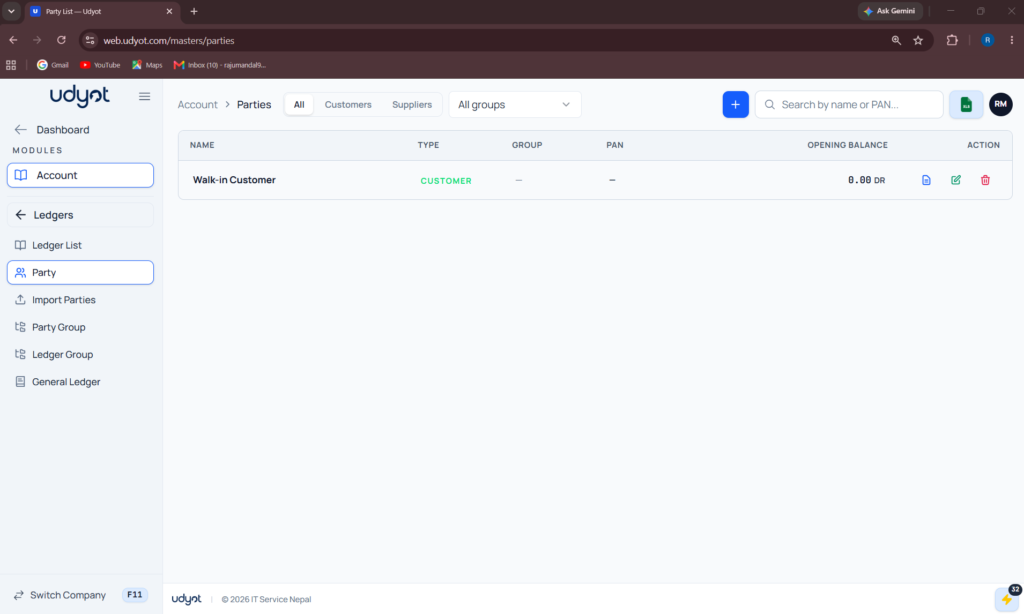
5. Click on +
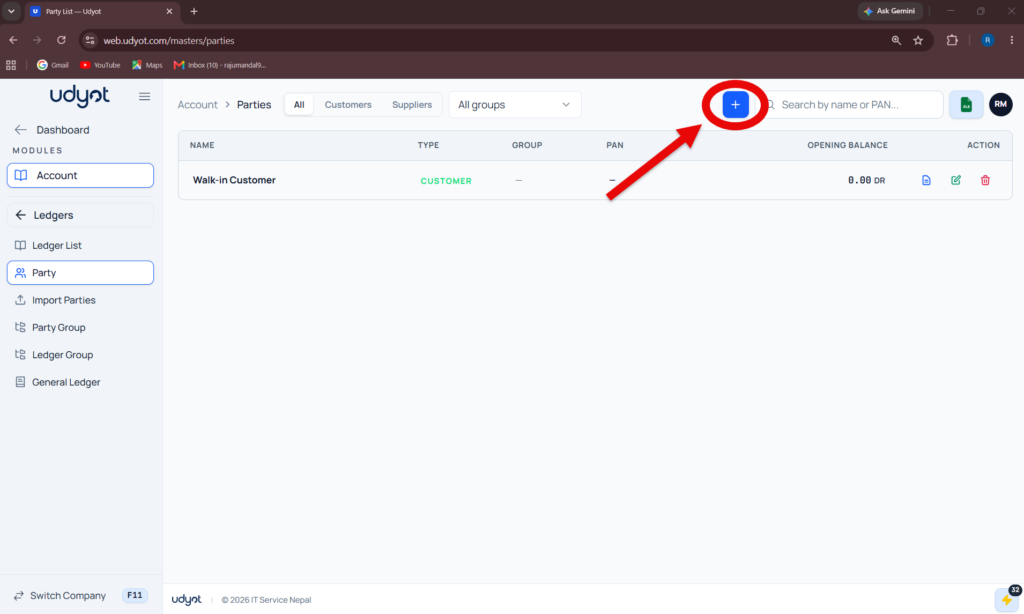
6. The Party Register form will appear
7. Fill in all the information and click on Save