Updated
How to Create Receipt Voucher
Receipt Voucher
A receipt voucher is an accounting voucher used to record money received by a business from customers, suppliers, or any other party. It acts as proof of payment received and ensures that all incoming cash or bank transactions are properly documented.
In Udyot ERP, a Receipt Voucher is used to record incoming payments, increase the selected Cash or Bank account balance, reduce the outstanding balance of the related party, and automatically update the ledger, cash book, bank book, and other financial reports for accurate accounting records.
Create Receipt Voucher
1. Select the Account Module
2. Select Vouchers
3. Select Receipt
4. A Receipt page will appear
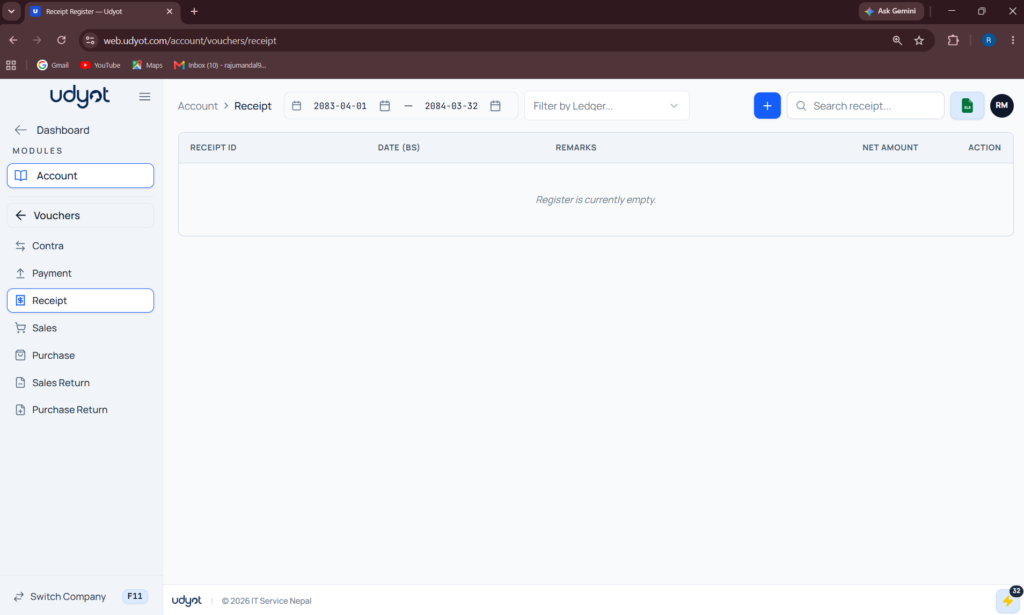
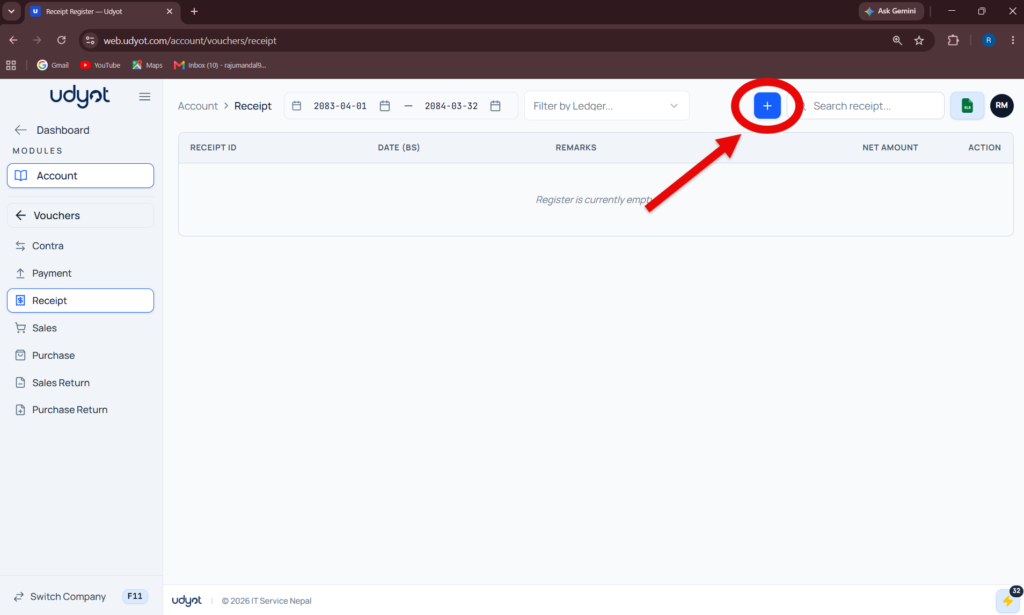
5. Click on +
6. The Receipt Registration form will appear
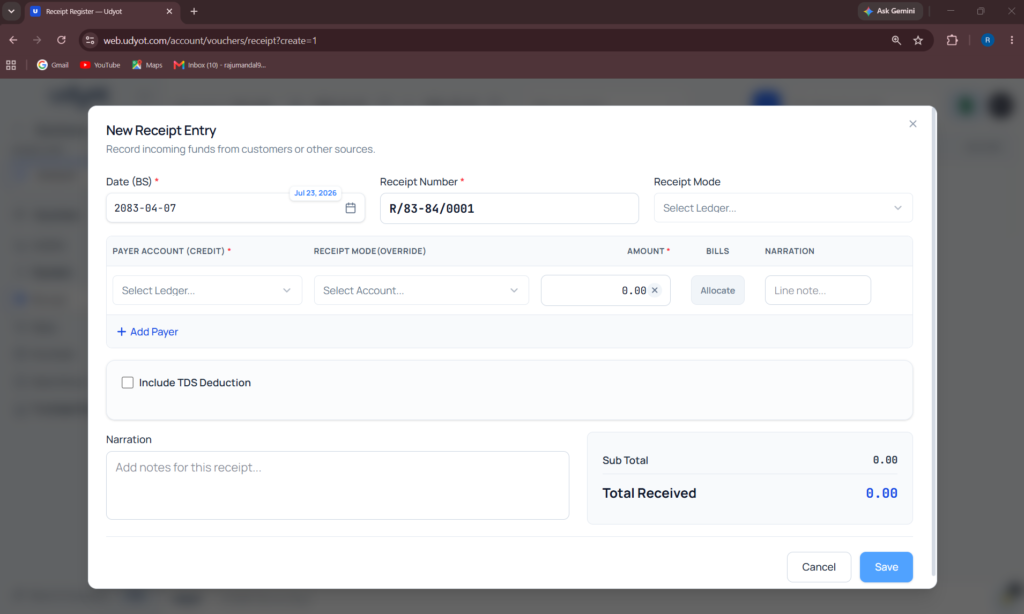
7. Fill in the information
8. Click on Save