Updated
How to Create Contra Voucher
Contra
A Contra Entry is an accounting transaction that records the transfer of funds between cash and bank accounts or between two bank accounts within the same business. It does not involve any income, expense, customer, or supplier—it simply moves money from one account to another.
A Contra in Udyot ERP is used to record the transfer of funds between cash and bank accounts or between different bank accounts of the same business. It updates the affected cash and bank ledgers without impacting income, expenses, or profit.
Create Contra
1. Select the Account Module
2. Select Vouchers
3. Select Contra
4. A Contra page will appear
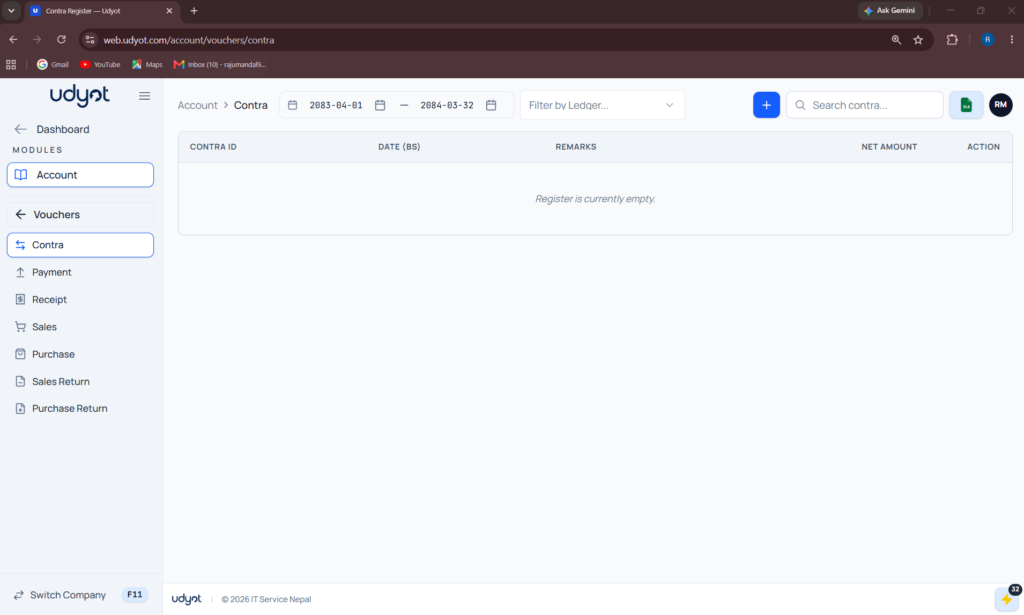
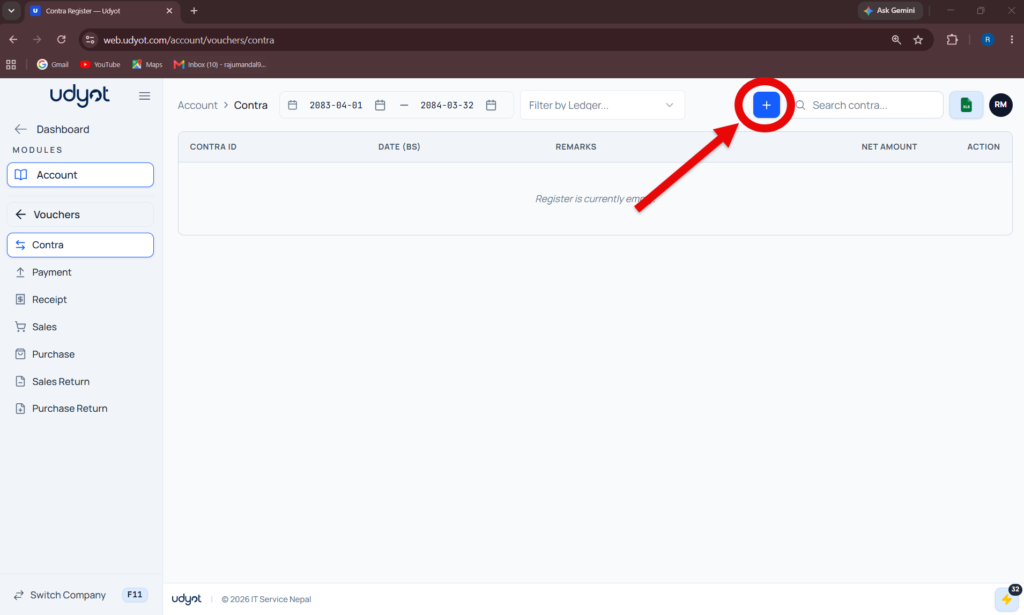
5. Click on +
6. Contra Registration form will appear
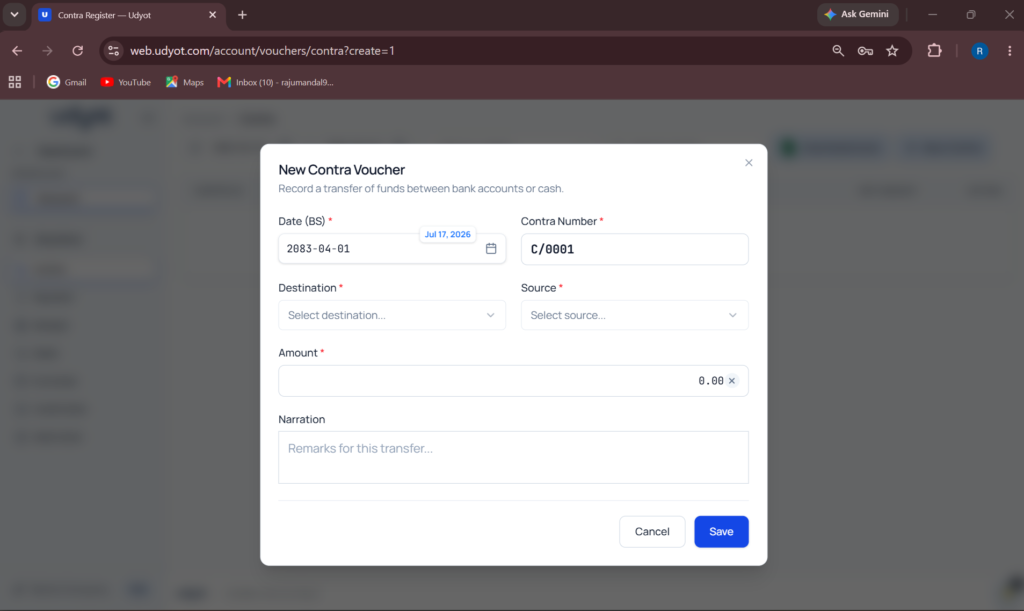
7. Fill in Sources, Destination, Amount, and Narration
8. Click on Save