Updated
Create Sales with inline VAT and discount
Sales with Inline VAT and Discount in Udyot ERP allows users to apply VAT and discount separately for each product/item in a sales transaction. This option is useful when different products have different VAT rates or discount percentages. If the same VAT rate and discount apply to all products, users can use the global VAT and discount fields instead of entering them item-wise.
Sales with inline VAT and discount
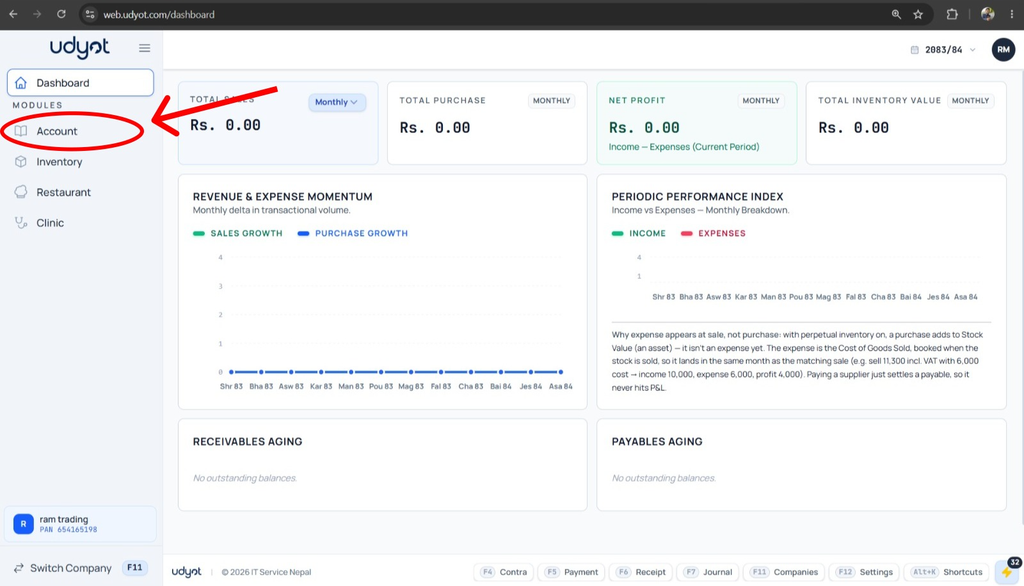
1. Select the Account Module
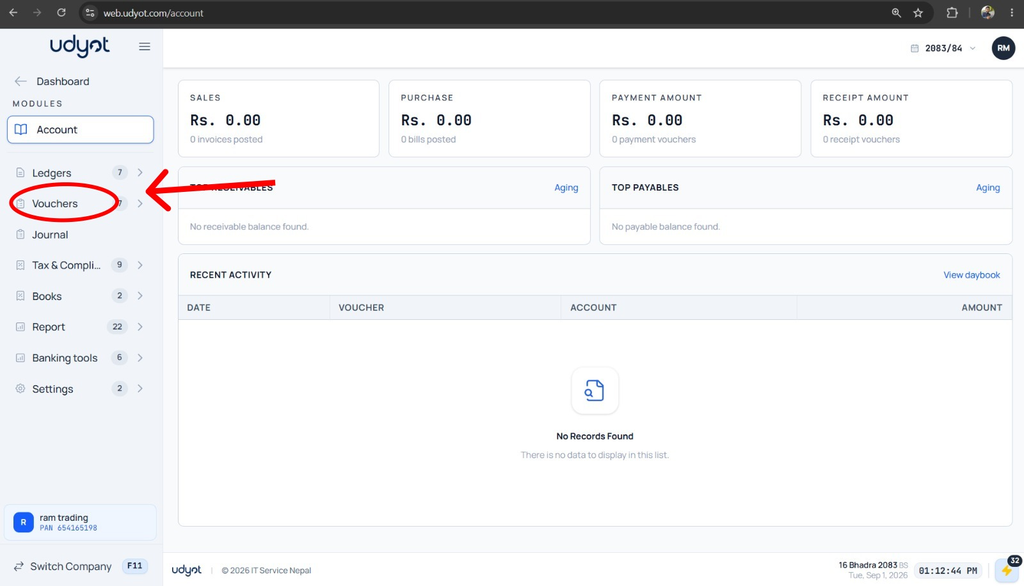
2. Select Vouchers
3. Select Sales

4. A Sales page will appear; click on +

5. The Sales Registration form will appear

6. Click on the Settings button

7. Mark all: VAT (%), VAT Amount, Discount (%), Discount (Flat)
