How to Create Journal Voucher
Journal Voucher
Journal Voucher is an accounting voucher used to record non-cash financial transactions that do not involve direct cash or bank receipts or payments. It is commonly used for adjustments, corrections, depreciation, accruals, provisions, and transfer entries between ledger accounts.
In Udyot ERP, a Journal Voucher is used to record accounting adjustments, transfer amounts between ledgers, post depreciation, provisions, accruals, and correction entries. It automatically updates the general ledger, trial balance, and financial reports, ensuring accurate and complete accounting records.
Create Journal
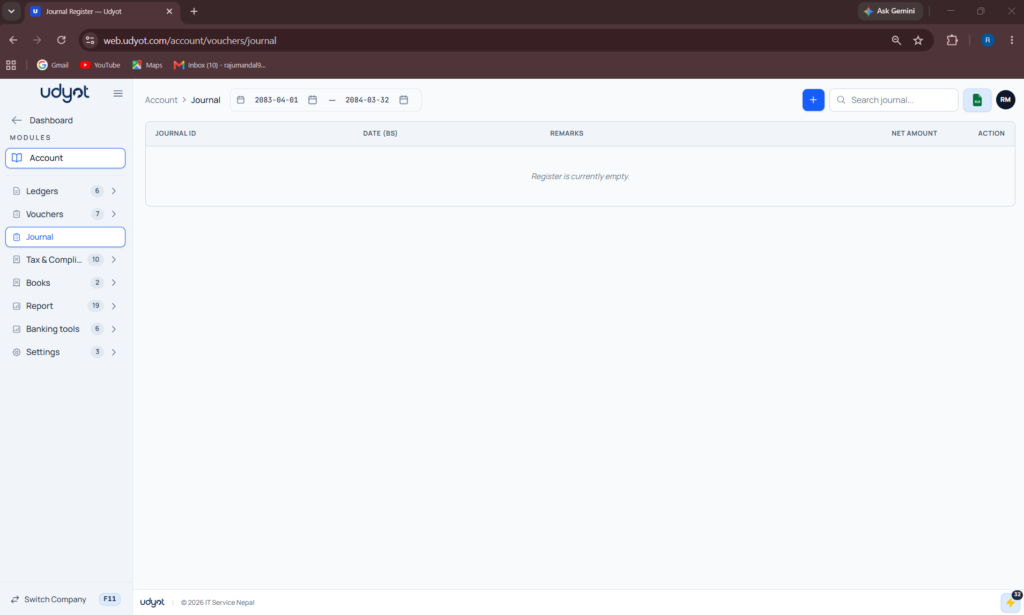
1. Select the Account Module
2. Select Journal
3. A Journal page will appear
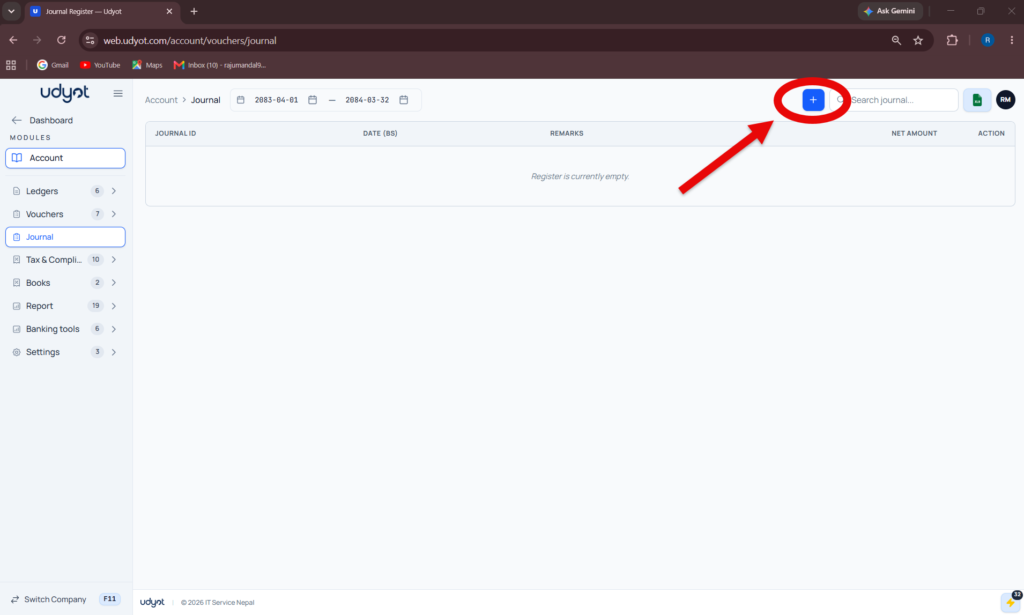
4. Click on +
5. The Journal Registration form will appear
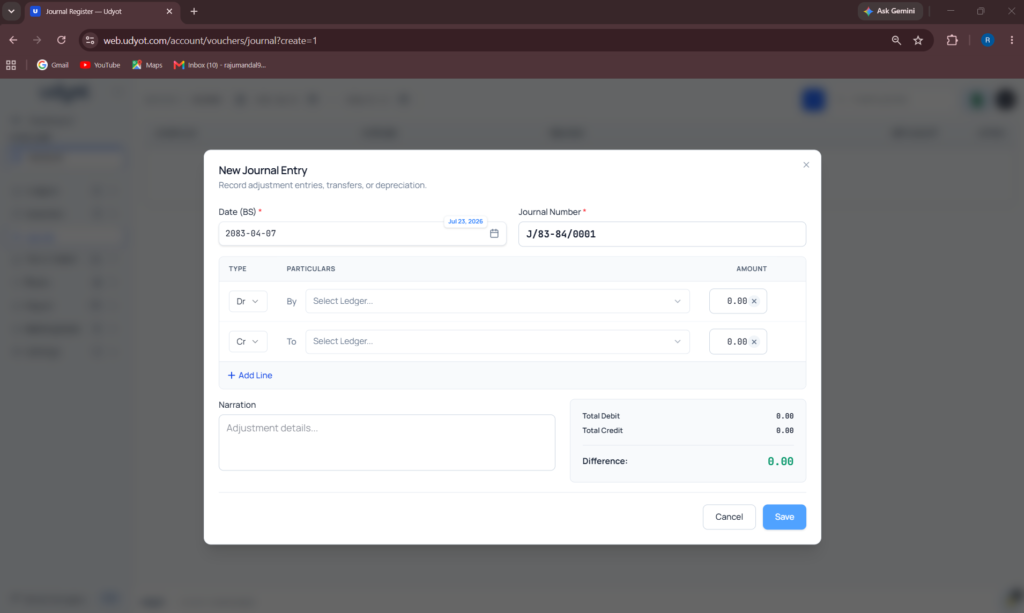
6. Fill in the information
7. Click on Save