Updated
Check Stock Ledger Report
Stock Ledger in Udyot ERP provides a detailed, date-wise record of inventory movements for a selected stock item. It shows voucher number, transaction particulars, stock type (In/Out), quantity, rate, unit, and running balance, helping users track stock receipts, issues, sales, purchases, returns, and adjustments and monitor the available stock balance.
See Stock Ledger
1. Select Account Module

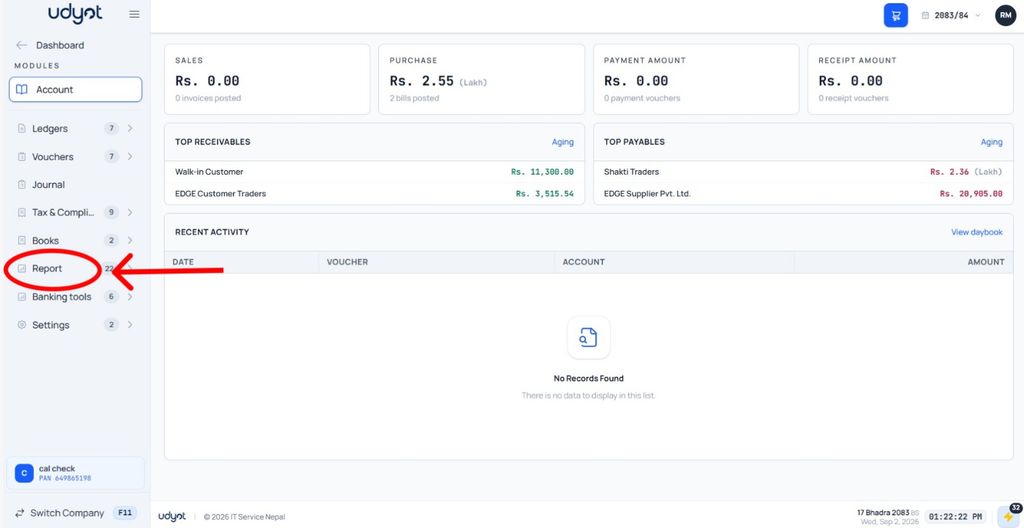
2. Select Reports
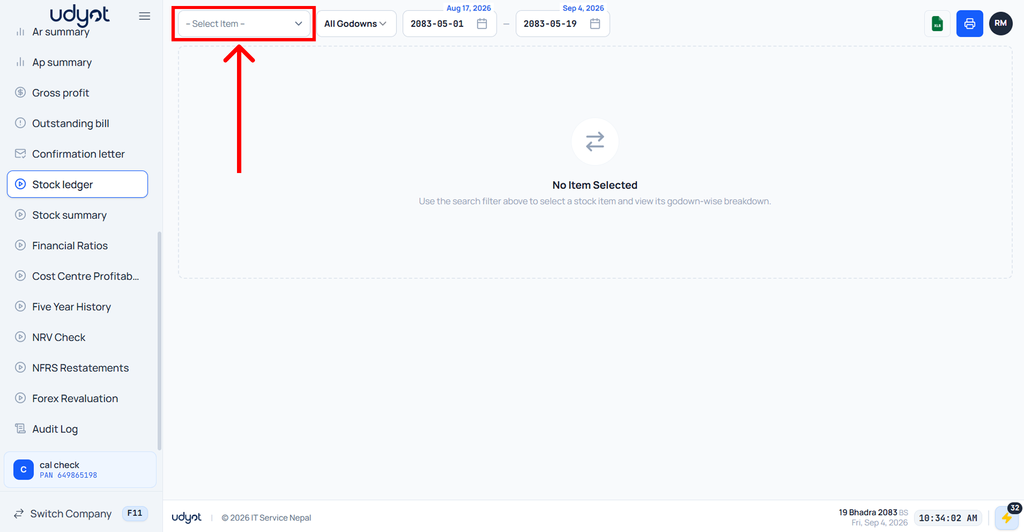
3. Select Stock Ledger

4. Select Items to see Details
5. Item Details will be seen on the stock ledger page
