Updated
Create Purchase with Multi-Currency
Purchase with Multi-Currency in Udyot ERP allows users to record purchase transactions in foreign currencies when purchasing goods or services from suppliers. Users can select the required currency and apply the applicable exchange rate to calculate the transaction amount in the company’s base currency, ensuring accurate recording of purchase value, taxes, supplier payable, and related accounting entries.
Purchase with multi-currency
1. Select Account Module

2. Select Settings
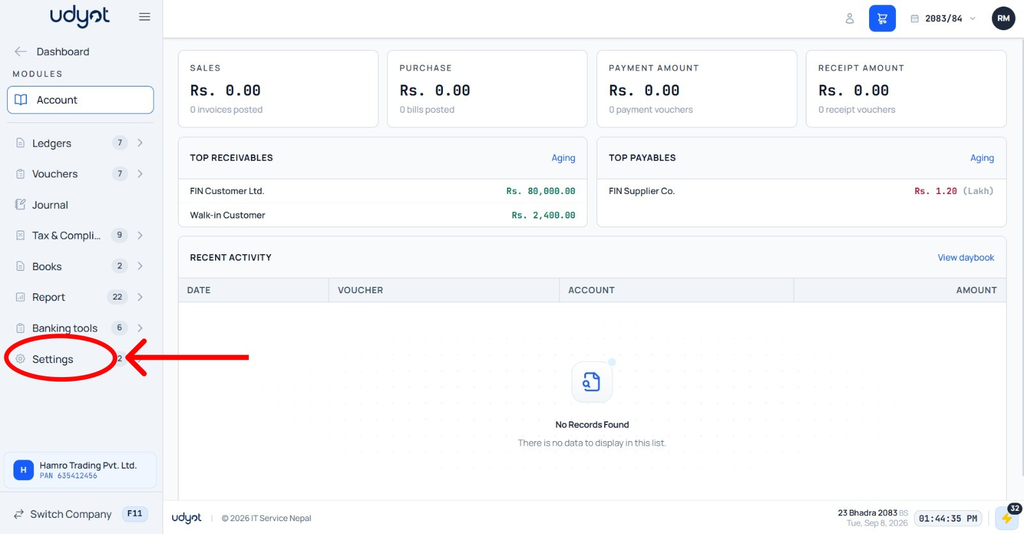
3. Select Account Settings
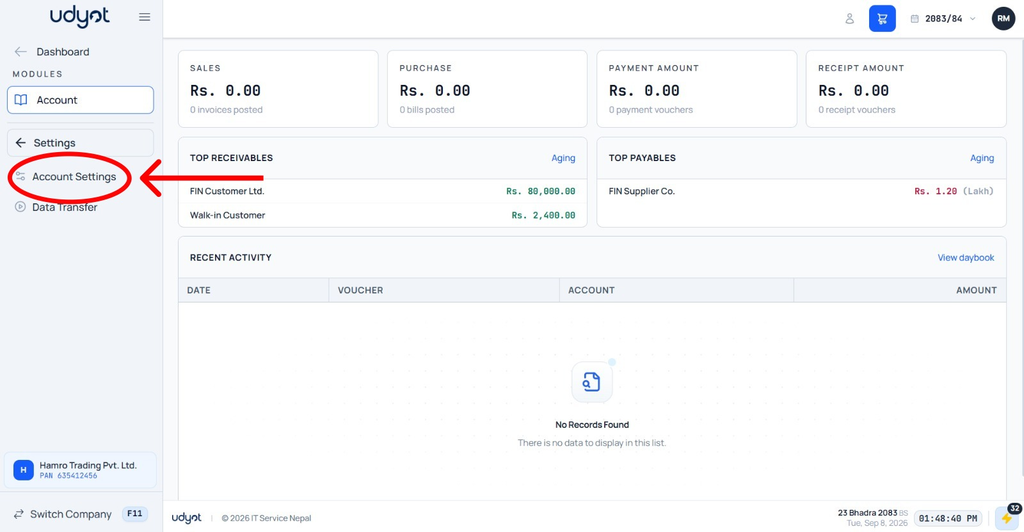
4. Mark on Import Declarations & Multi-currency

5. Select Account

6. Select Vouchers

7. Select Purchase

8. A Purchase page will appear. Click on +

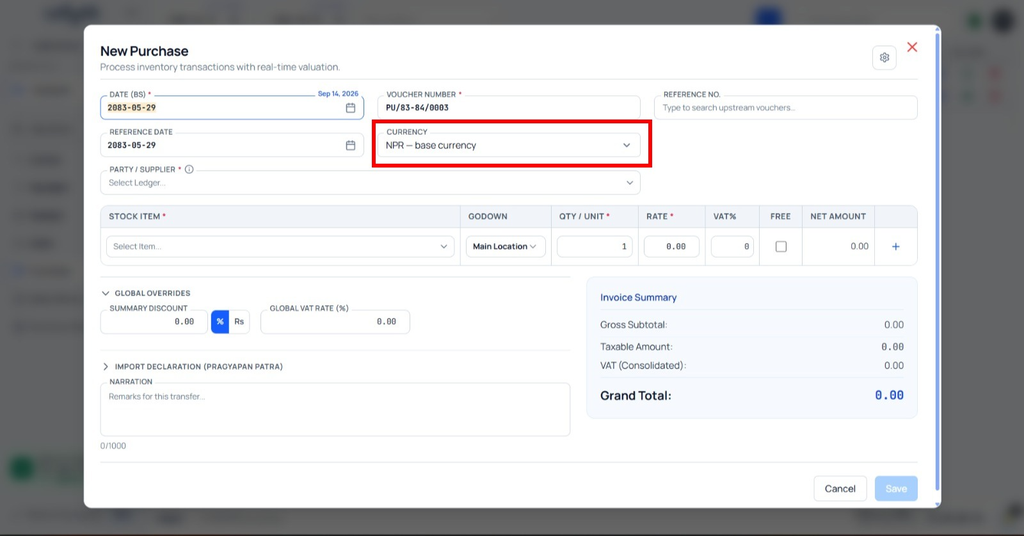
9. The Purchase Registration form will appear; select a currency