Updated
Create Purchase with excise duties
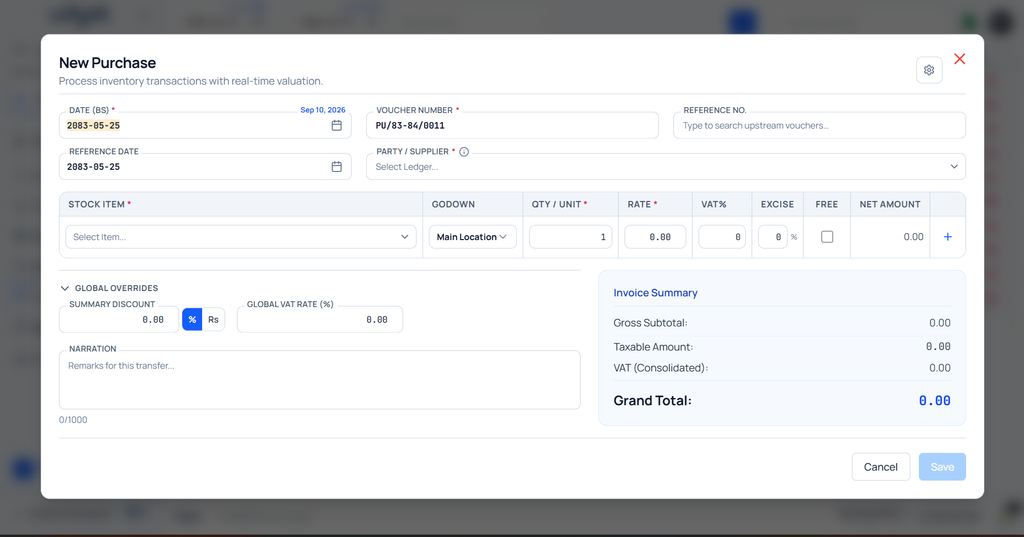
Purchase with Excise Duties in Udyot ERP allows users to add excise duty separately for each product/item in a purchase transaction. Users can enter the applicable excise rate at the product level, allowing different products in the same purchase invoice to have different excise duties. The system calculates the applicable excise duty for each item and reflects it in the purchase transaction, accounting, and inventory records.
Purchase with excise duties
1. Select the Account Module
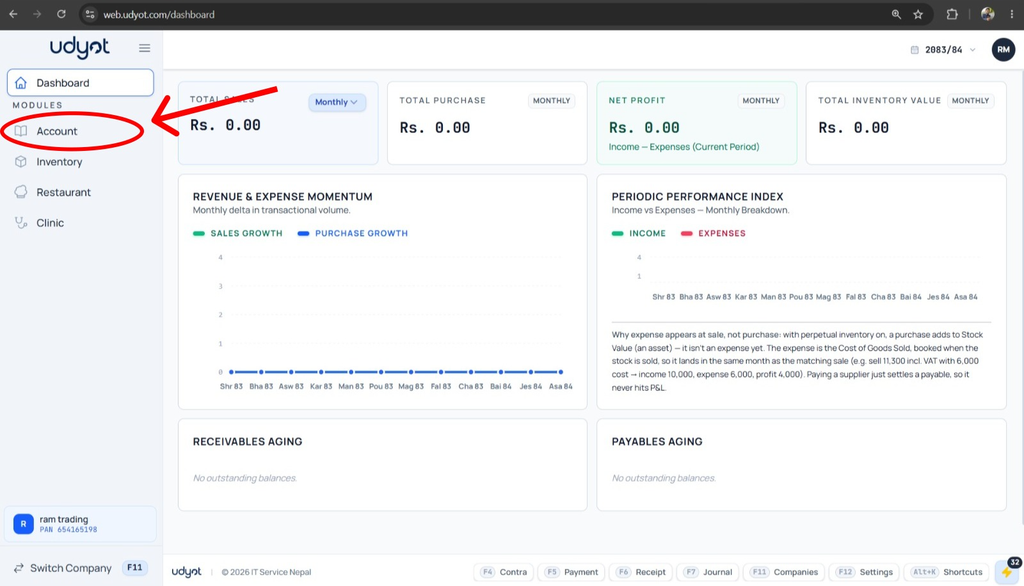
2. Select Settings
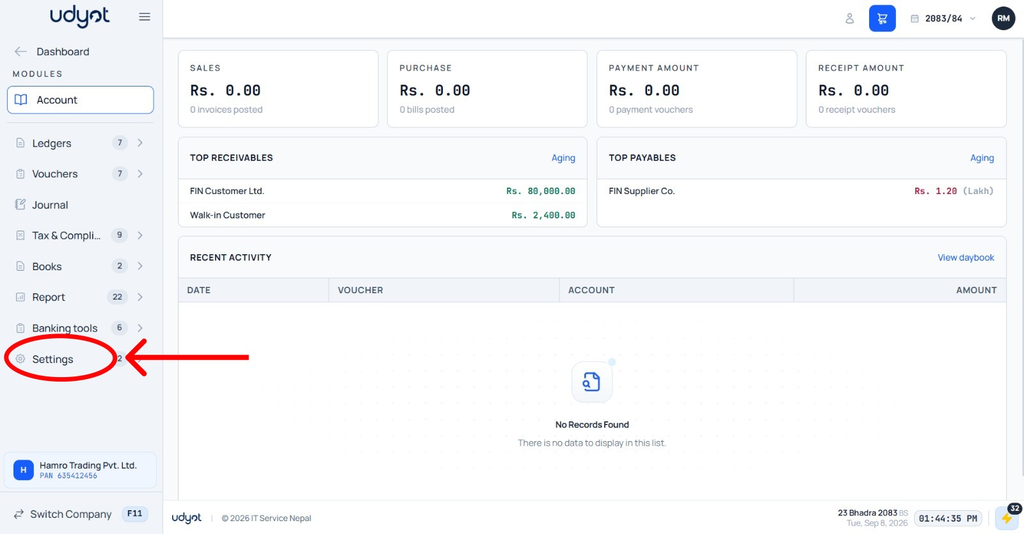
3. Select Account Settings
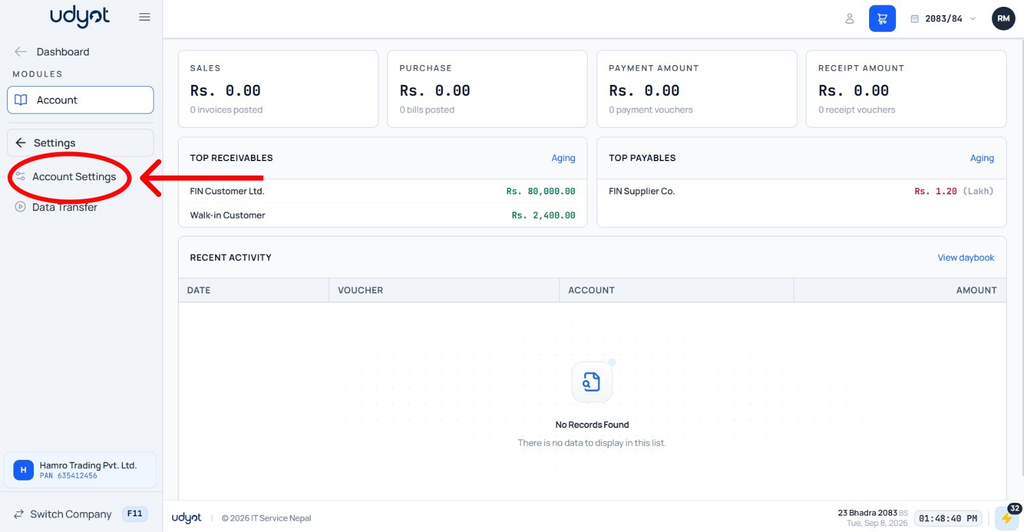
4. Mark Excise duty on goods
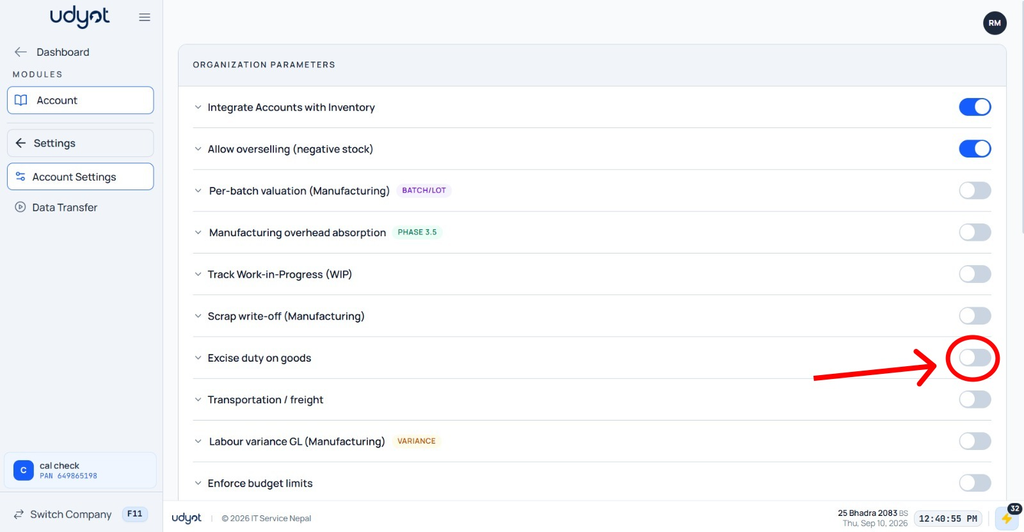
5. Mark excise duty on purchases as recoverable

6. Select Account

7. Select Vouchers

8. Select Purchase

9. A Purchase page will appear. Click on +

10. The Purchase Registration form will appear