Updated
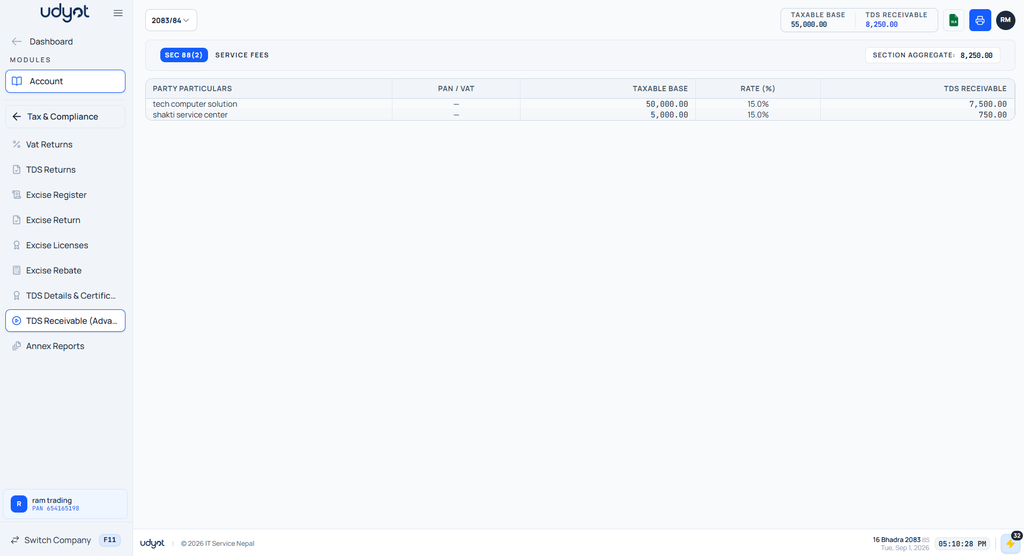
Check TDS Receivable Report
TDS Receivable in Udyot ERP is used to track Tax Deducted at Source (TDS) deducted by customers or other parties from payments made to the business. It provides a party-wise summary of the taxable base, applicable TDS rate, and TDS receivable amount under each tax section, helping users monitor TDS credits and maintain accurate tax records for reconciliation and tax filing.
See TDS Receivable Report
1. Select the Account Module

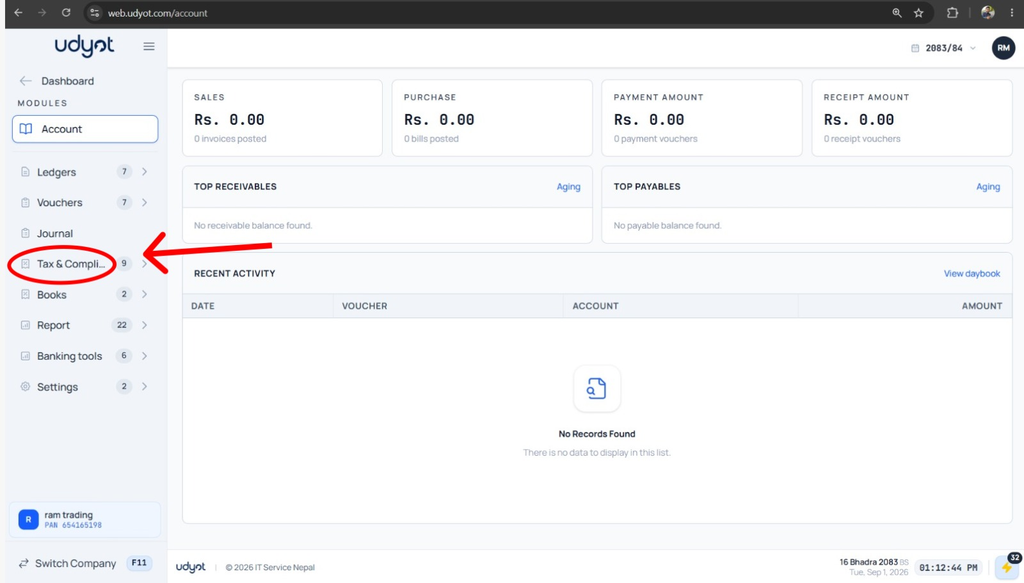
2. Select Tax and Compliance
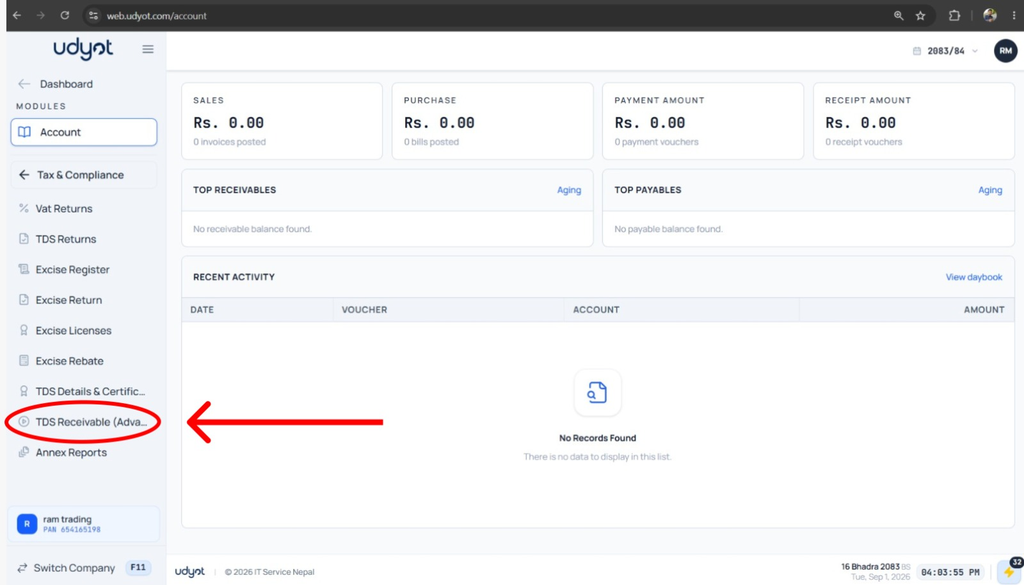
3. Click on TDS Receivable
4. See the TDS Receivable Report