Updated
How to Create Payment Voucher
Payment Voucher
A Payment Voucher is an accounting document used to record money paid by a business through cash, bank, or other payment methods. It is used to record payments made to suppliers, employees, government authorities, or other parties for purchases, expenses, taxes, loan repayments, and other business obligations.
A Payment Voucher in Udyot ERP is used to record all outgoing payments made by the business. It updates the cash or bank account and the corresponding ledger, ensuring accurate financial records and account balances.
Create Payment Voucher
1. Select the Account Module
2. Select Vouchers
3. Select Payment
4. A Payment page will appear
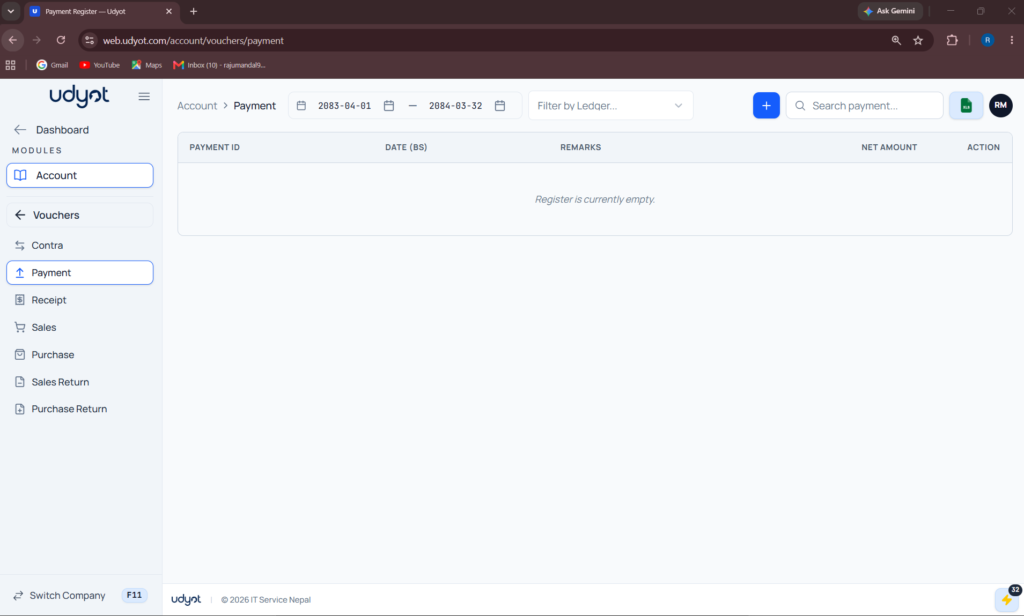
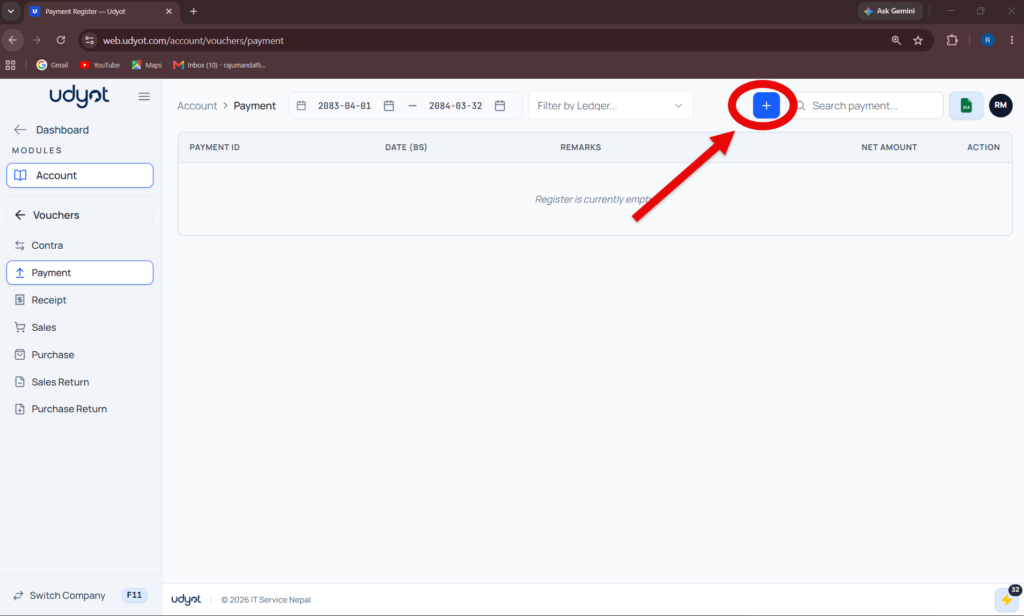
5. Click on +
6. Payment Registration form will appear
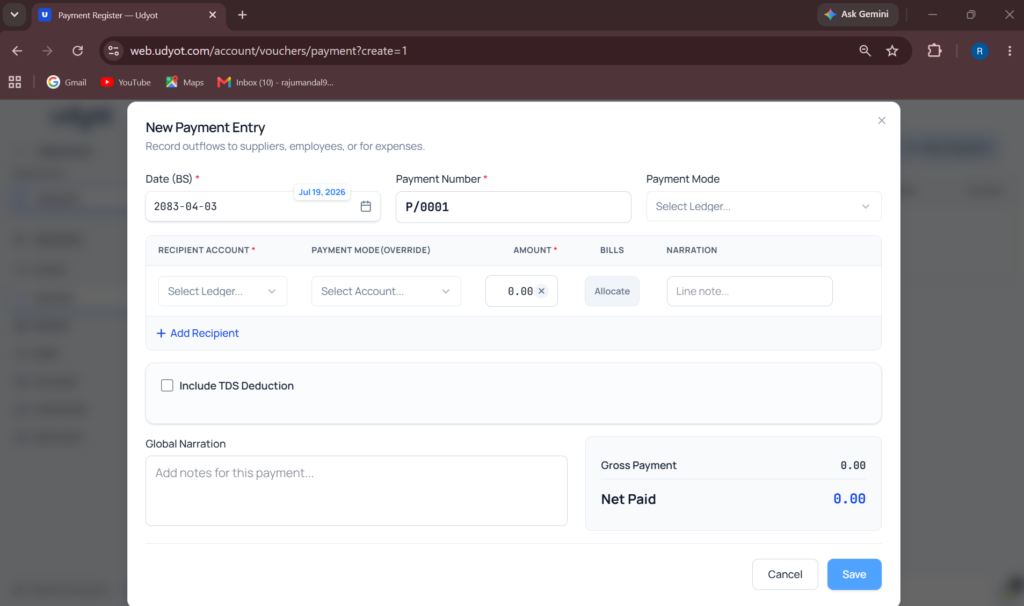
7. Fill in the information
8. Click on Save