Updated
Allow Negative Sales ( Stock Item in Negative)
Allow Negative Sales in Udyot ERP is a setting that allows users to create sales transactions even when the available stock quantity is zero or insufficient. When enabled, the system permits the stock balance to go into negative quantity after the sale. When disabled, Udyot ERP restricts the sale if sufficient stock is not available, helping maintain accurate inventory records.
Allow Negative Sales
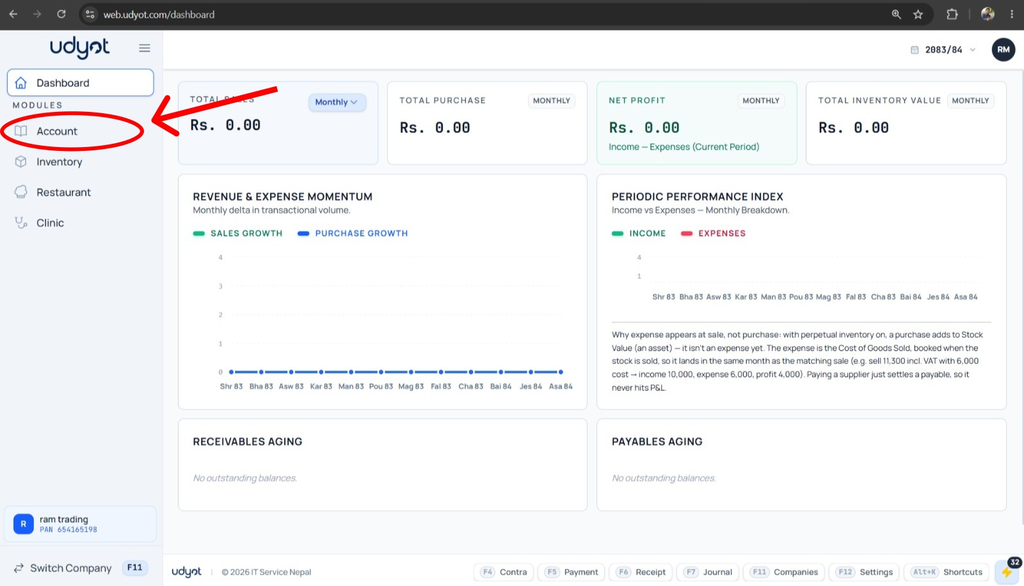
1. Select the Account Module
2. Select Settings

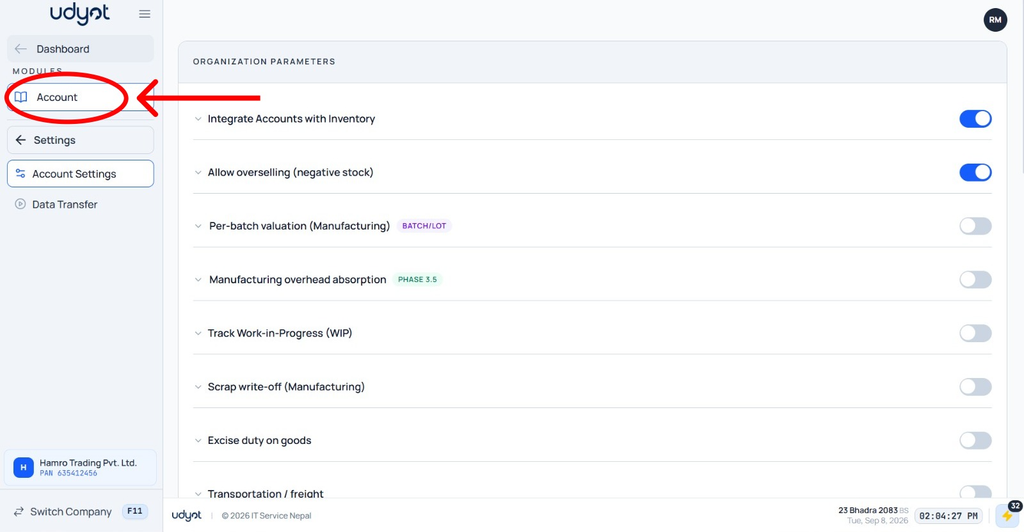
3. Select Account Settings

4. The settings page will appear, and on Allow Overselling (Negative Stock )

5. Select the Account
6. Select Vouchers

7. Select Sales
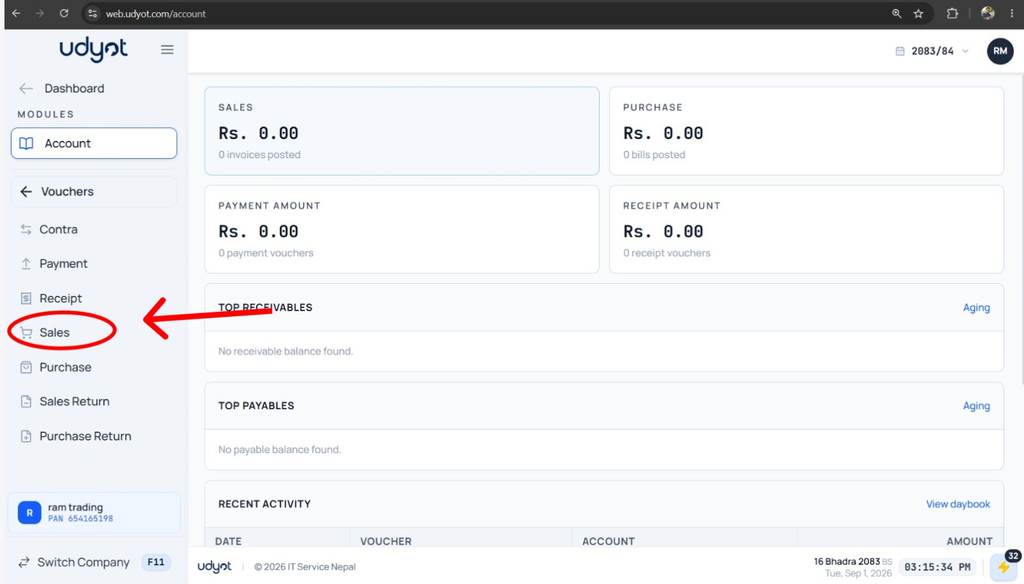
8. A Sales page will appear; click on +

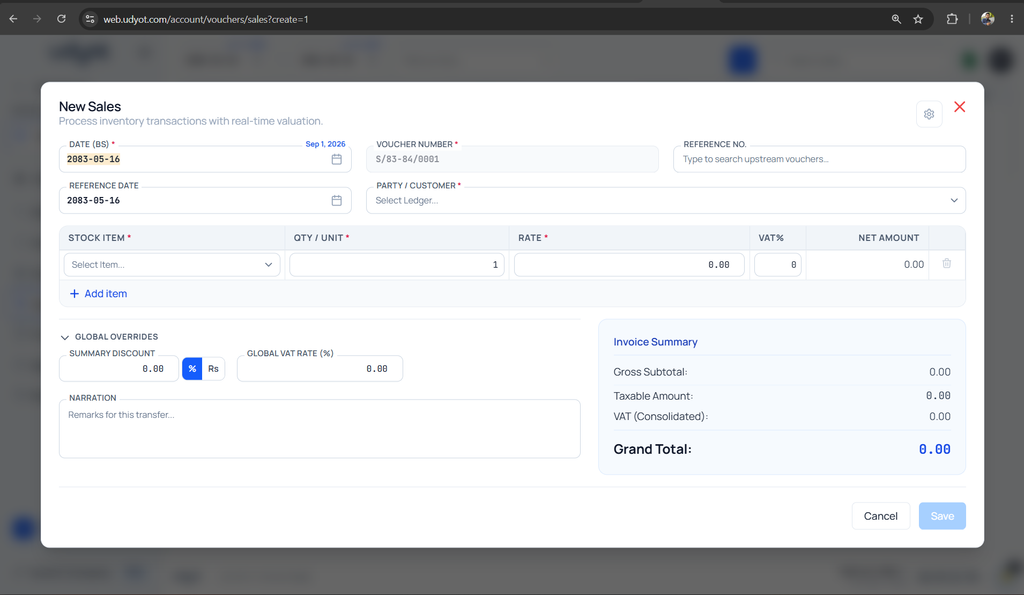
10. The Sales Registration form will appear