Updated
Check the Statement of Account
Statement of Account in Udyot ERP provides a detailed, period-wise record of transactions for a selected party or ledger. It displays the date, voucher type, voucher number, particulars, debit, credit, and net position, along with the opening balance, period totals, and closing balance, helping users track account activity and outstanding positions.
See Statement of Account
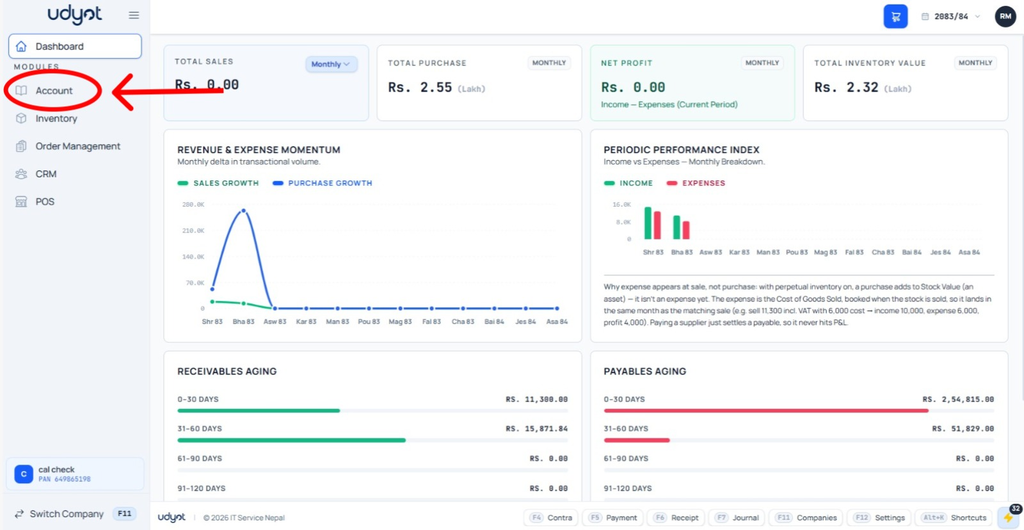
1. Select Account Module
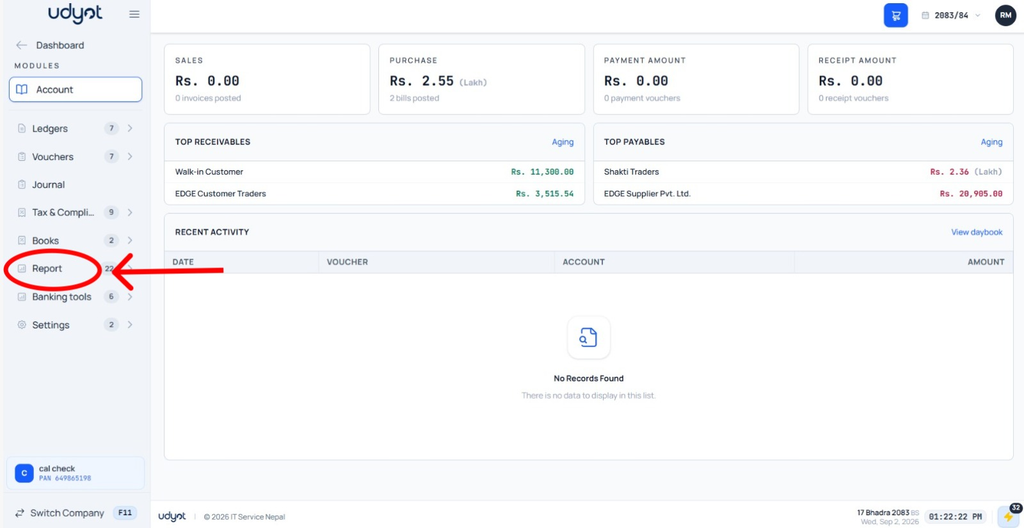
2. Select Reports
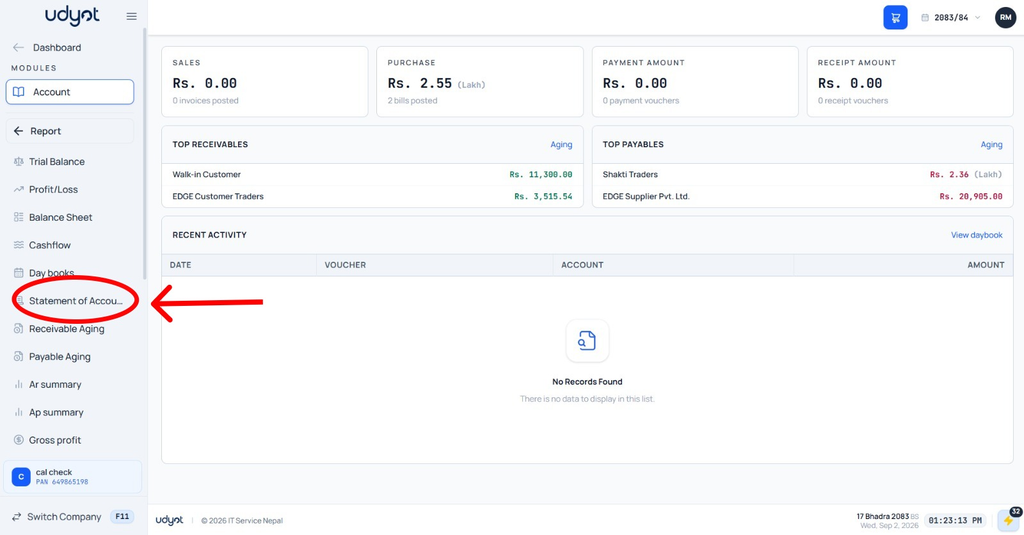
3. Select Statement of Account
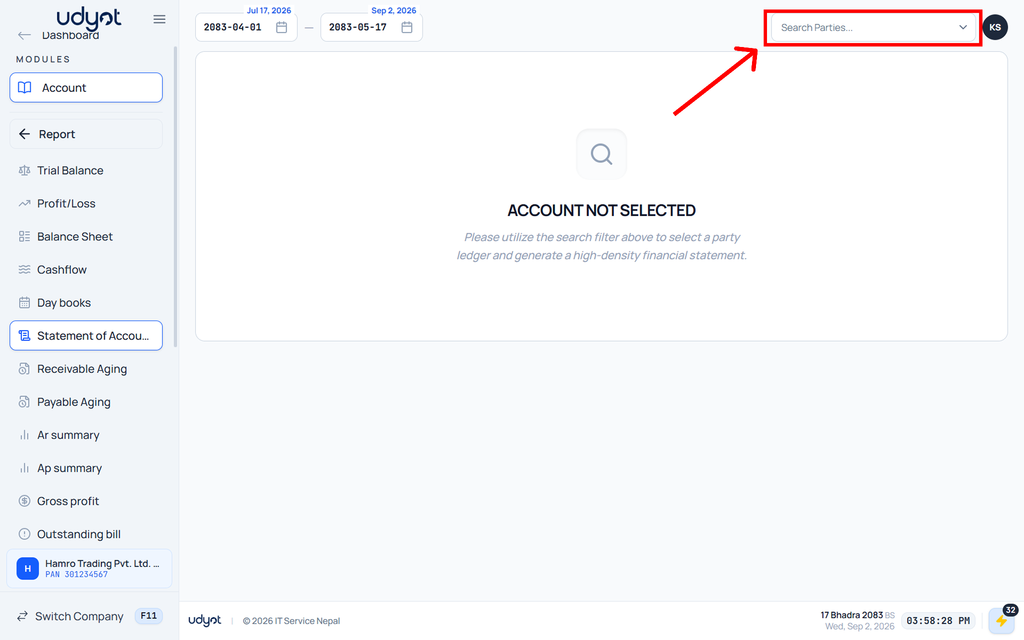
4. The Statement of Account Report page will appear; select Party / Ledger to see details
5. Statement of Account Report with data
