Updated
How to Register in Udyot ERP
The Registration feature allows new users to create an account and access Udyot ERP services.
To register in Udyot ERP, follow the steps below:
1. Open the Udyot ERP application or website. Go through this link.
https://web.udyot.com/login
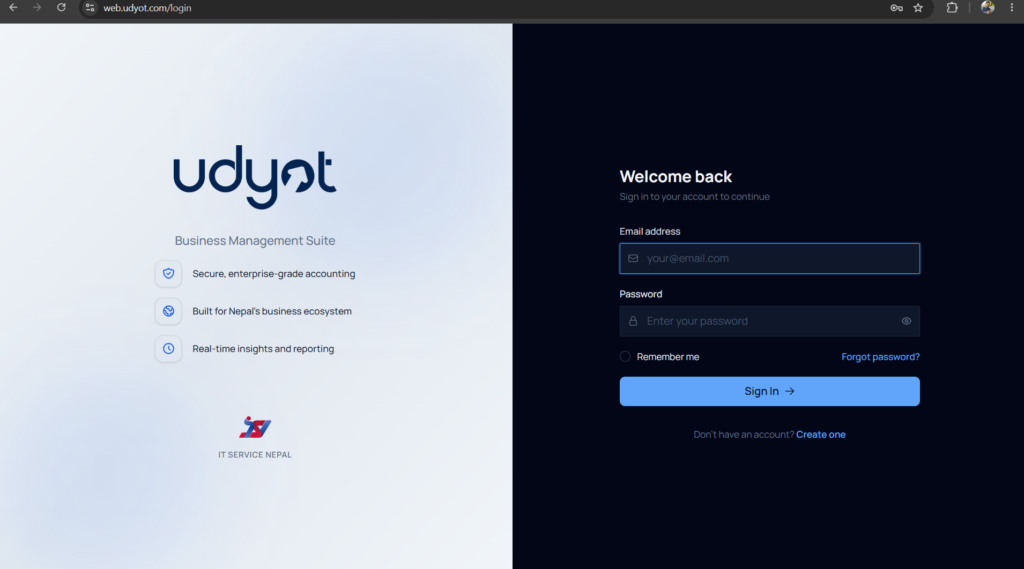
2. On the Login page, click on Create One.
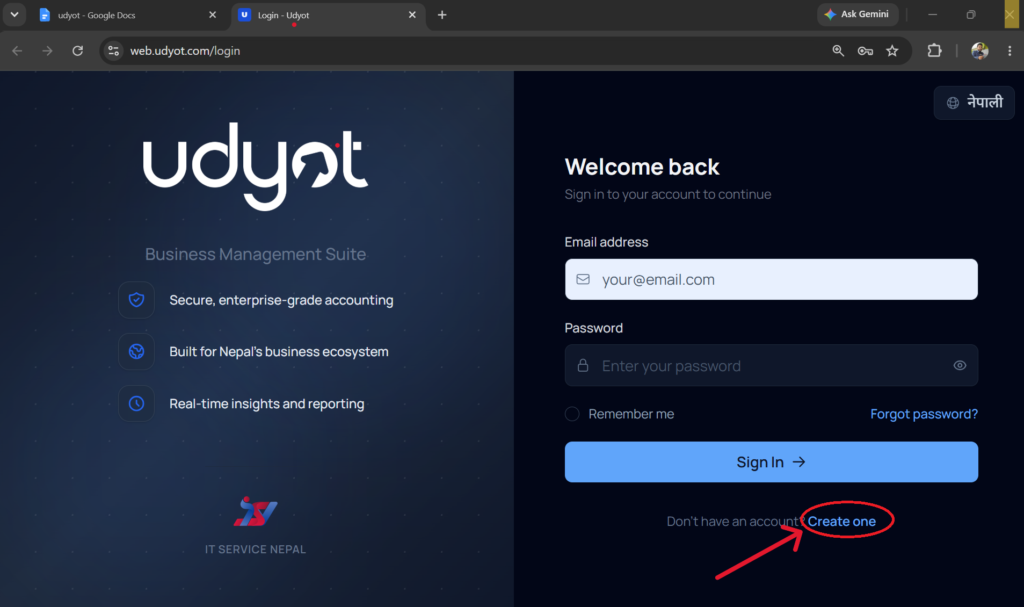
3. A User Registration window will appear.

4. Enter the required details:
- Full Name
- Email Address
- Mobile Number
- Password
- Confirm Password
5. Click on the Create Account button.
6. After clicking Register, the user will be redirected to the Email Verification page.
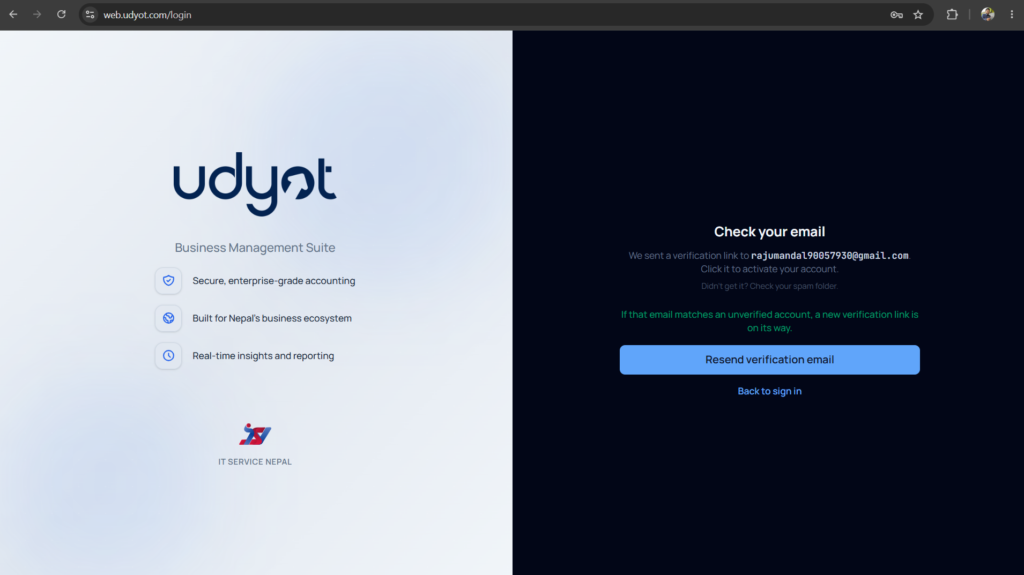
7. Open the email inbox and click the verification link to activate the account.
Note: If the verification email is not found in the Inbox, check the Spam folder.
Click on Verify email
8. Redirect to Login Page