Updated
Check Stock Balance
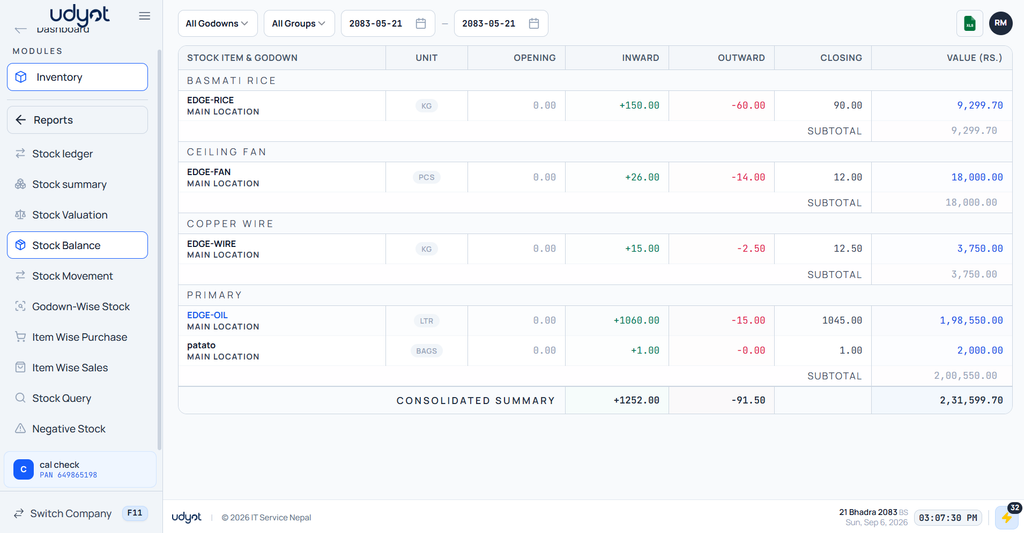
Stock Balance is a report that shows the quantity and value of inventory available for each stock item over a selected period. It displays the opening stock, stock received, stock issued, and closing stock, helping businesses monitor inventory levels and movement
In Udyot ERP, the Stock Balance report displays Opening Quantity, Inward, Outward, Closing Quantity, and Stock Value for each stock item and godown. Users can filter the report by Stock Group, Godown, and Date Range to analyze inventory balances and monitor stock availability across different locations.
See Stock Balance Report
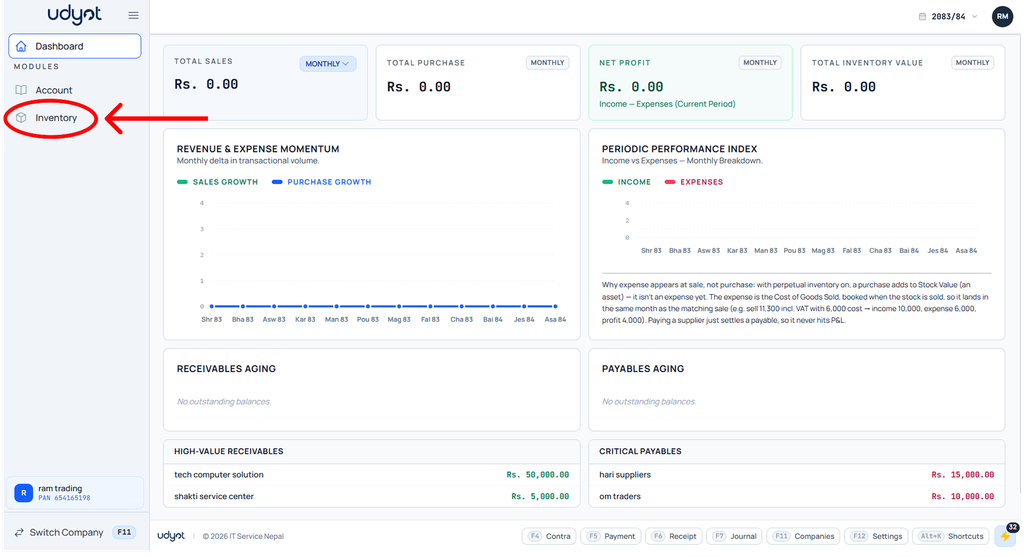
1. Click on the Inventory module
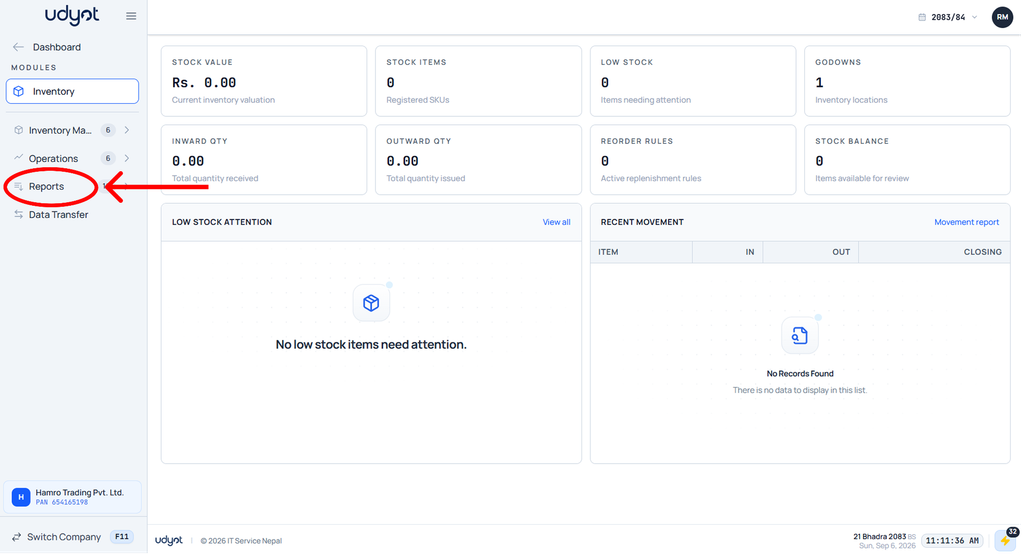
2. The Inventory dashboard will appear; click on Reports
3. Select Stock Balance
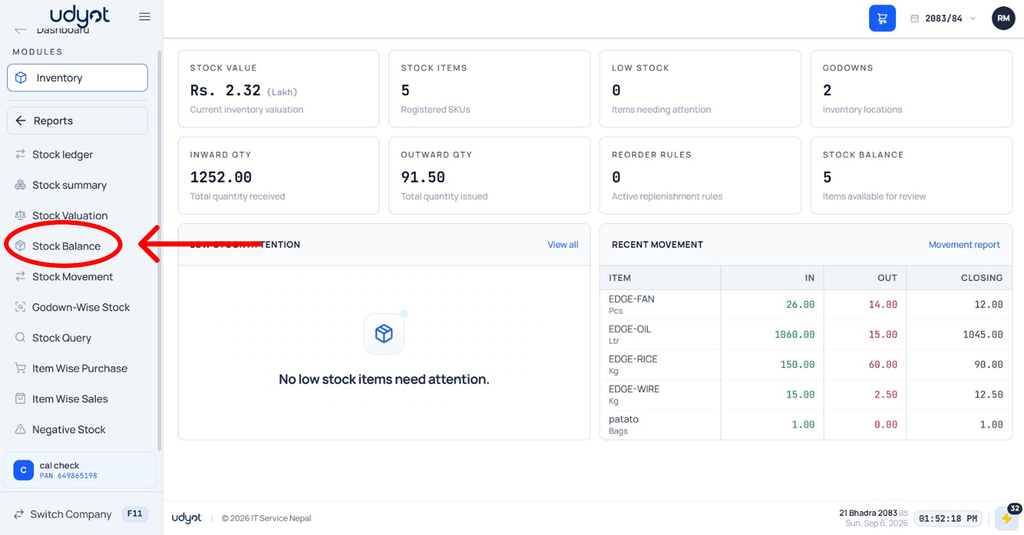
4. The Stock Balance dashboard will appear; select filters like godowns, group, and dates to see filtered data