Updated
How to Create a Stock Group
A stock group is a category used to organize similar stock items into a single group. It helps businesses classify products based on their type, brand, or category, making inventory easier to manage and analyze.
In Udyot ERP, Stock Groups are used to organize stock items for better inventory management, faster item selection, and detailed stock reports. Grouping items also helps generate category-wise inventory analysis and simplifies stock control.
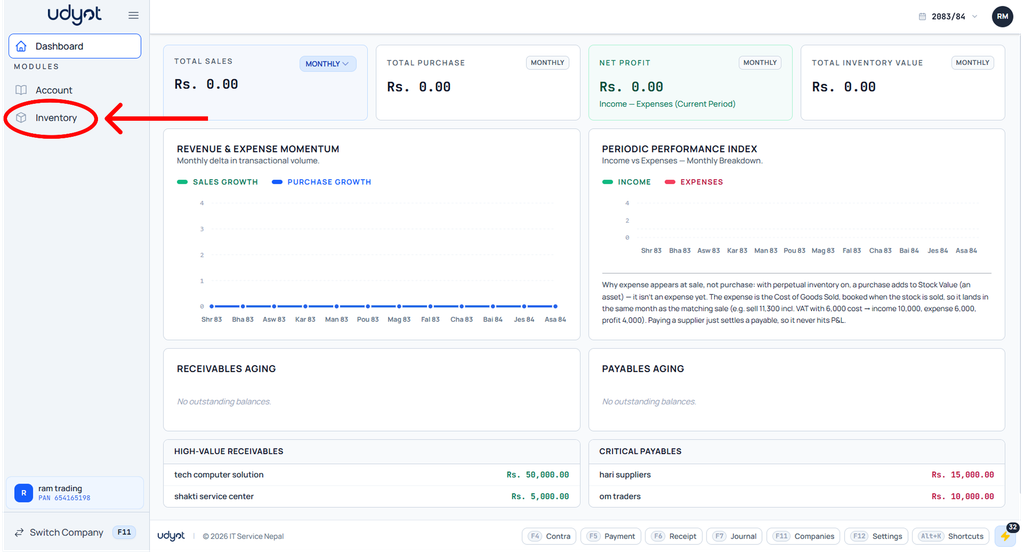
Click on the Inventory module
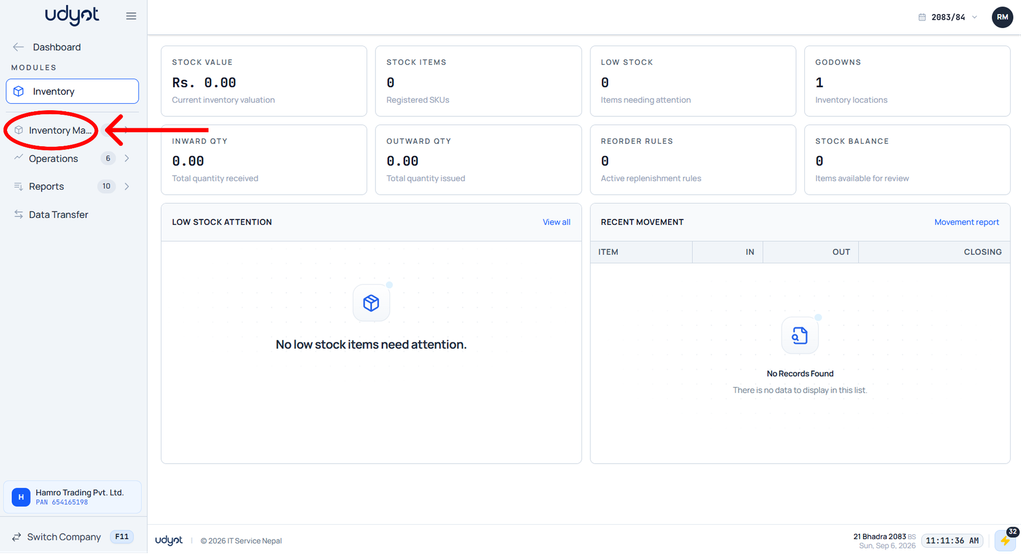
2. The inventory dashboard will appear; click on inventory master
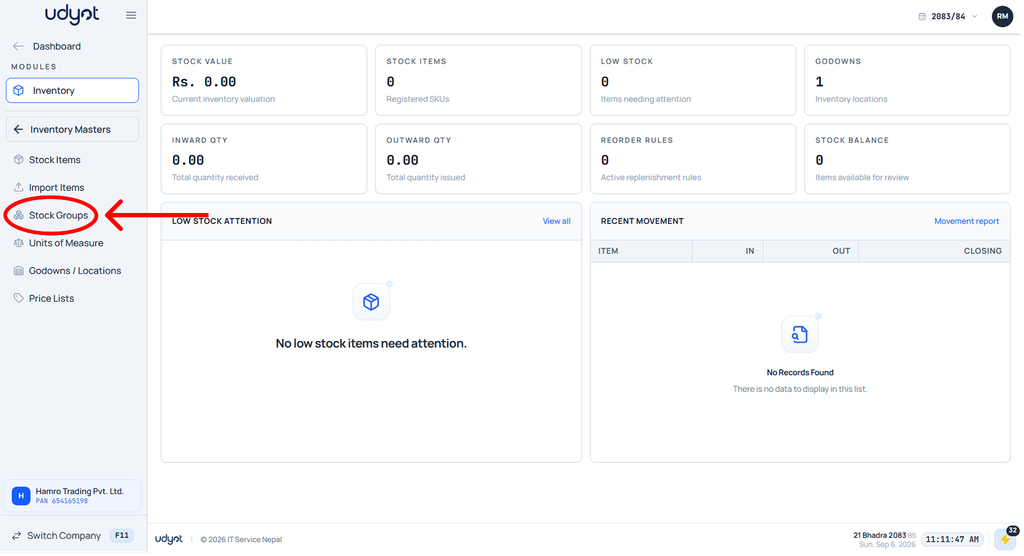
3. Now the Inventory Master menu will open; select Stock Group
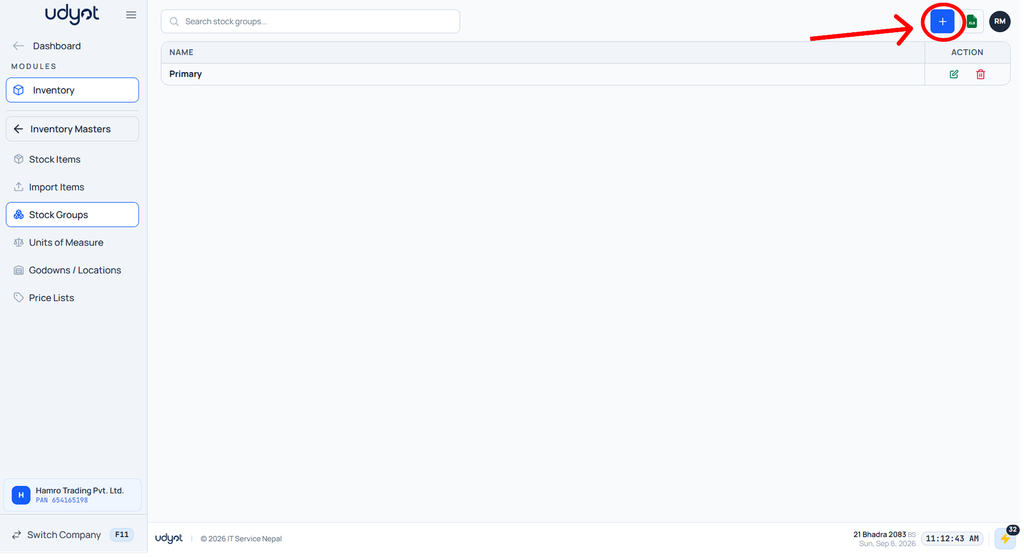
4. The Stock Group dashboard will appear; click on “+” on the top
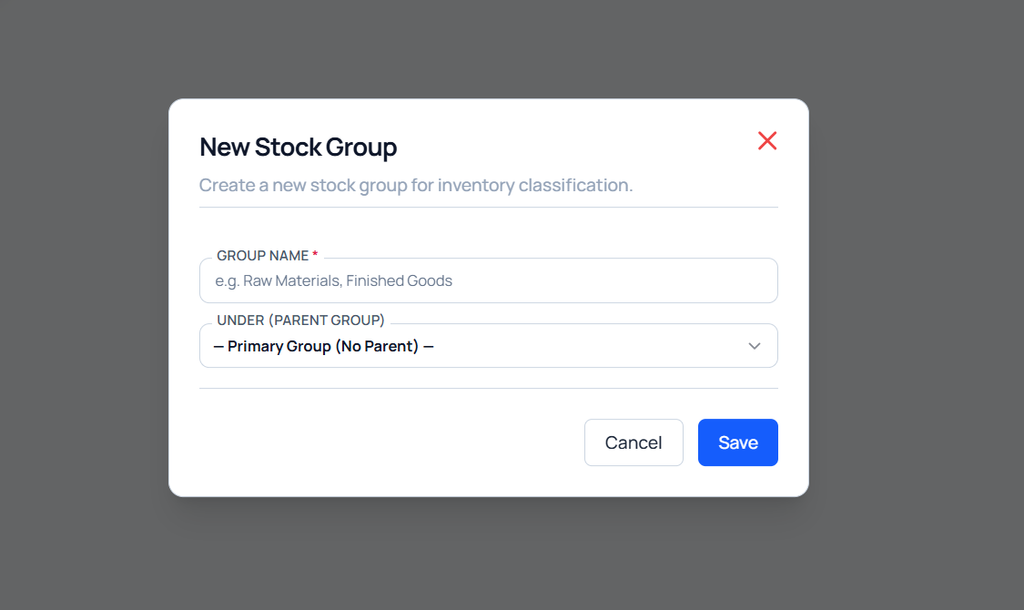
5. The Stock Group form will open