Updated
Create a stock item with VAT inclusive, exclusive, and no VAT
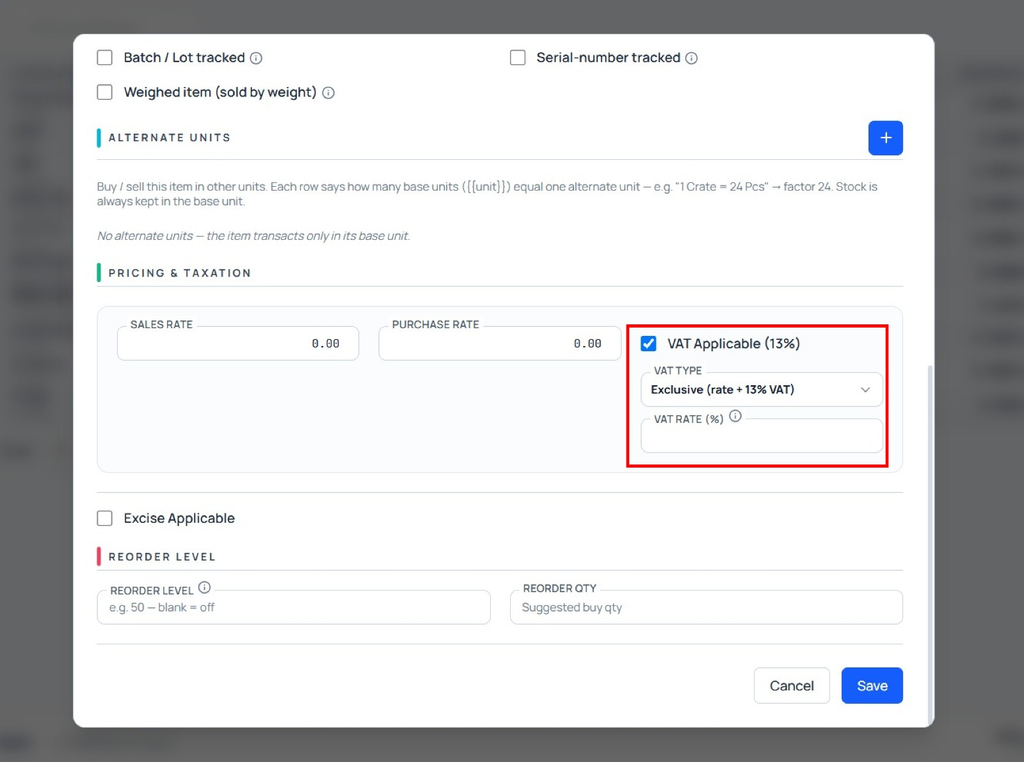
Stock Item with VAT Inclusive, Exclusive, and No VAT in Udyot ERP allows users to configure the VAT treatment for each stock item. Users can set the item as VAT Inclusive, VAT Exclusive, or No VAT. Based on the selected VAT type, Udyot ERP automatically calculates the applicable VAT amount and item value in Purchase and Sales Vouchers, helping ensure accurate pricing and tax calculation
Create a stock item with VAT inclusive, exclusive, and no VAT
1. Click on the Inventory module
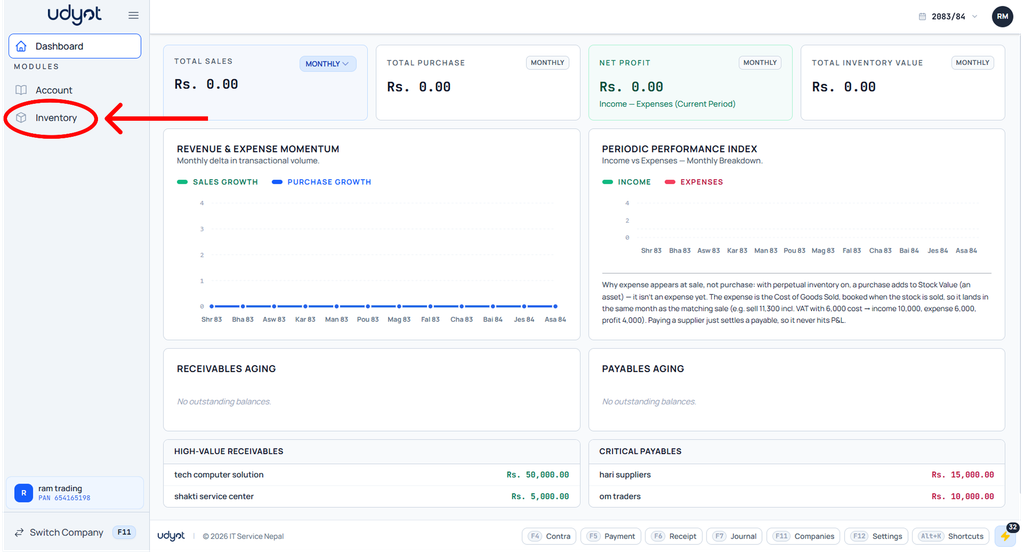
2. The Inventory dashboard will appear; click on inventory master
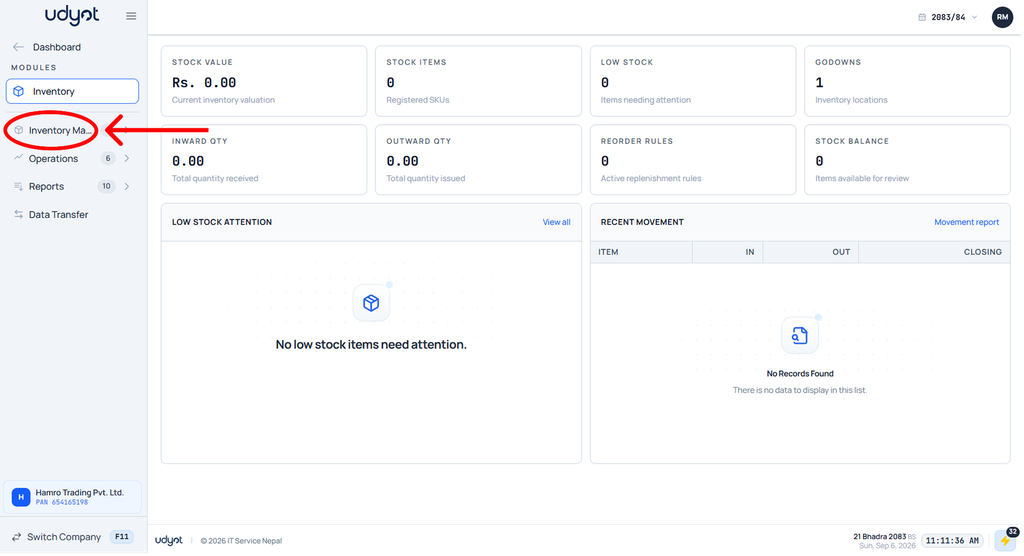
3. Now the Inventory Master menu will open; select a stock item

4. The stock item dashboard will appear; click on +

5. The stock item form will appear ( for no VAT, unmark VAT Applicable; or for VAT, select inclusive or exclusive and set the VAT percentage )