Updated
How to Check the Item-Wise Sales Report
Item-Wise Sales
Item-Wise Sales is a report that provides detailed information about the sales transactions of each stock item during a selected period. It helps businesses track sold quantities, selling prices, customers, and sales history for individual items.
In Udyot ERP, the Item-Wise Sales report displays details such as Sales Date, Reference Number, Customer Name, Product Description, Quantity, Unit Rate, Discount, Taxable Amount, Tax, and Total Amount for each sales transaction. Users can filter the report by Date Range to analyze sales performance, monitor item-wise sales history, and generate accurate sales reports.
See Item-Wise Sales Report
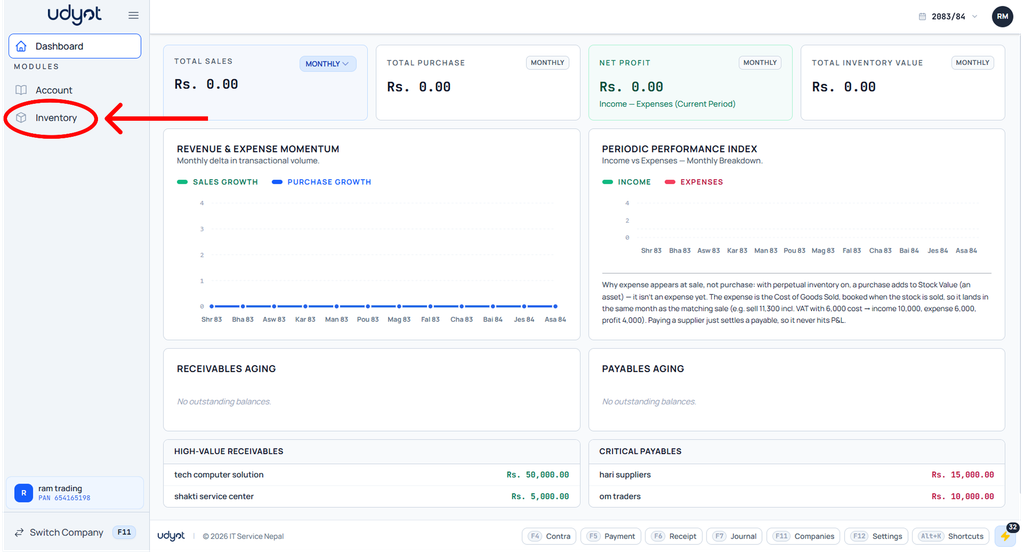
1. Click on the Inventory module
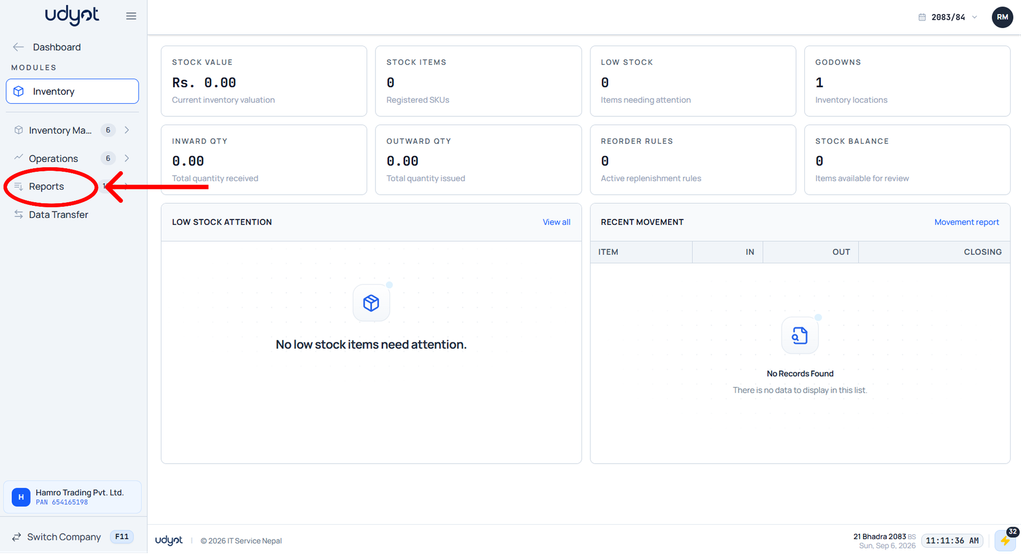
2. The Inventory dashboard will appear; click on Reports
3. Select Item-Wise Sales

4. The Item-Wise Sales dashboard will appear; select filters like date range
