Updated
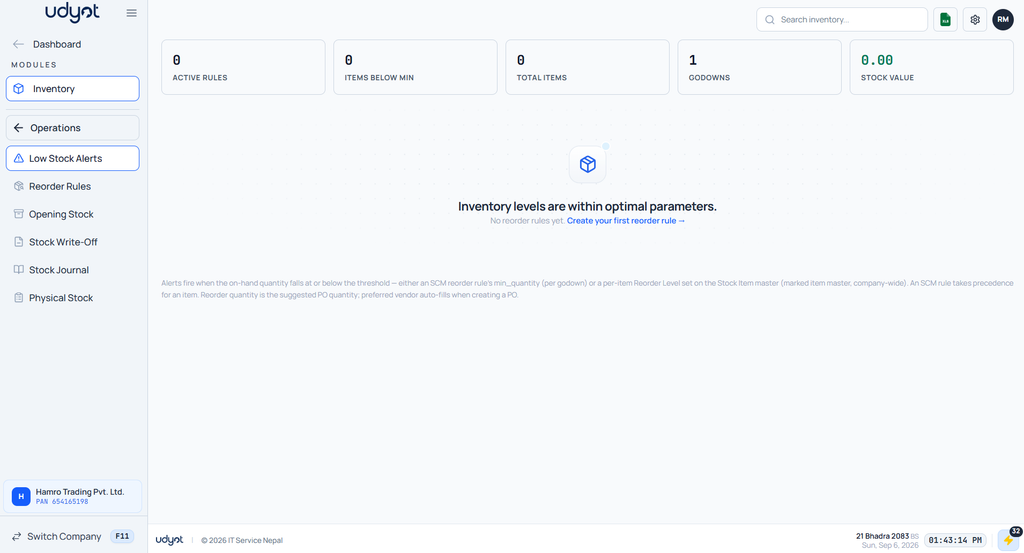
Low Stock Alerts
Low Stock Alerts notify businesses when the quantity of a stock item falls below its predefined reorder level. This helps prevent stock shortages and ensures that products are replenished before they run out.
In Udyot ERP, the Low Stock Alerts feature automatically monitors inventory levels and alerts users when stock reaches or falls below the reorder level. This enables timely purchasing, avoids stock-outs, and helps maintain uninterrupted business operations.
See low stock alerts reports
1. Click on the Inventory module

2. The inventory dashboard will appear; click on Operations.
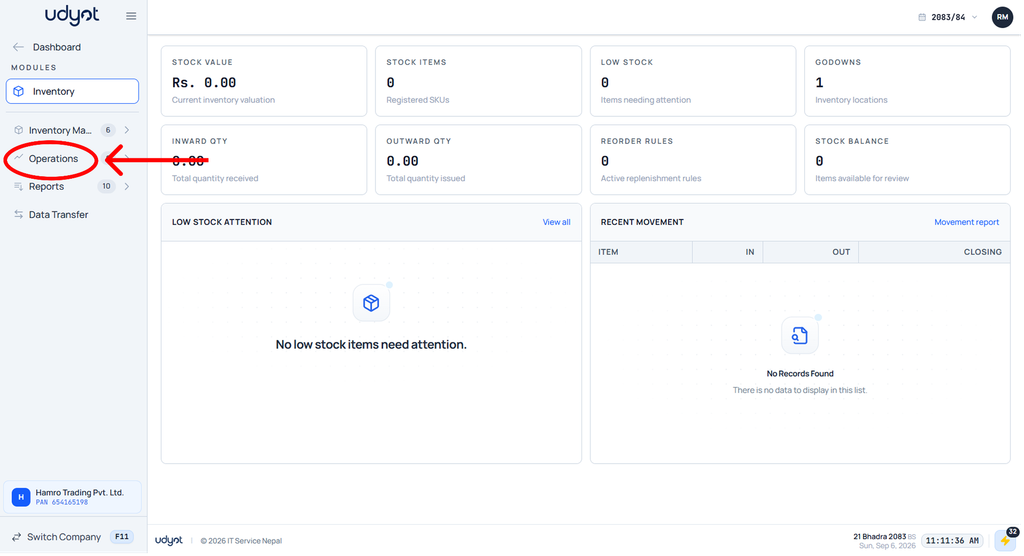
3. Select Low Stock Alerts

4. The Low Stock Alerts dashboard will appear