Updated
How to Create Physical Stock
Physical Stock
Physical Stock in Udyot ERP records the actual quantity of stock available in a warehouse or godown and compares it with the quantity shown in the system. When there is a difference due to reasons such as damage, loss, shortage, excess stock, or counting errors, the
physical stock entry adjusts the system quantity to match the actual physical quantity. This ensures that the inventory records remain accurate and reflect the real stock available.
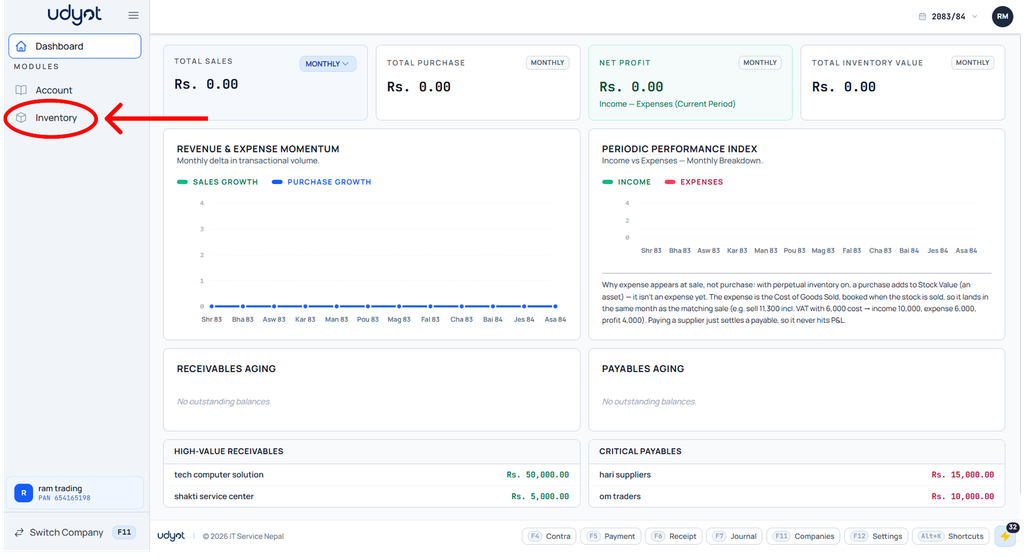
1. Click on the Inventory module
2. The inventory dashboard will appear; click on Operations.

3. Select Physical Stock

4. The Physical Stock dashboard will appear; click on +

5. In the first line of stock items, enter the stock details and select the godown from which the item is going out or into.
