Updated
Create a stock item with a reorder level
Reorder Level in Udyot ERP allows users to define the minimum stock level at which an item needs to be replenished. Users can also specify a Reorder Quantity, which indicates the quantity to be purchased or added when the stock reaches or falls below the defined reorder level. This helps users identify low-stock items and maintain sufficient inventory levels.
1. Click on the inventory module
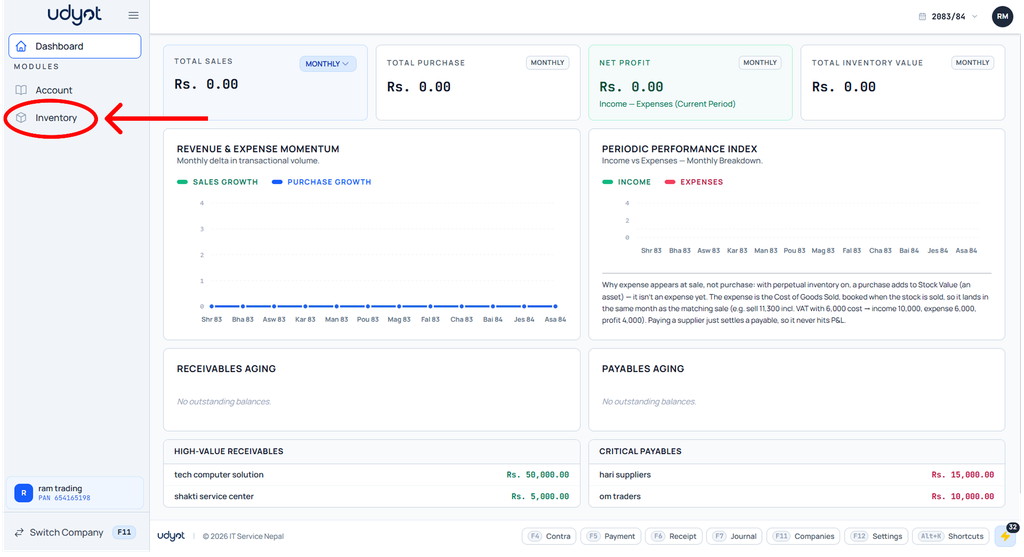
2. The inventory dashboard will appear; click on inventory master

3. Now the Inventory Master menu will open; select Stock Item

4. The Stock Item dashboard will appear; click on +
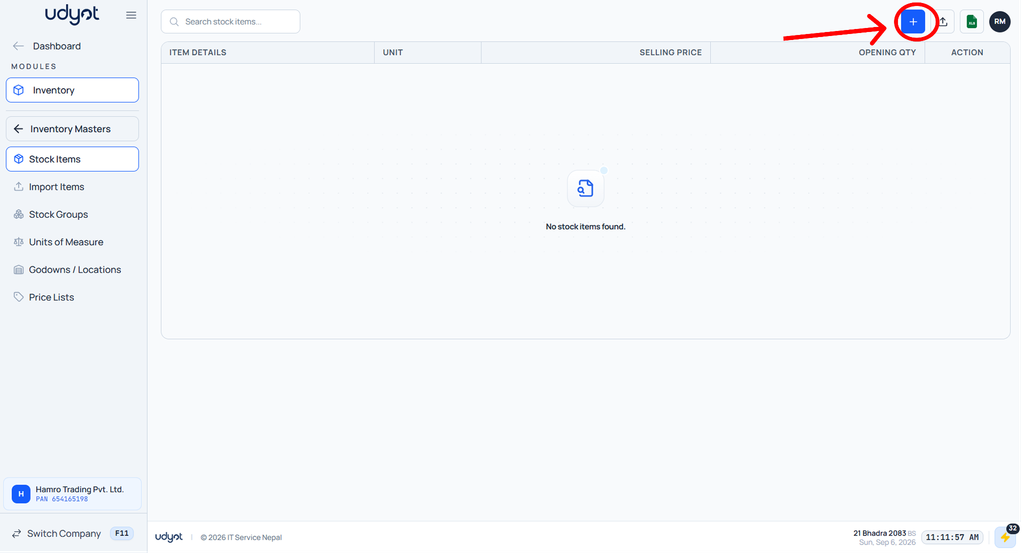
5. Stock item form will appear; add reorder level and quantity
