Updated
Check Stock Summary
Stock Summary
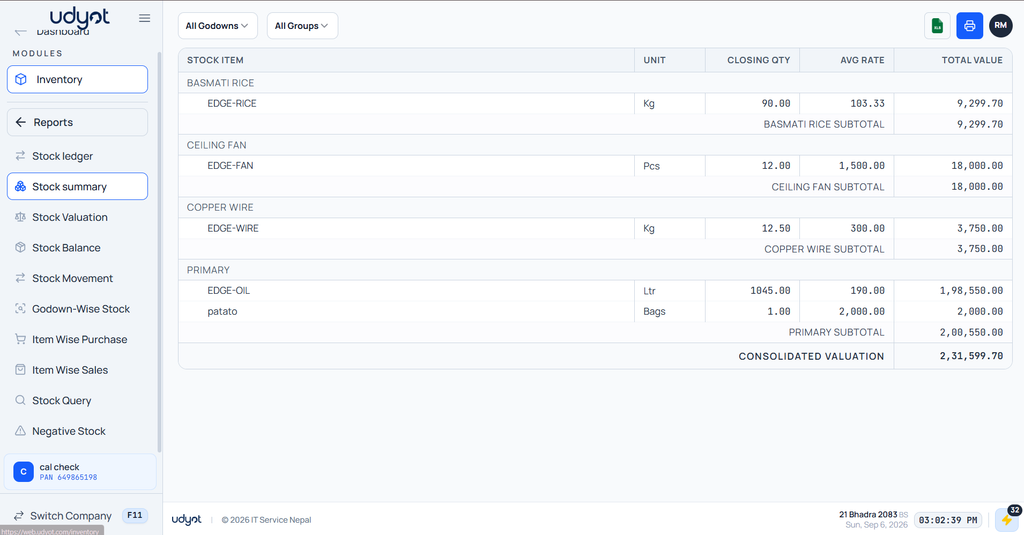
Stock Summary is a report that provides a consolidated overview of the current inventory by displaying the available quantity, average cost, and total value of each stock item. It helps businesses quickly understand their inventory position without reviewing individual stock transactions.
In Udyot ERP, the Stock Summary report displays stock items grouped by stock group, along with their Unit, Closing Quantity, Average Rate, and Total Value. Users can filter the report by Godown and Stock Group, view group-wise subtotals and the consolidated inventory valuation, and export the report to Excel for further analysis
See Stock Summary Report
1. Click on the Inventory module
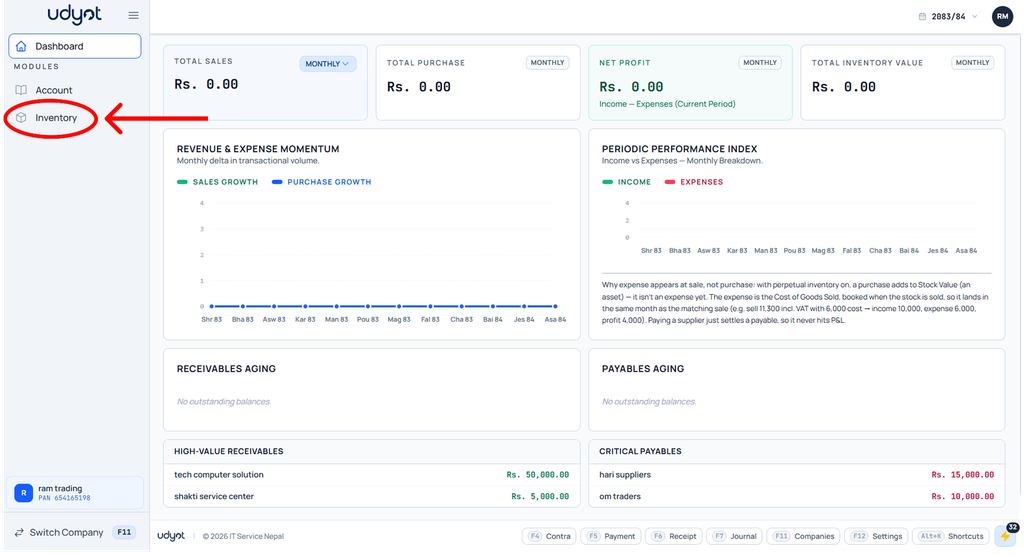
2. The Inventory dashboard will appear; click on Reports

3. Select Stock Summary
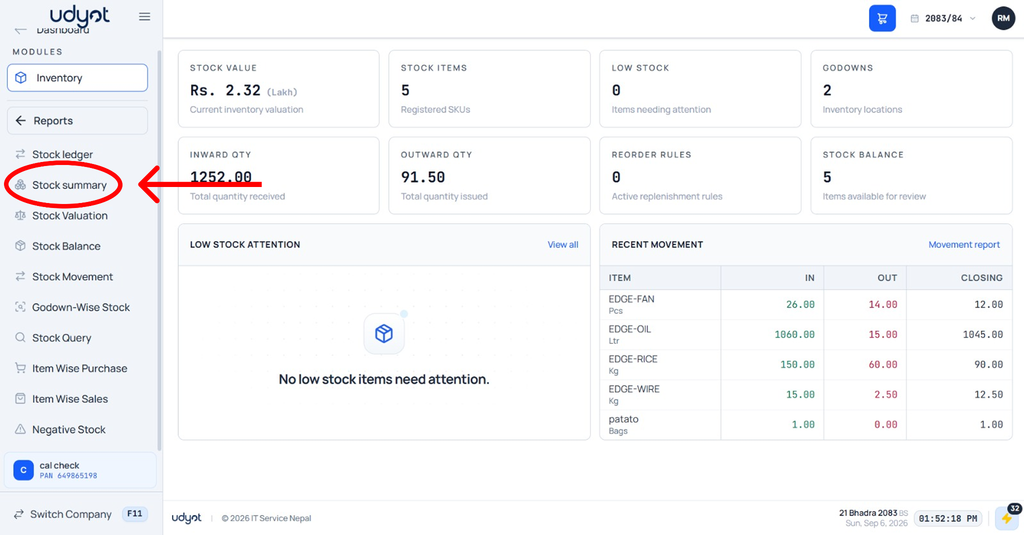
4. The Stock Summary dashboard will appear; select filters like godowns and groups