Updated
How to create a stock item with purchase and sales prices
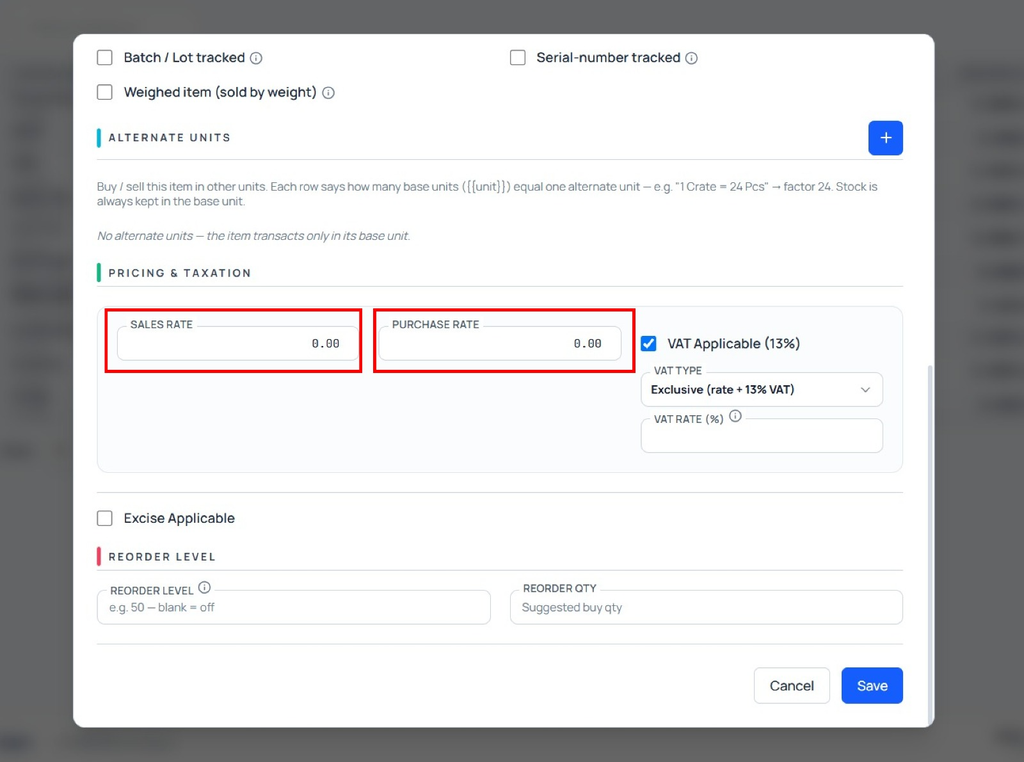
Stock Item with Purchase and Sales Rate in Udyot ERP allows users to configure purchase and sales rates for each stock item. The configured purchase rate is automatically fetched in the Purchase Voucher, while the configured sales rate is automatically fetched in the Sales Voucher when the stock item is selected. This helps reduce manual rate entry, maintain consistent pricing, and improve the accuracy of purchase and sales transactions.
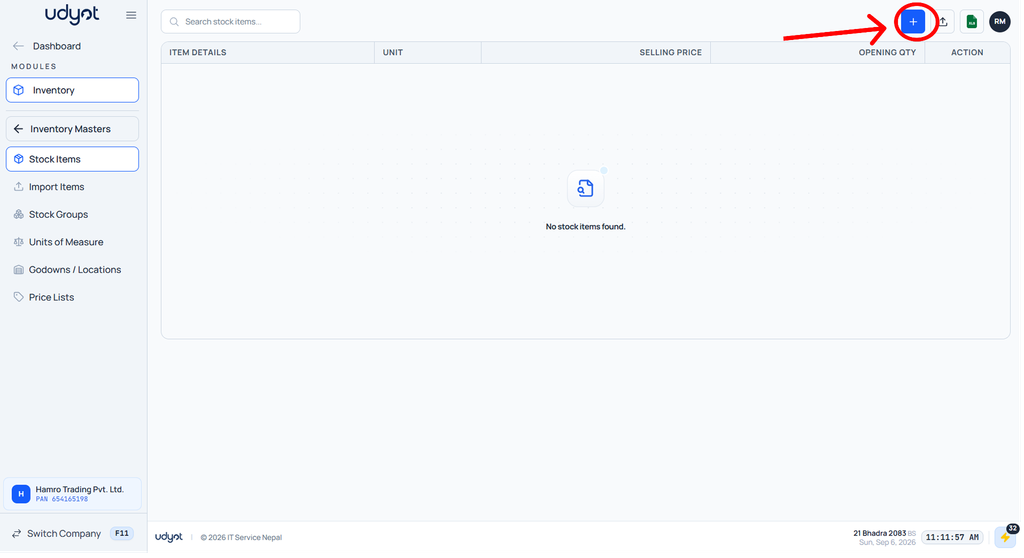
1. Click on the Inventory module

2. The inventory dashboard will appear; click on inventory master

3. Now the Inventory Master menu will open; select the stock item

4. The stock item dashboard will appear; click on +
5. The stock item form will appear; add purchase and sales rates