Updated
How to Create a Stock Journal
Stock Journal
Stock Journal is a record used to document internal stock movements or inventory adjustments that do not involve buying or selling. It is commonly used for stock transfers, production, consumption, or inventory corrections.
In Udyot ERP, the Stock Journal feature records stock transfers between godowns, manufacturing and consumption of materials, and inventory adjustments. This helps maintain accurate stock records and provides complete tracking of internal inventory movements.
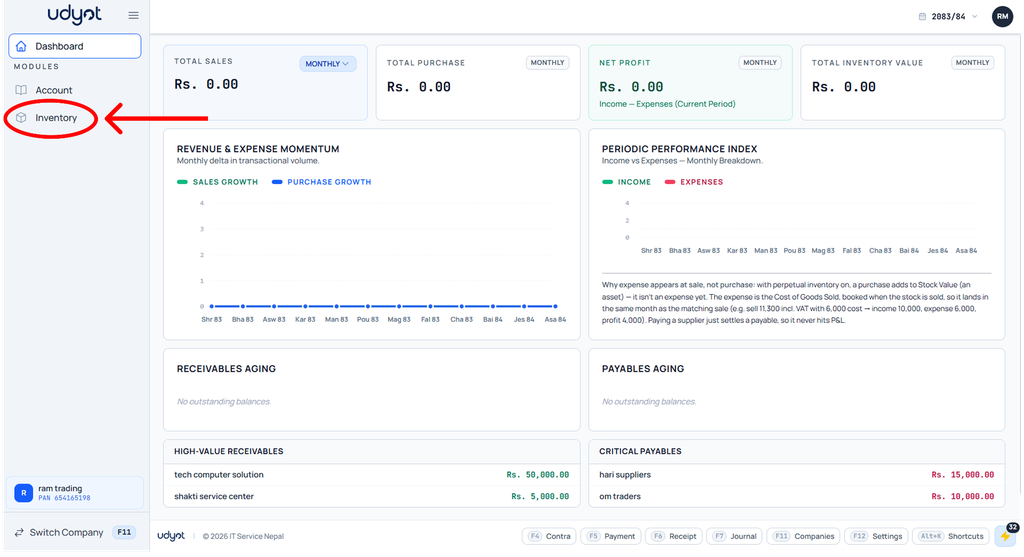
1. Click on the Inventory module
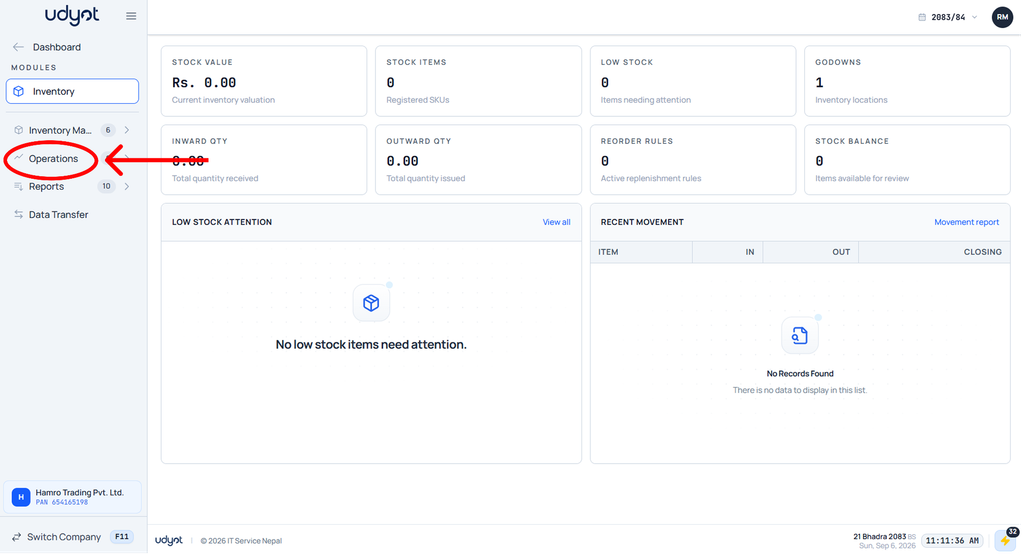
2. The Inventory dashboard will appear; click on Operations.
3. Select Stock Journal
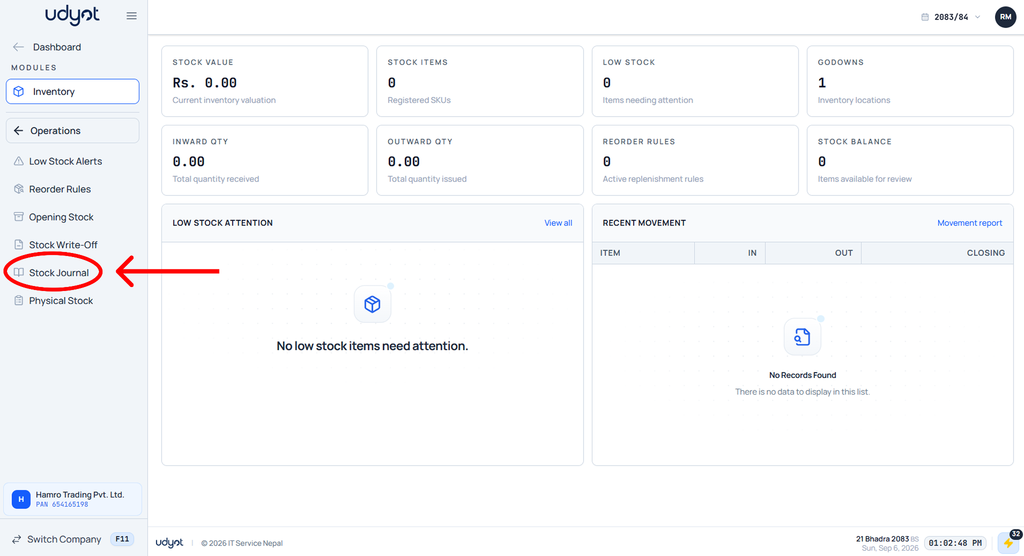
4. The Stock Journal dashboard will appear; click on +

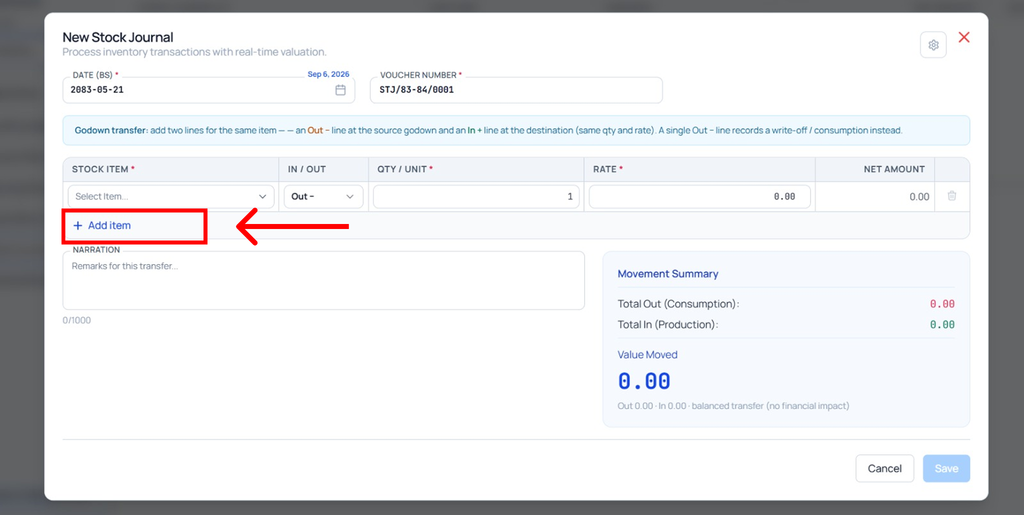
5. The Stock Journal form will appear
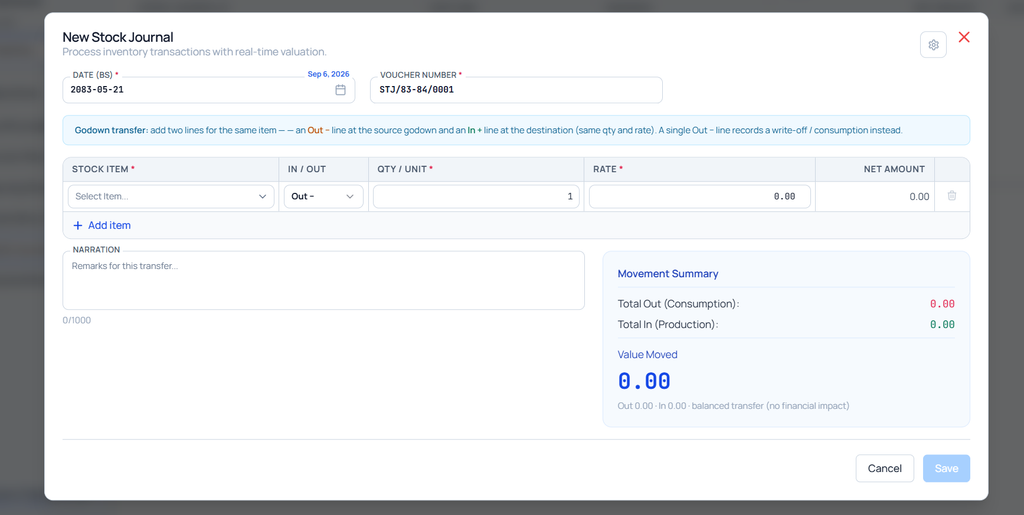
6. In the first line of stock items, enter the details of the stock and select the godown from which the item is going out.
7. Click on Add Item