Updated
Check Stock Query
Stock Query is a report that provides the current stock availability of a selected item across different godowns or warehouses. It helps businesses quickly check where an item is stored, its available quantity, and its inventory value.
In Udyot ERP, the Stock Query report displays the selected stock item’s Godown, On-Hand Quantity, Rate, and Value for each storage location, along with the total quantity and total inventory value across all godowns. This helps users verify stock availability, locate inventory, and make informed purchasing and sales decisions.
See stock Query
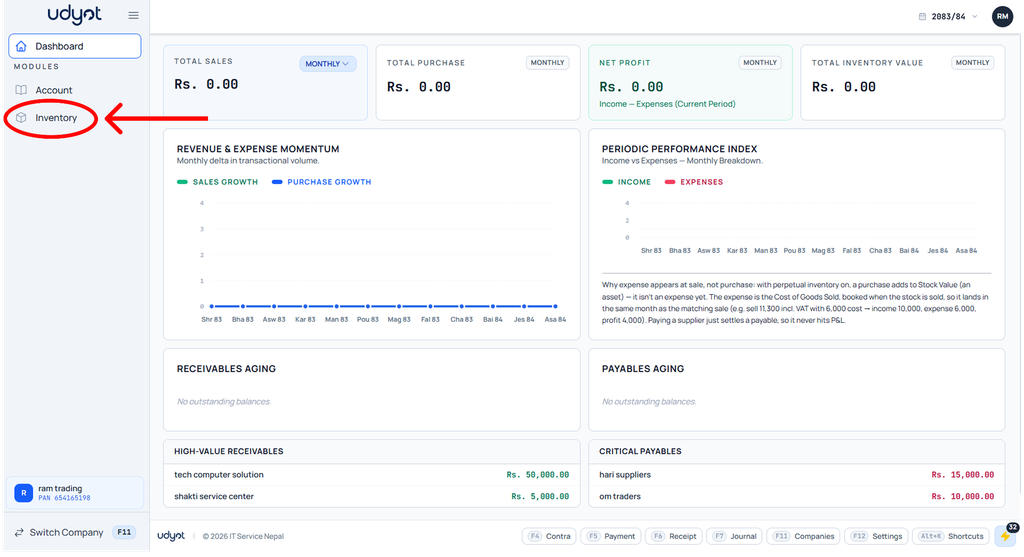
1. Click on the Inventory module
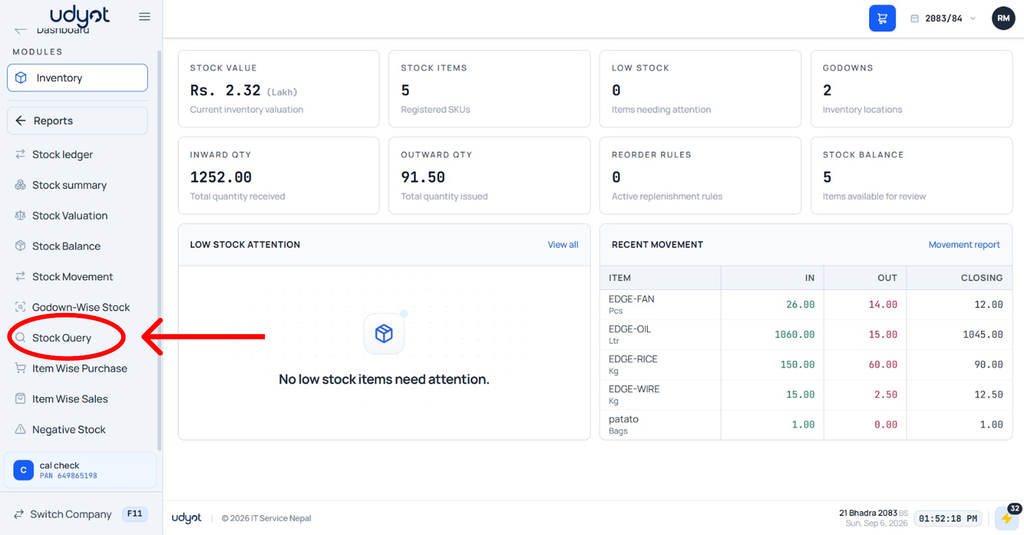
2. The Inventory dashboard will appear; click on Reports

3. Select Stock Query
4. The Stock Query dashboard will appear; filter by item

5. Stock Query data will be shown according to the filter
