Updated
How to Check the Negative Stock Report
Negative Stock
Negative Stock occurs when the quantity of a stock item becomes less than zero, meaning more items have been sold, issued, or transferred than are actually available in inventory. It indicates a shortage or an error in inventory records.
In Udyot ERP, the Negative Stock report displays all stock items that have a negative balance. This helps users identify inventory discrepancies, missing purchase entries, incorrect stock adjustments, or excess sales, allowing them to correct stock records and maintain accurate inventory management.
See Negative Stock Report
1. Click on the Inventory module
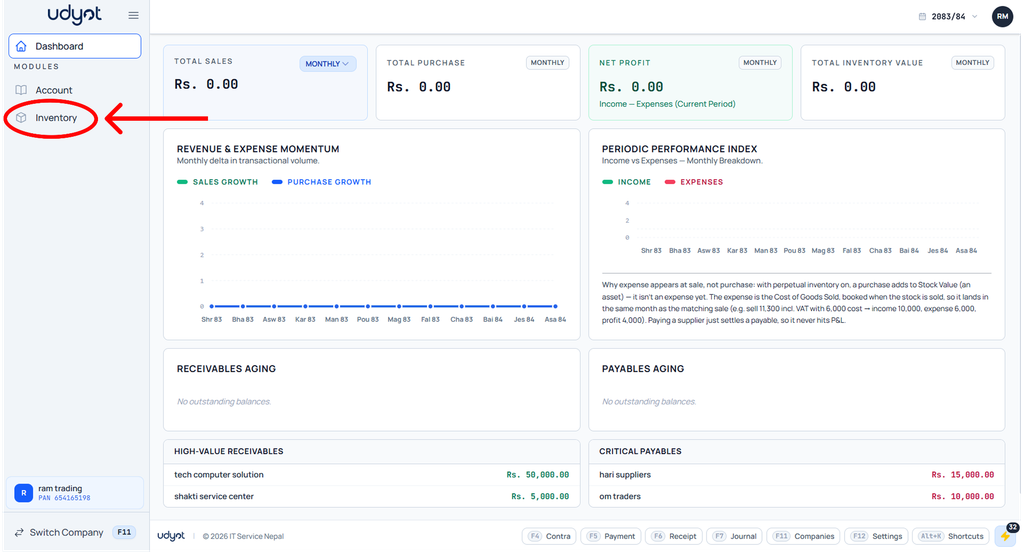
2. The Inventory dashboard will appear; click on Reports

3. Select Negative Stock

4. The Negative Stock dashboard will appear; filter by godowns
