Updated
How to enable PF, SSF, gratuity, and holidays in HRMS – Udyot ERP
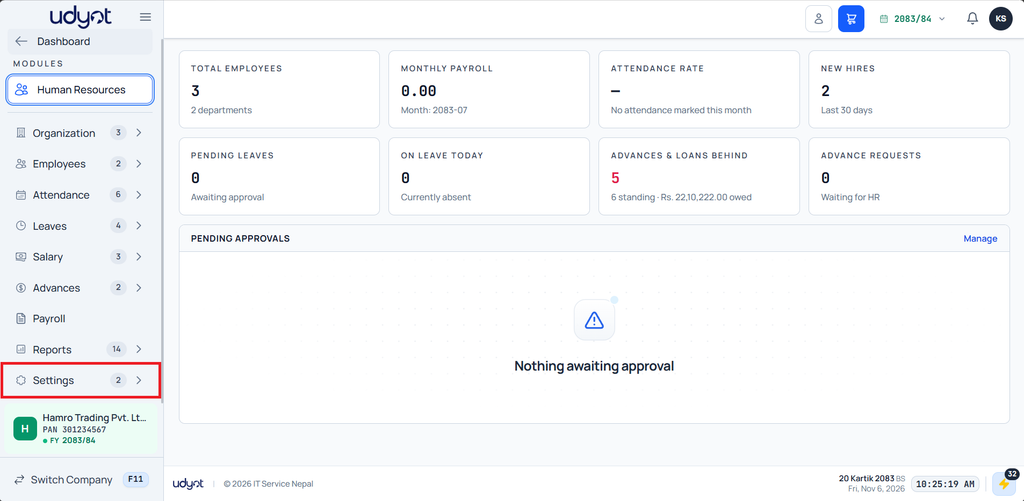
- Click on the Human Resources Module

2. Click on Settings.
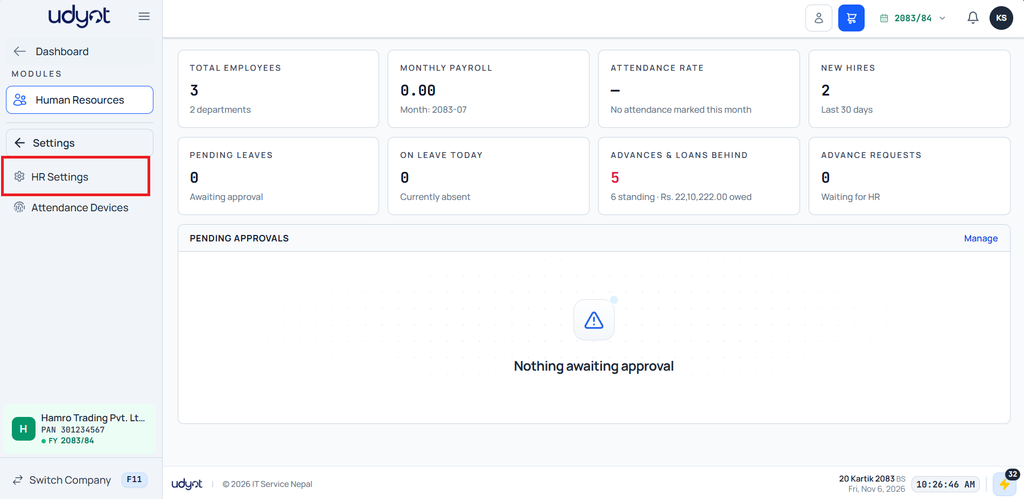
3. Click on HR Settings.
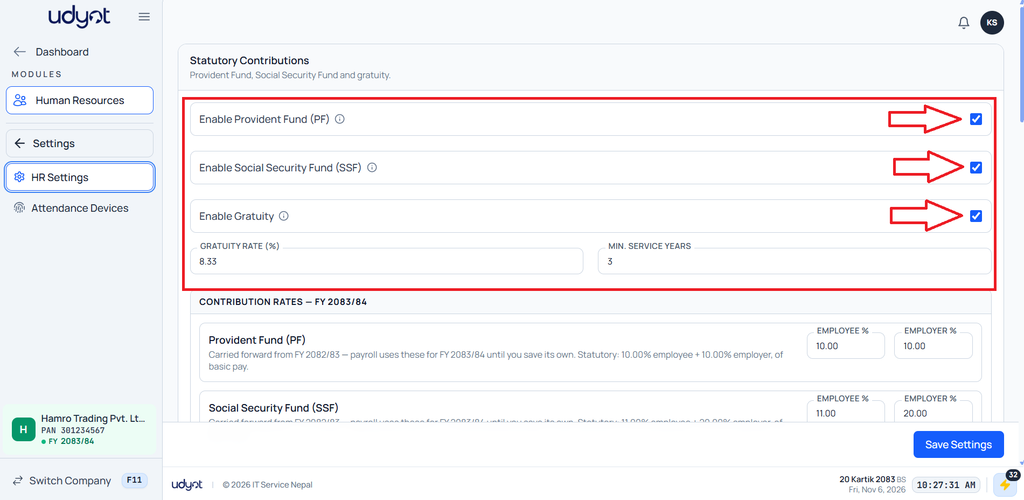
4. Enable Provident Fund (PF), Social Security Fund (SSF), and Gratuity, and set the Gratuity percentage and minimum service years.
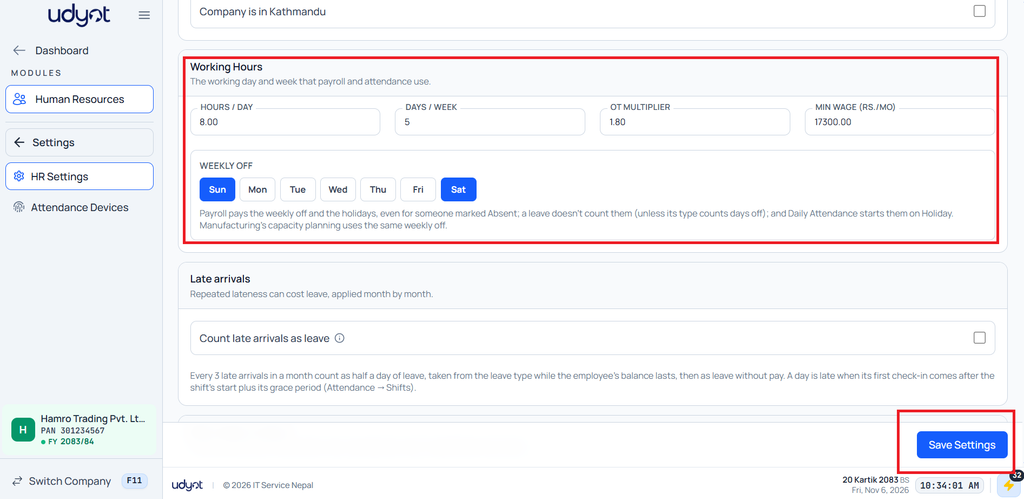
Scroll down a little until you see the Working Hours Section, then select the working hour details, select weekly off days, and click Save