Updated
How to Check Kitchen Consumption Reports in the Restaurant Module – Udyot ERP
Kitchen Consumption
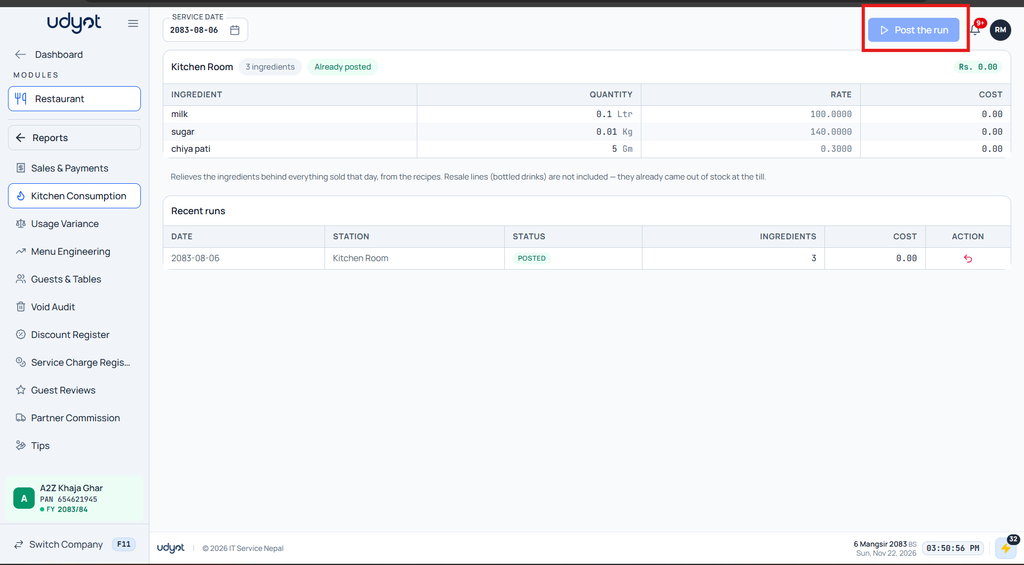
Kitchen Consumption: This section allows users to monitor the consumption of ingredients and stock items used in preparing food and beverages. It helps track how much inventory is consumed during restaurant operations, monitor stock usage, and understand the impact of kitchen activities on available inventory. This helps restaurant owners maintain better control over ingredient usage and stock levels.
How to see Kitchen Consumption Reports
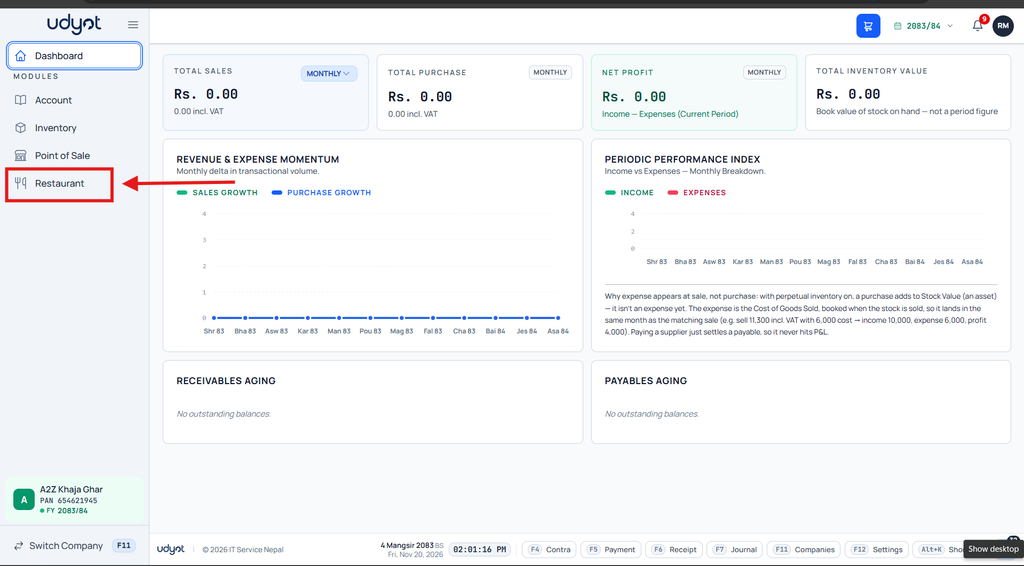
1. Select Restaurant Modules
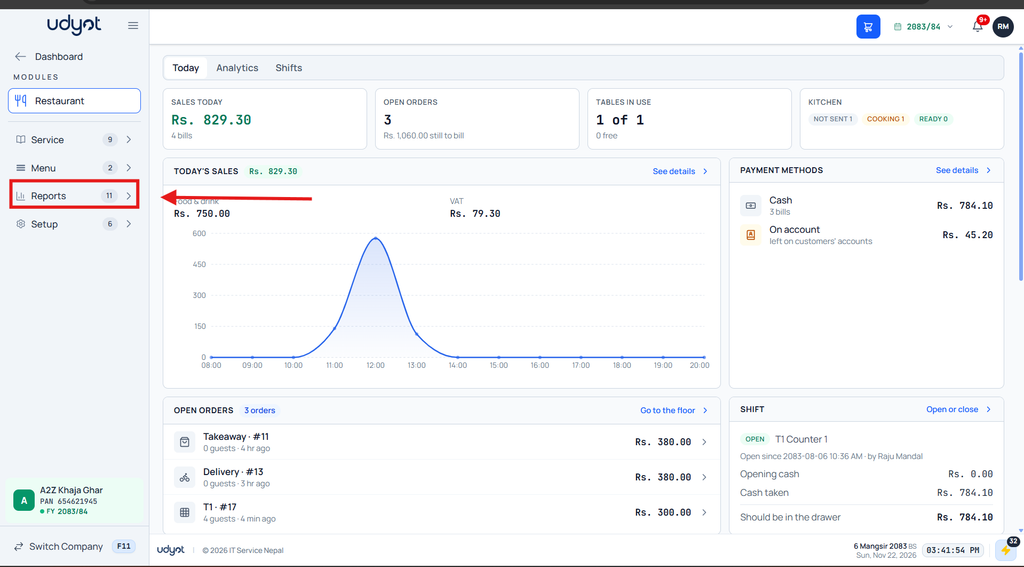
2. Select Reports
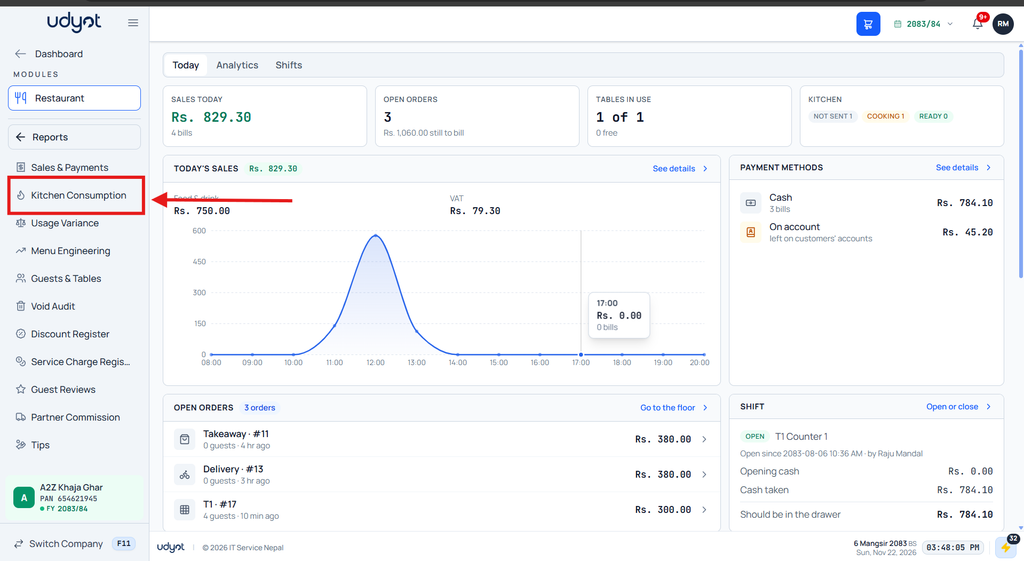
3. Select Kitchen Consumption
4. Click on Post the Run at the end of the day