Updated
How to Create Leads – CRM Module
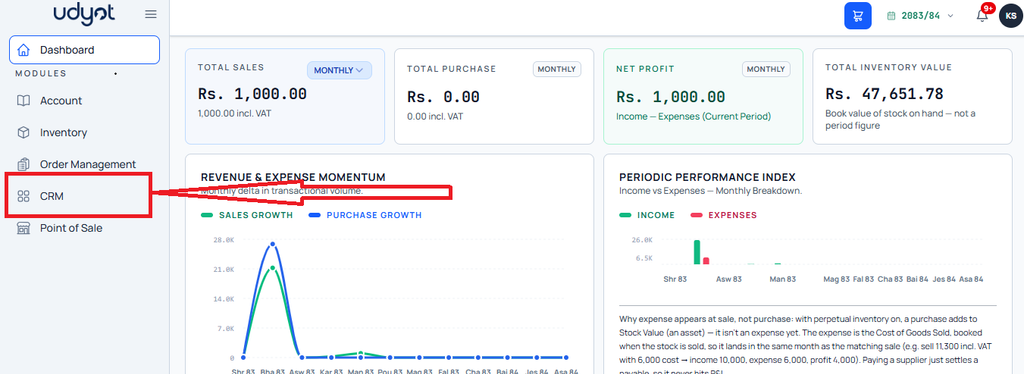
1. Click on the CRM Module
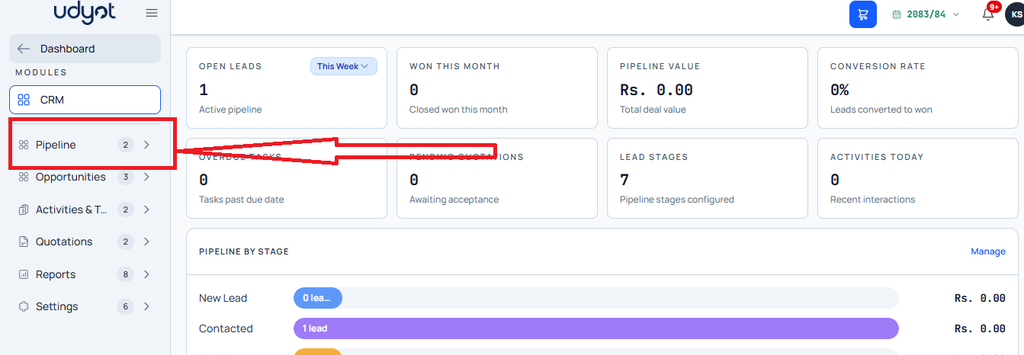
2. Click on Pipeline
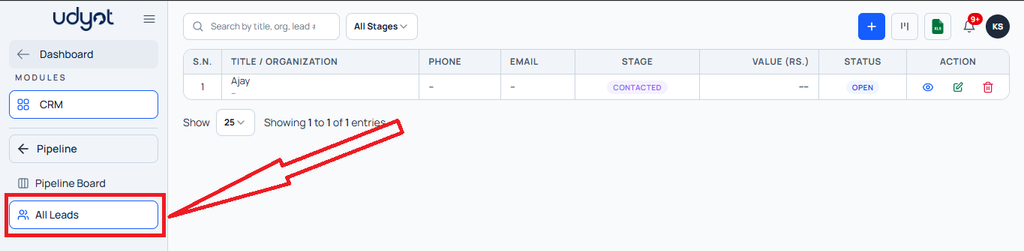
3. Then Click All Leads
4. Then click the Add Lead (+) icon at the top right side
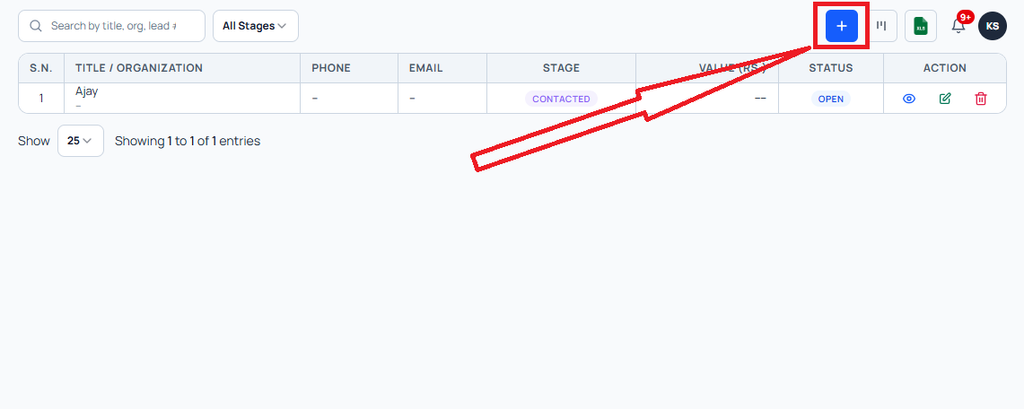
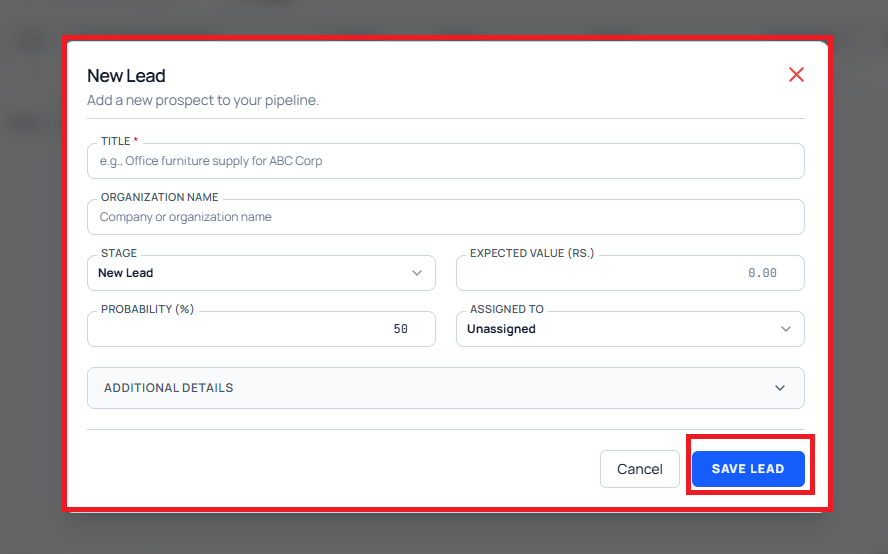
5. The Add Lead screen will appear