Updated
How to take orders or create dine-in in Restaurant Modules – Udyot ERP
First check shift is opened or not . If not, then open it.
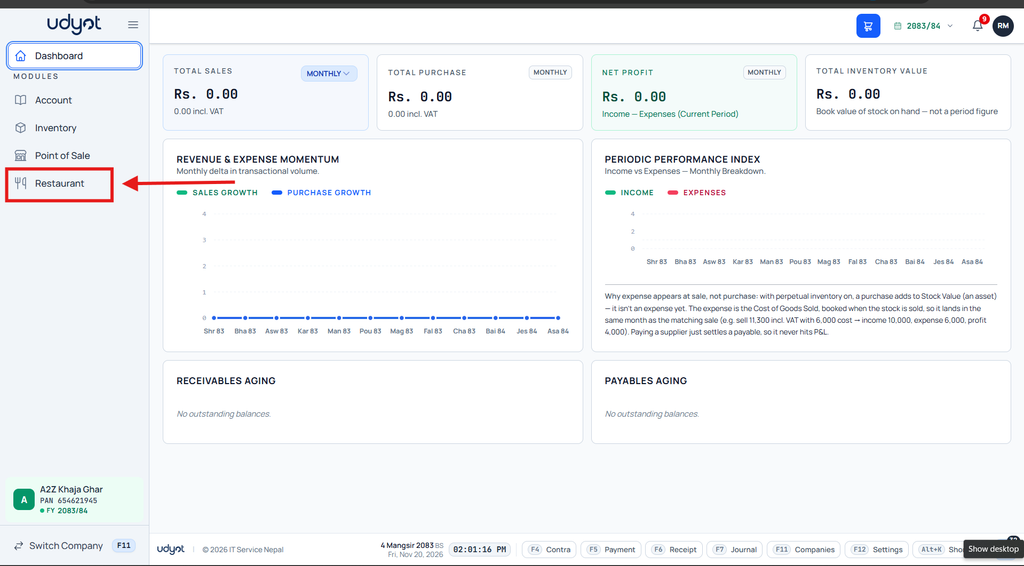
1. Select Restaurant Modules
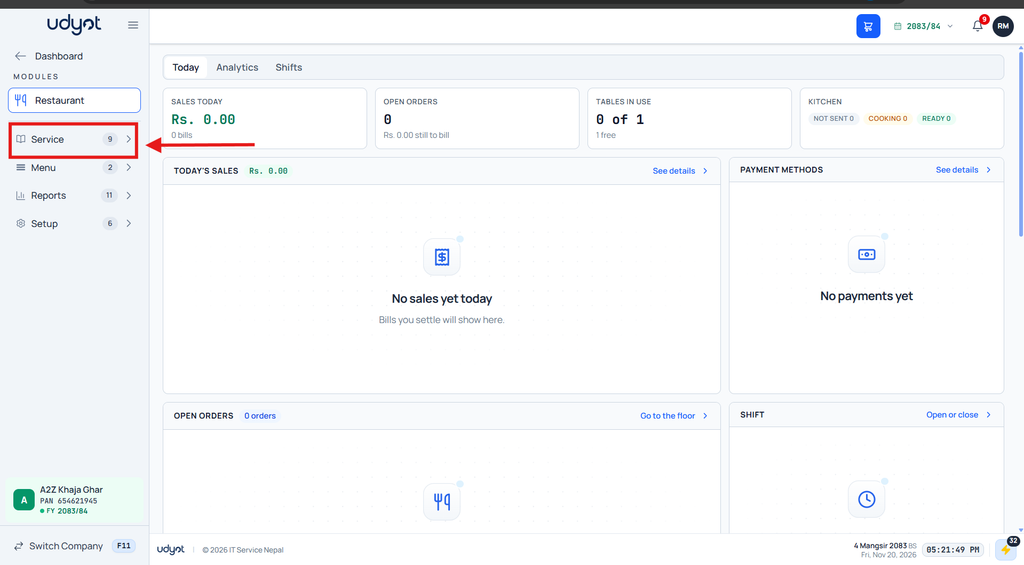
2. Click on Service
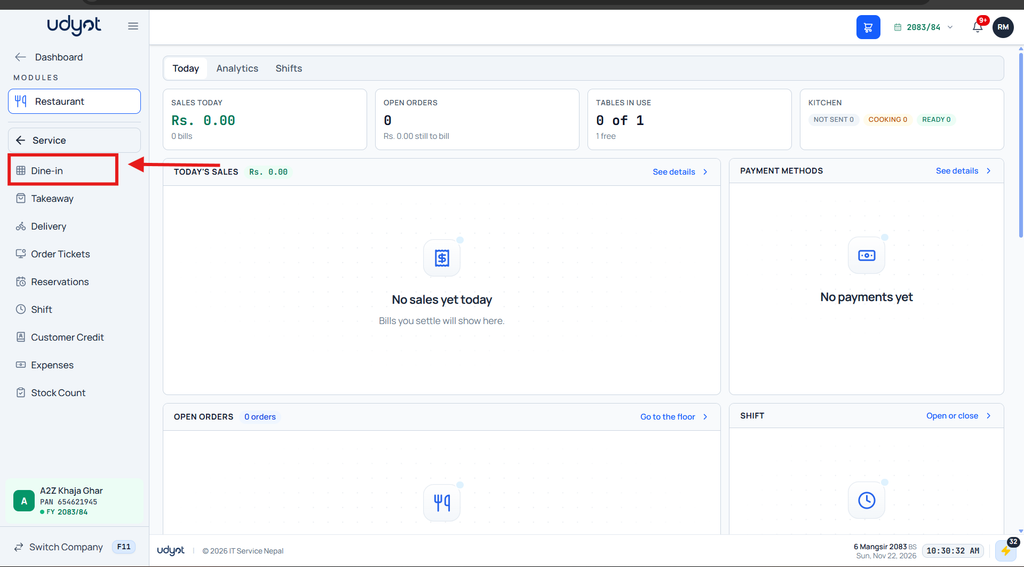
3. Select Dine-in
4. Select Table (which may appear in this way
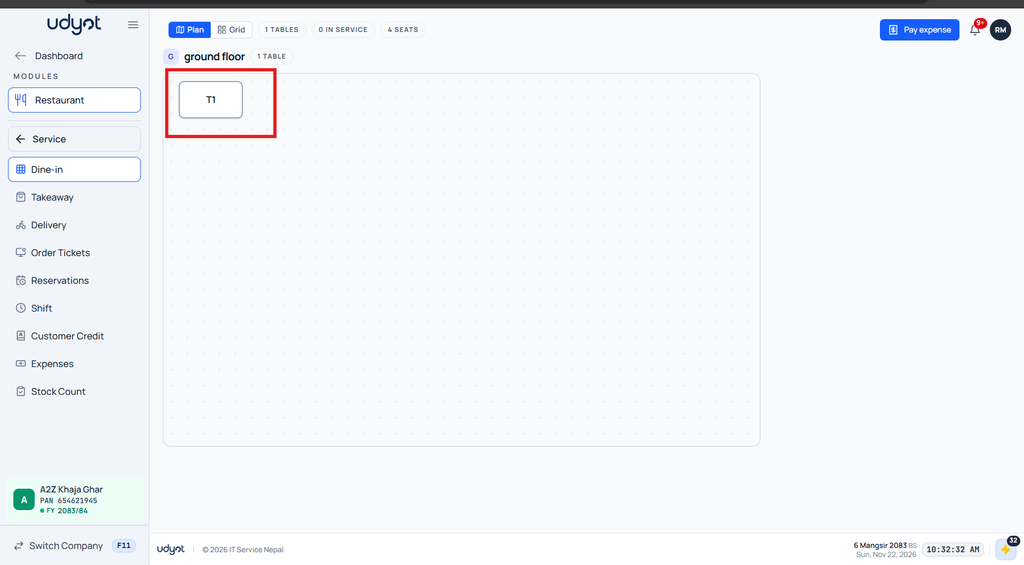
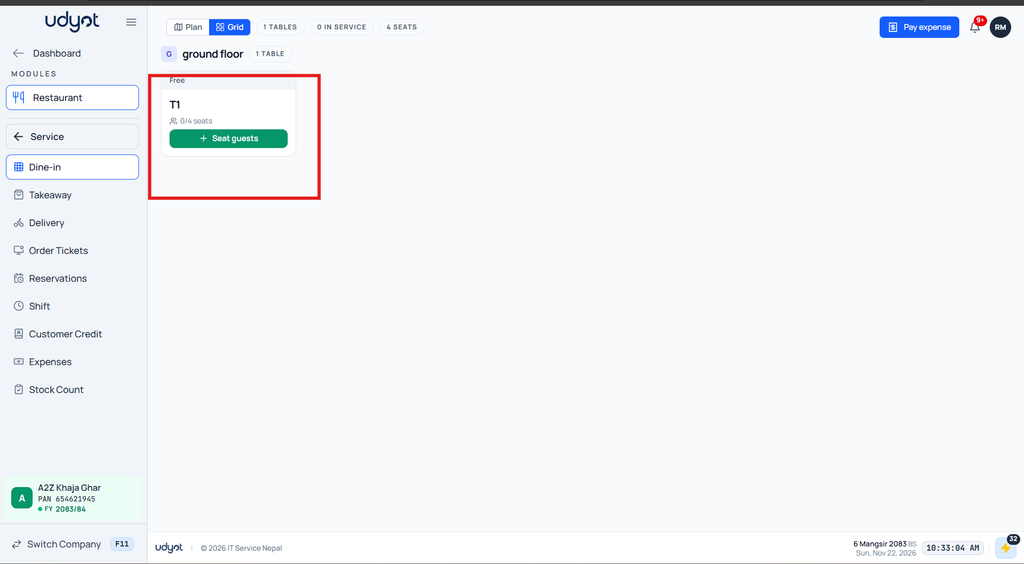
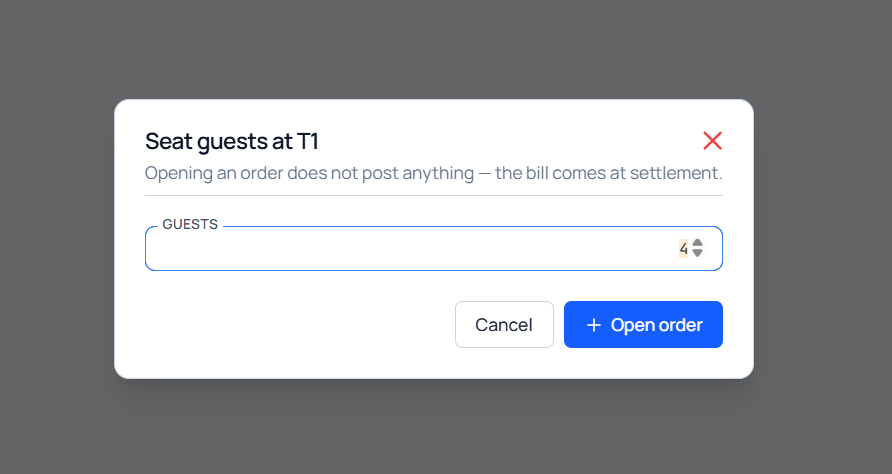
5. Fill in the no. of guests and click on + Open Order
6. Select the menu
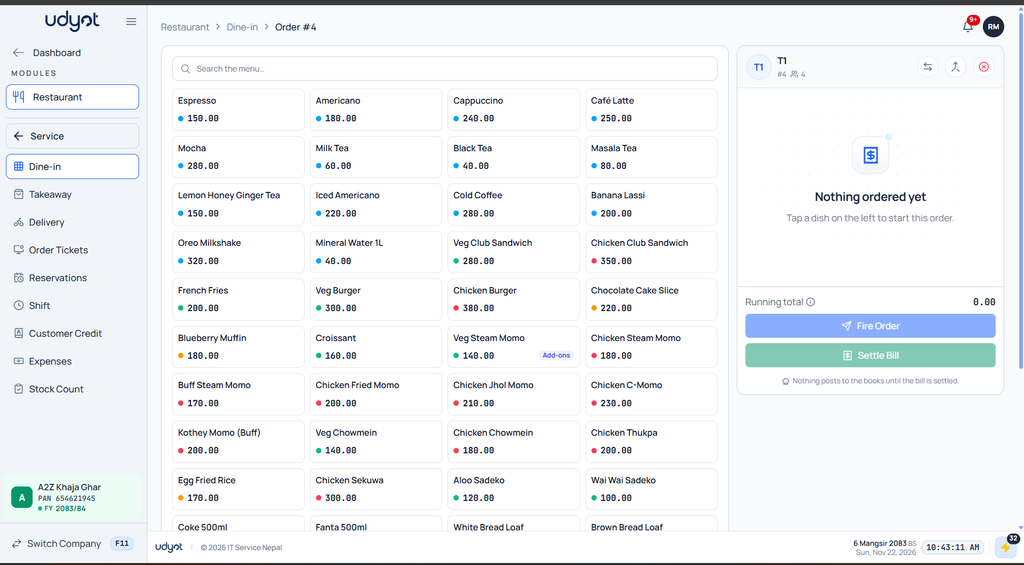
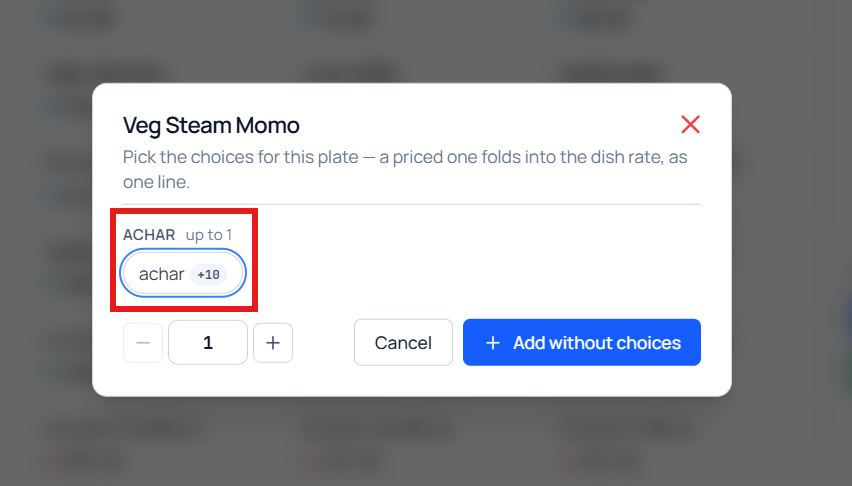
7. Set the quantity and price, and if add-ons, then select and save them
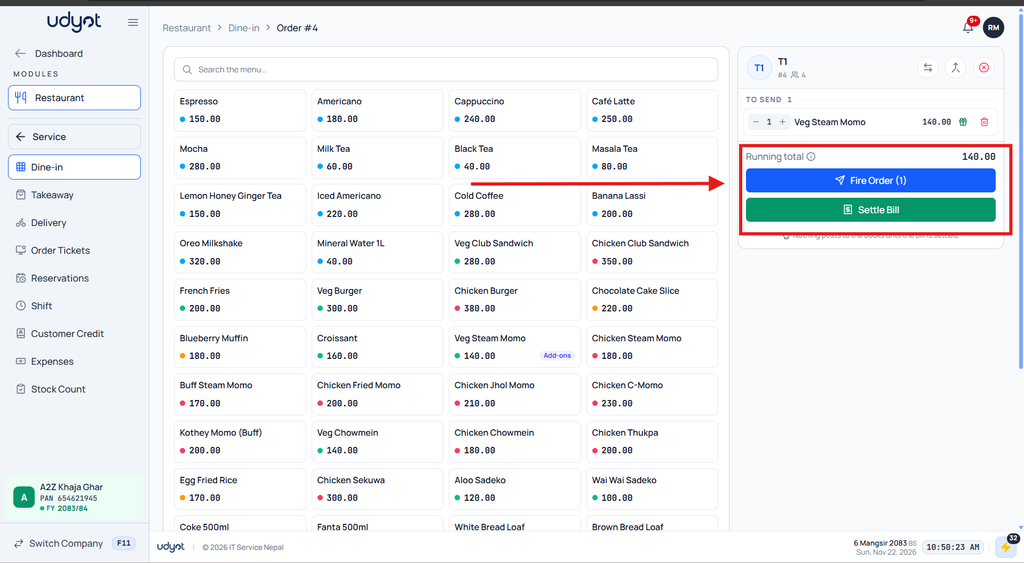
8. Fire order or settle bill
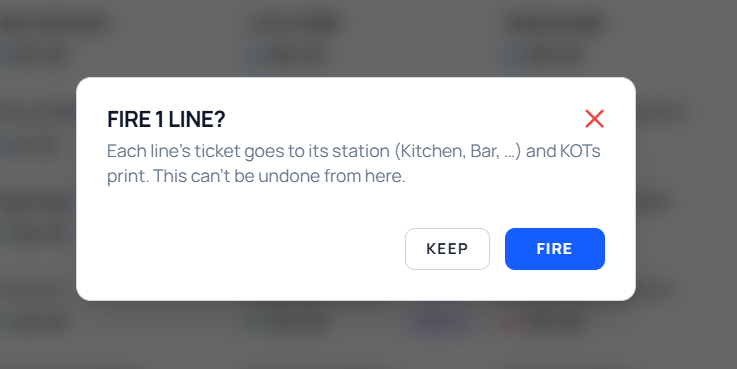
9. Click on fire
Or settle the bill, then:
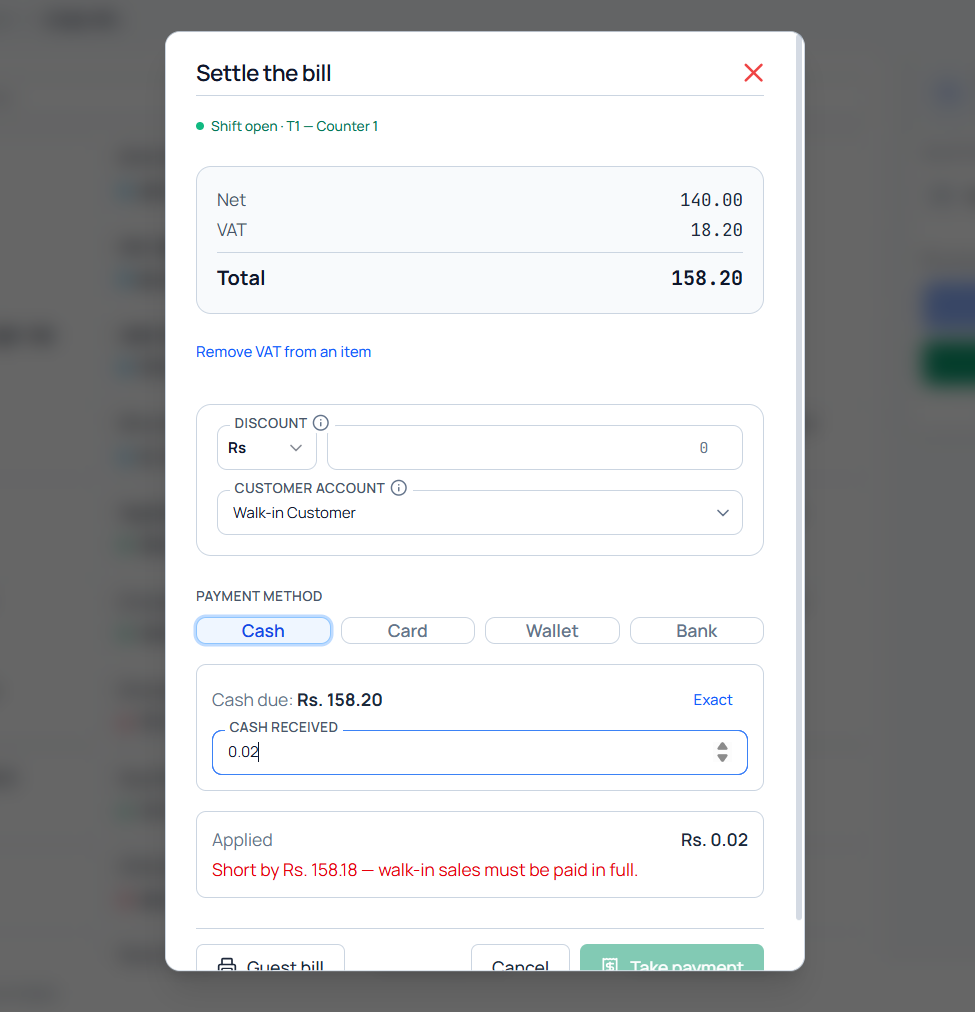
10. Fill in the details and save it