Updated
How to manage floor tables or areas – Udyot ERP
Floor Plan
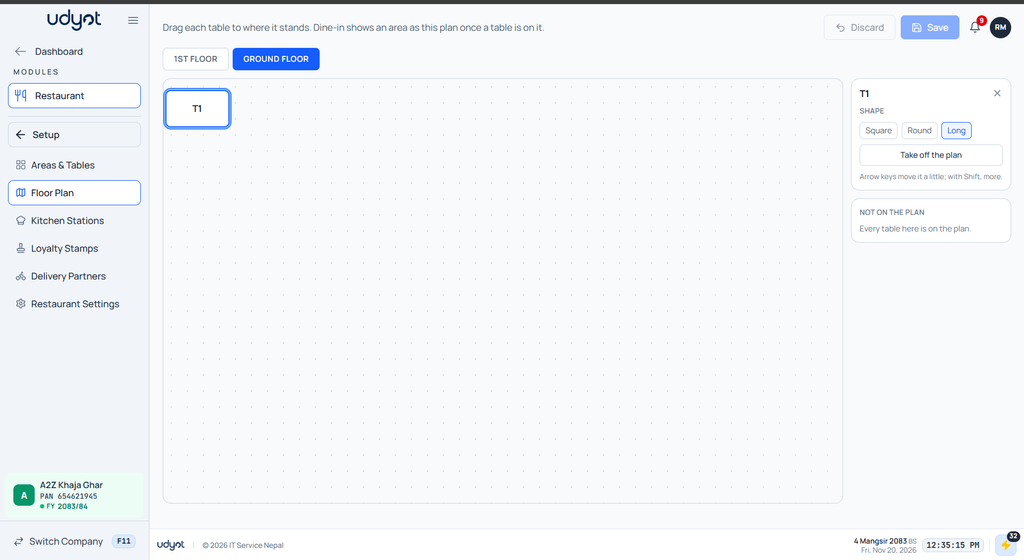
Floor Plan: This section allows users to visually arrange restaurant tables according to their actual positions within the restaurant. Users can select different floors (e.g., Ground Floor, 1st Floor), drag and drop tables into their desired positions, and customize table shapes (Square, Round, or Long). It helps staff easily identify table locations and manage dine-in orders based on the restaurant’s layout.
How to manage floor tables or areas
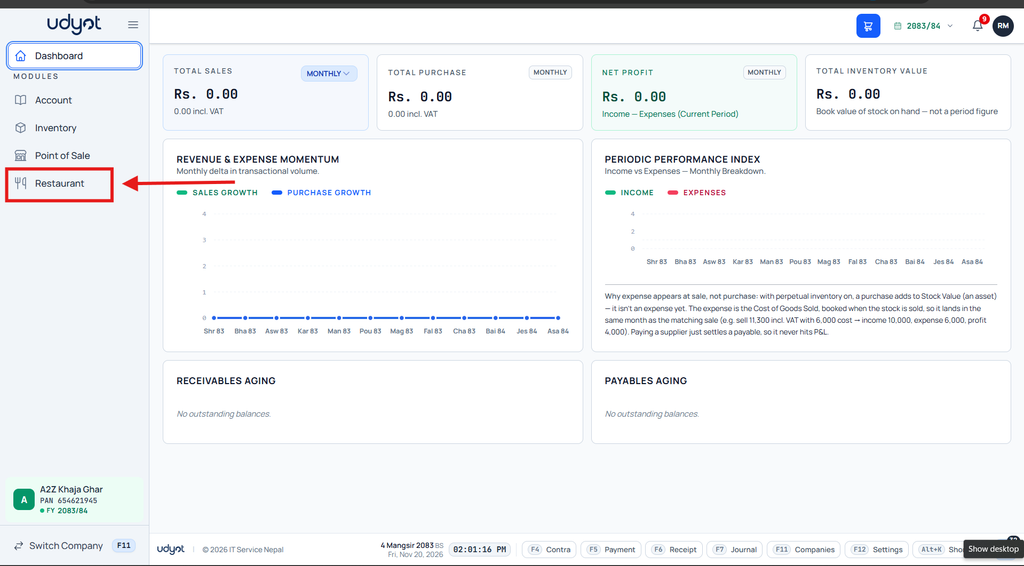
1. Select Restaurant Modules
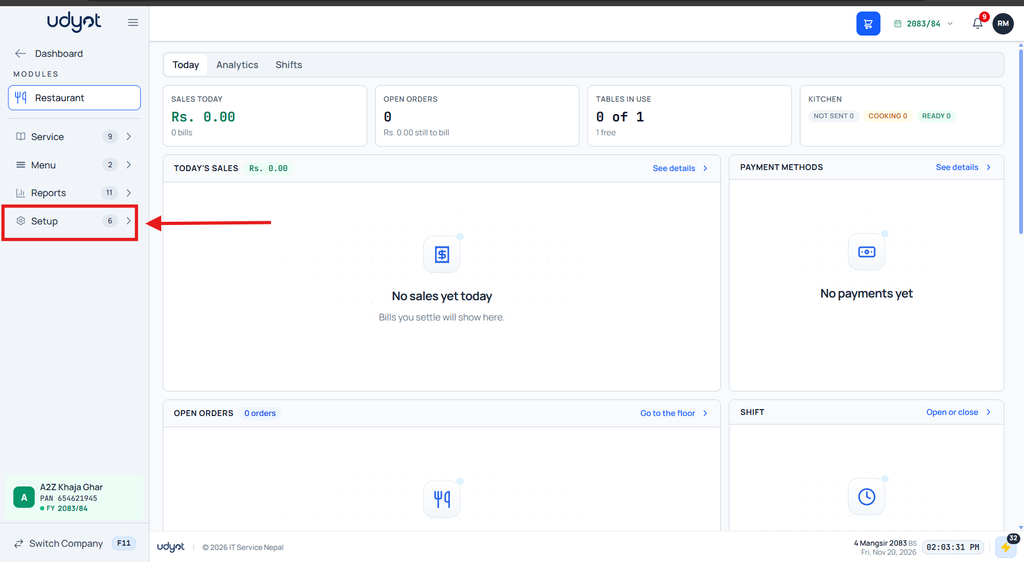
2. Select setup
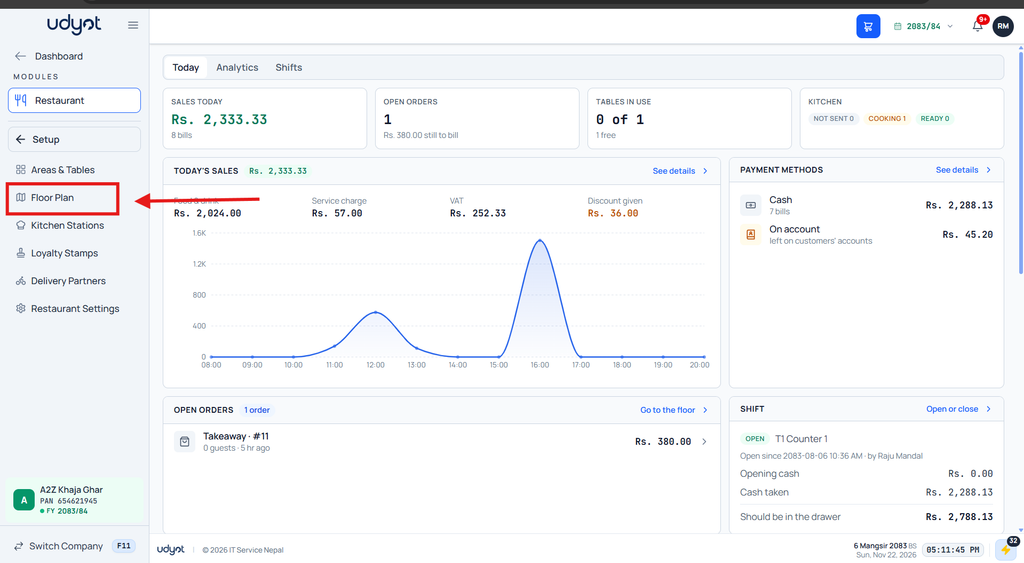
3. Select Floor Plan
4. Manage your floor or area and save it.