Updated
How to Create Pipeline Stages – CRM Module
Pipeline Stages in the Udyot ERP CRM Module represent the different steps an opportunity goes through during the sales process, from initial customer interest to successfully closing a deal. Each stage helps sales teams track the progress of potential deals and understand their current status.
Using Pipeline Stages, businesses can organize opportunities, monitor sales progress, identify potential bottlenecks, and manage follow-up activities more effectively. It provides a clear overview of the sales pipeline, helping teams prioritize opportunities and improve sales conversions.
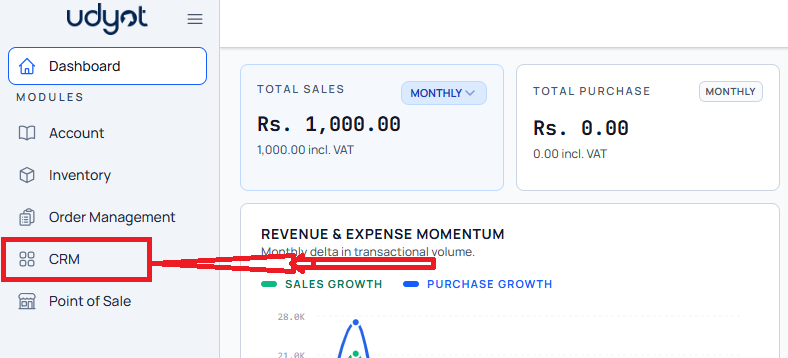
1. Click on the CRM Module
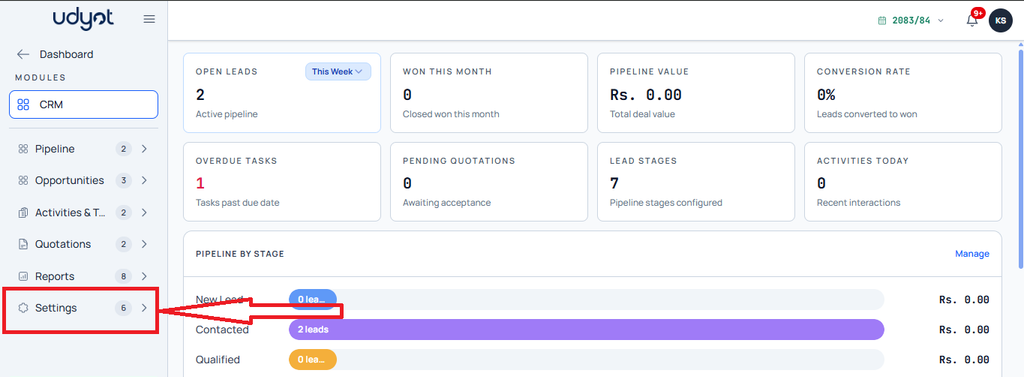
2. Click on Settings
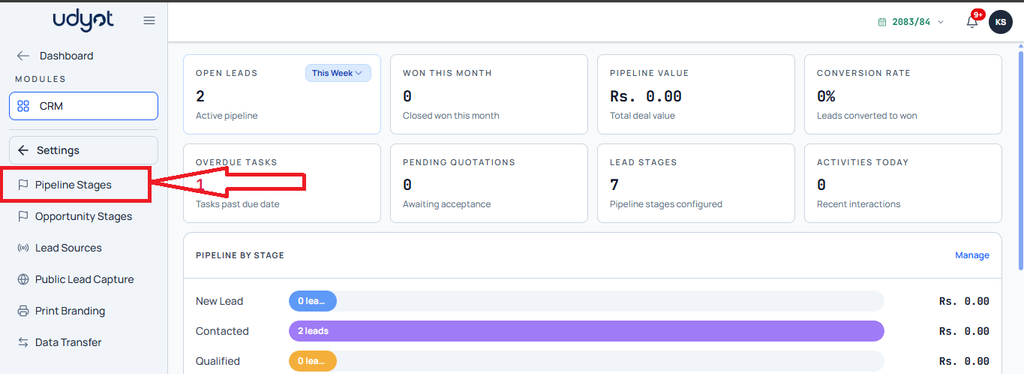
3. Then Click on Pipeline Stages
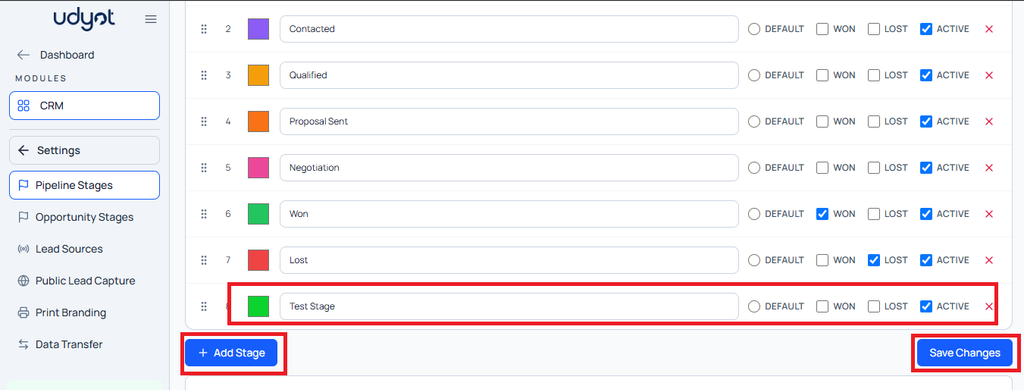
4. Then click the Add Stages button and fill in the stage name and color according to you