Updated
How to Give Staff Loans in HRMS – Udyot ERP
- Click on the Human Resources Module

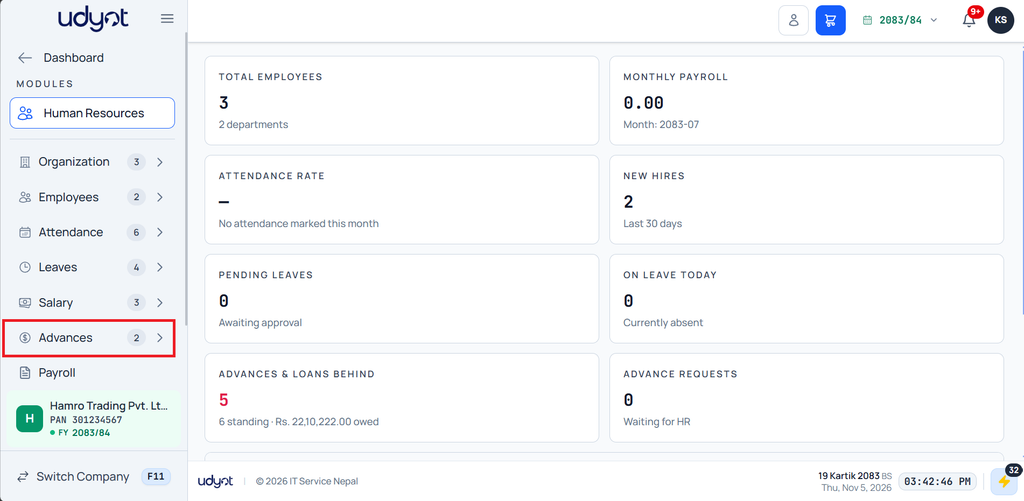
2. Click on Advances.
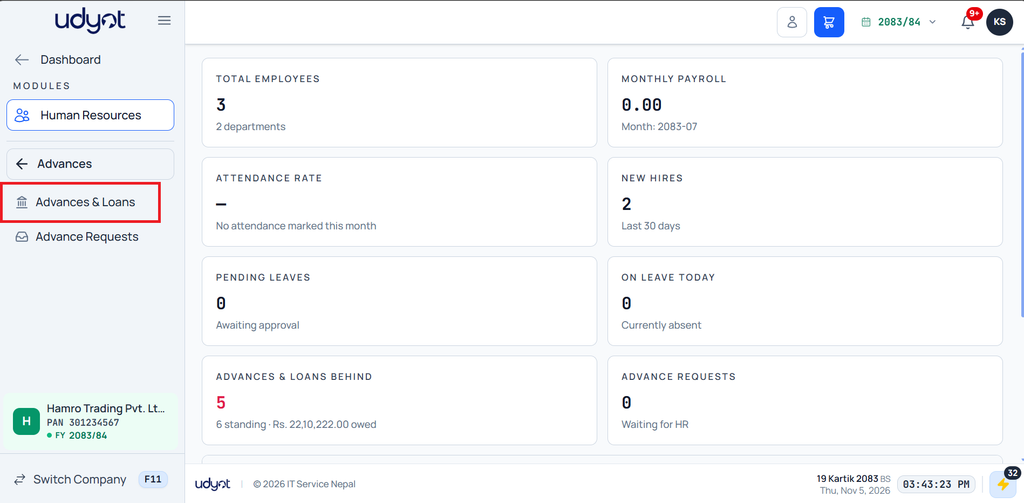
3. Click on Advances and Loans.
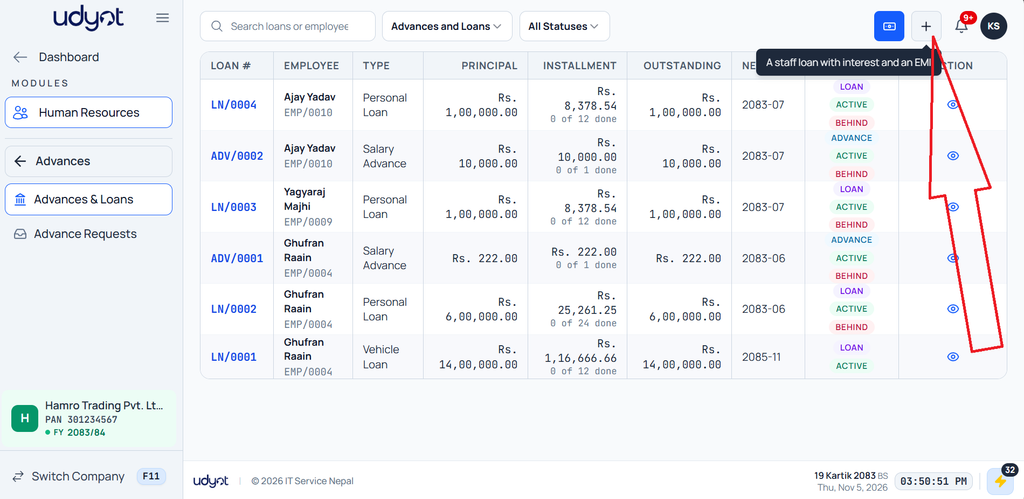
4. Click on the + icon in the top right corner.
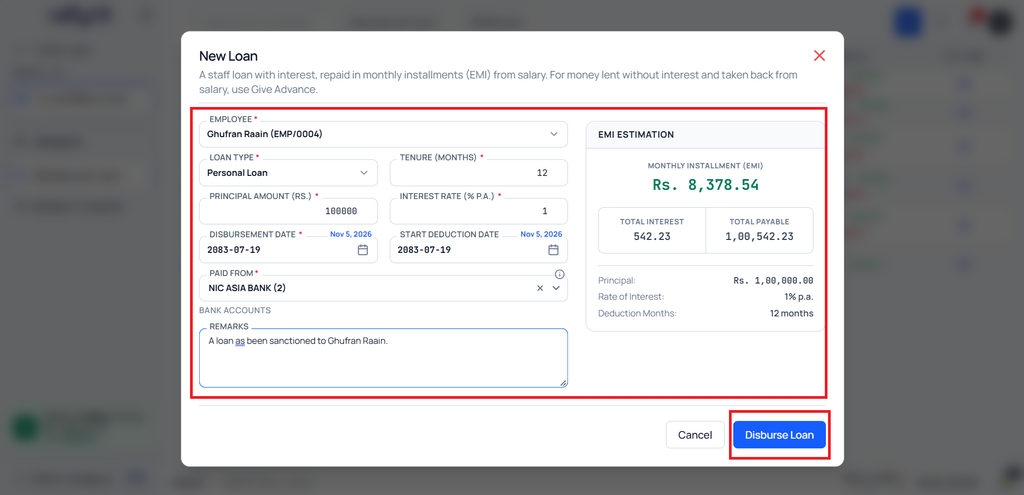
5. Select Employee, Loan Type, Tenure, Principal amount, interest rate, disbursement date, start deduction date, paid form, and write remarks, and click on Disburse Loan.