Updated
How to Issue Letters in the HRMS Module – Udyot ERP
- Click on the Human Resources Module

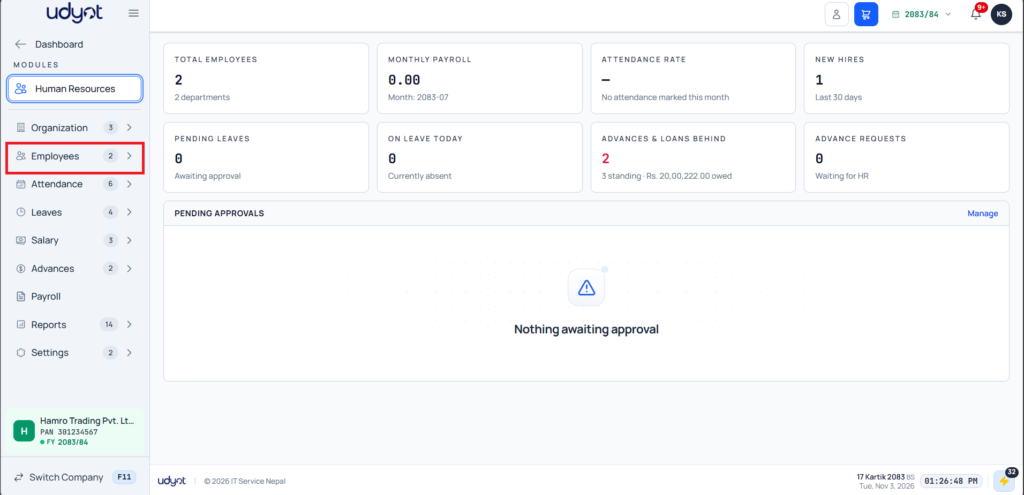
2. Click on Employees
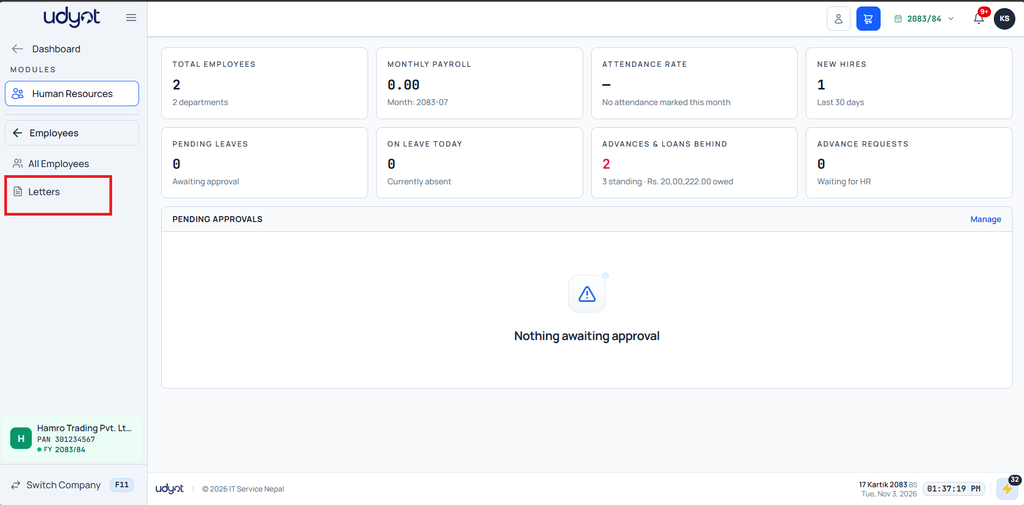
3. Click on Letters
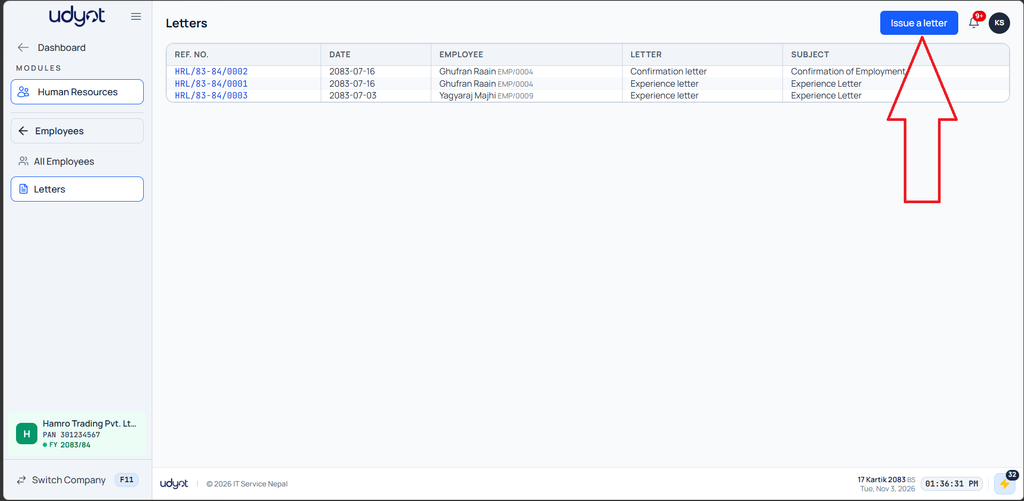
4. Click on Issue Letter in the top right corner.
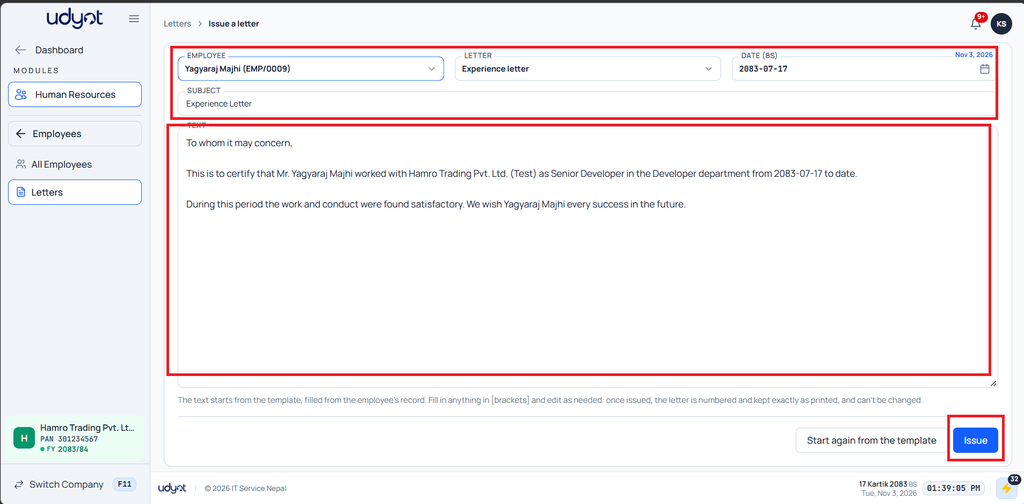
5. Select Employee, choose Letter Type, and select the date; the message will be generated automatically. Read and verify the message. If every thing is correct, click on Issue