Updated
How to View the Purchase & Sale Register – Pharmacy Module
Purchase & Sale Register
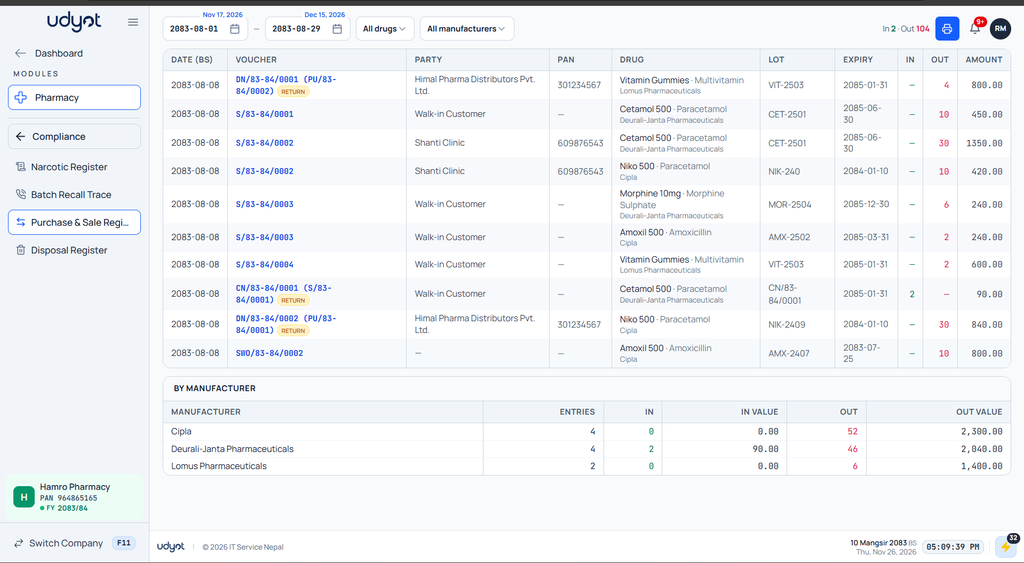
Purchase & Sale Register: This section in Udyot Pharmacy Management Software helps pharmacies track all purchase and sales transactions within a selected date range. It displays voucher details, suppliers, customers, drug names, batch numbers, expiry dates, quantities, and transaction amounts. It also provides manufacturer-wise purchase and sales summaries for better stock monitoring and financial management
How to see Purchase & Sale Register
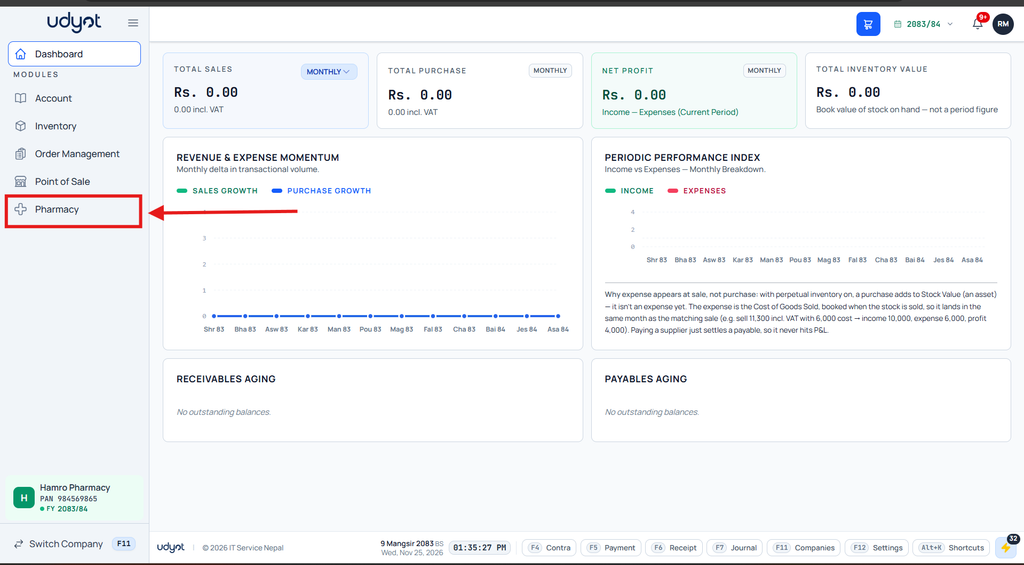
1. Click on Pharmacy Modules
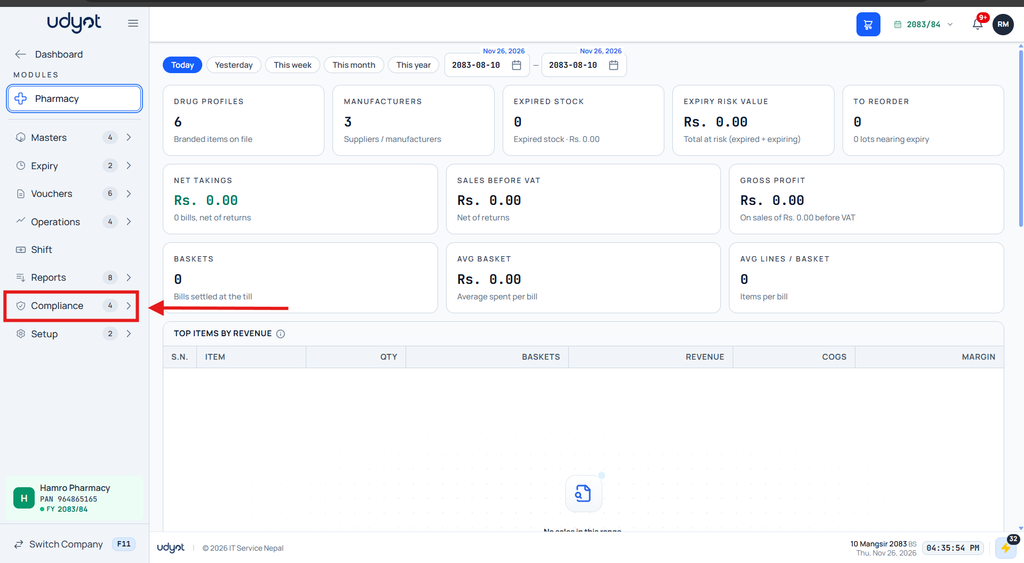
2. Click on Compliance
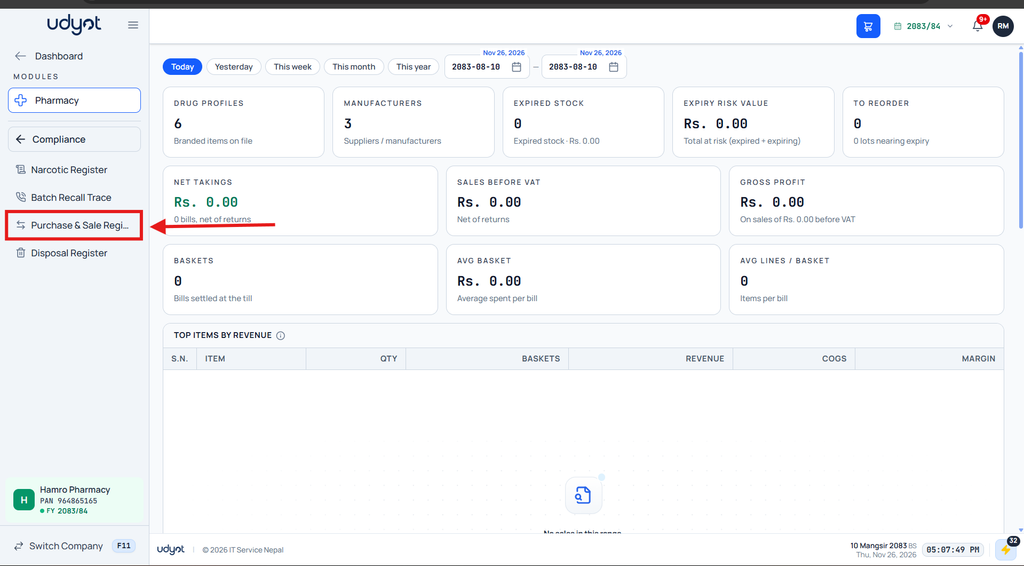
3. Click on Purchase & Sale Register
4. See the Purchase & Sale Register Reports