Updated
How to keep stock in Quarantine – Pharmacy Module
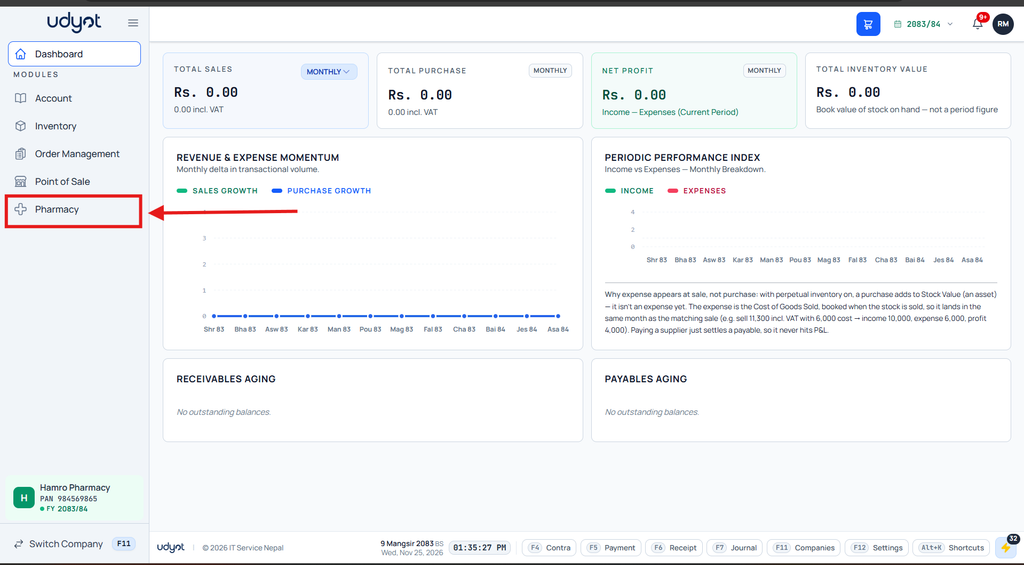
1. Click on Pharmacy Modules
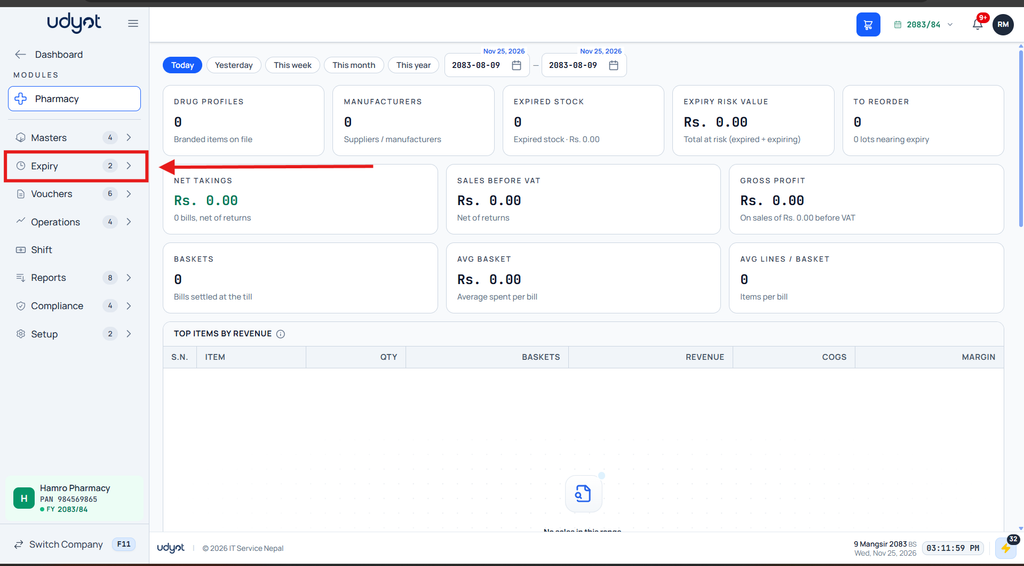
2. Click on Expiry
3. Click on Near Expiry & Quarantine
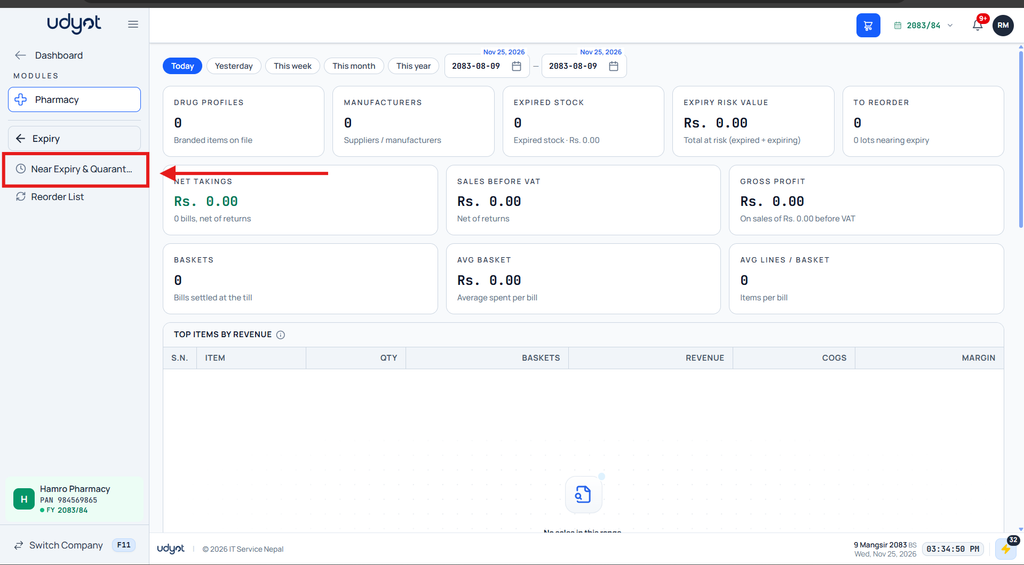
4. See the Near Expiry & Quarantine Reports and click on this icon
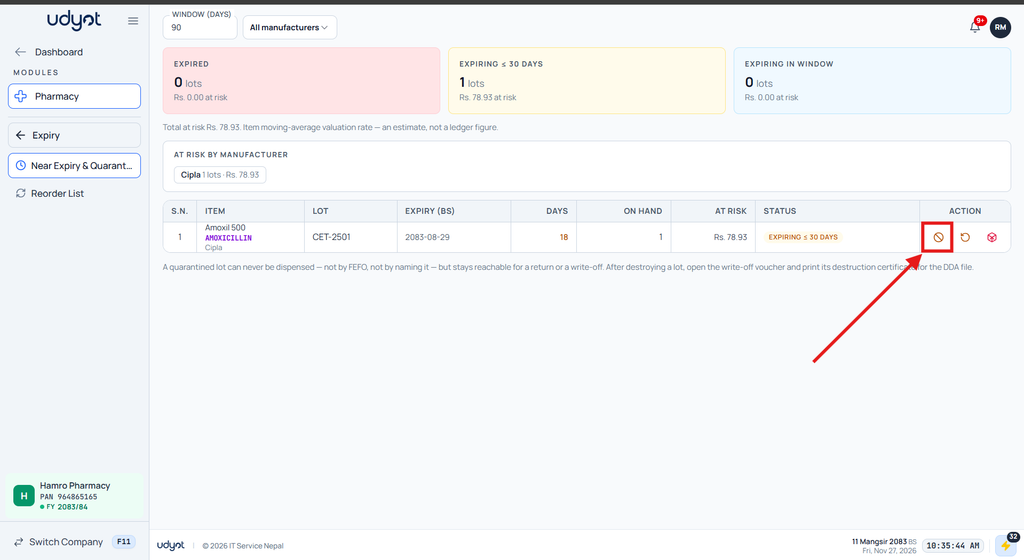
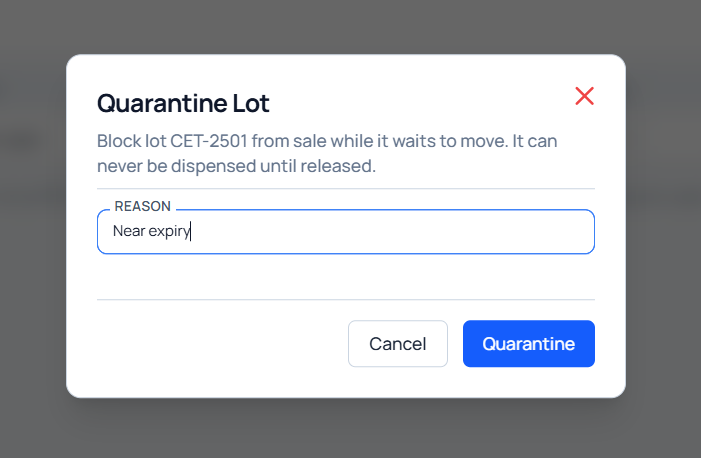
5. Write reasons and continue