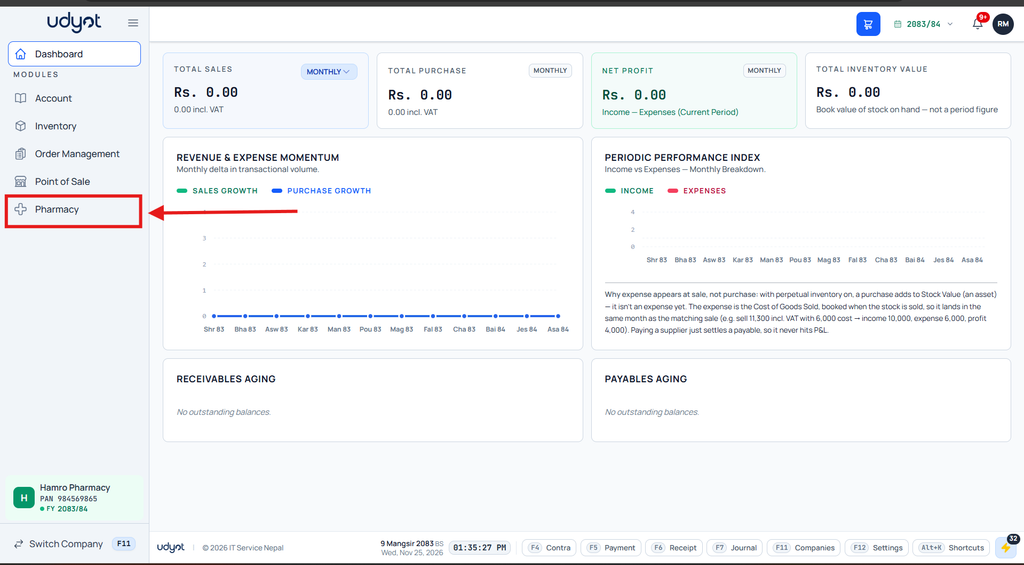
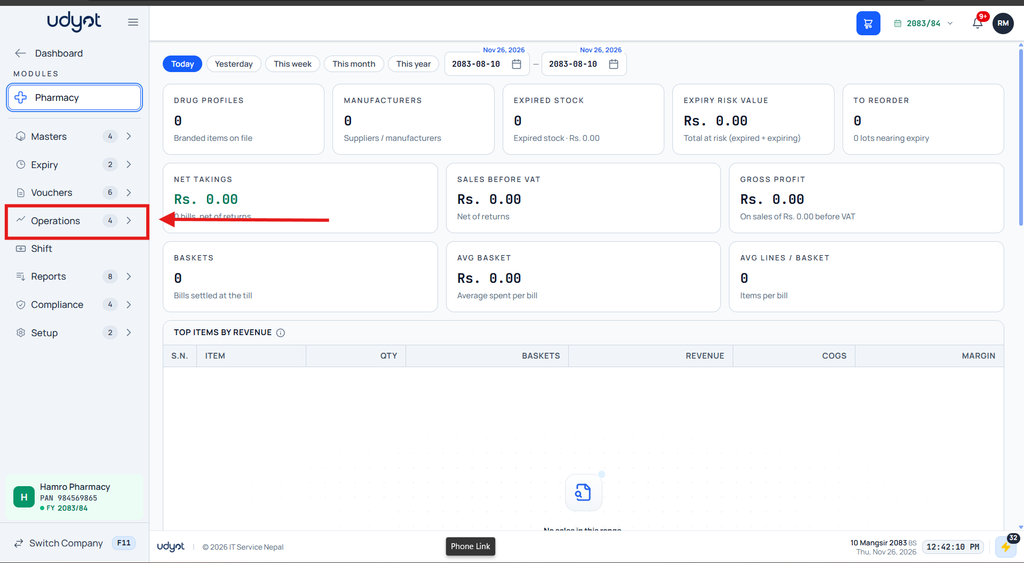
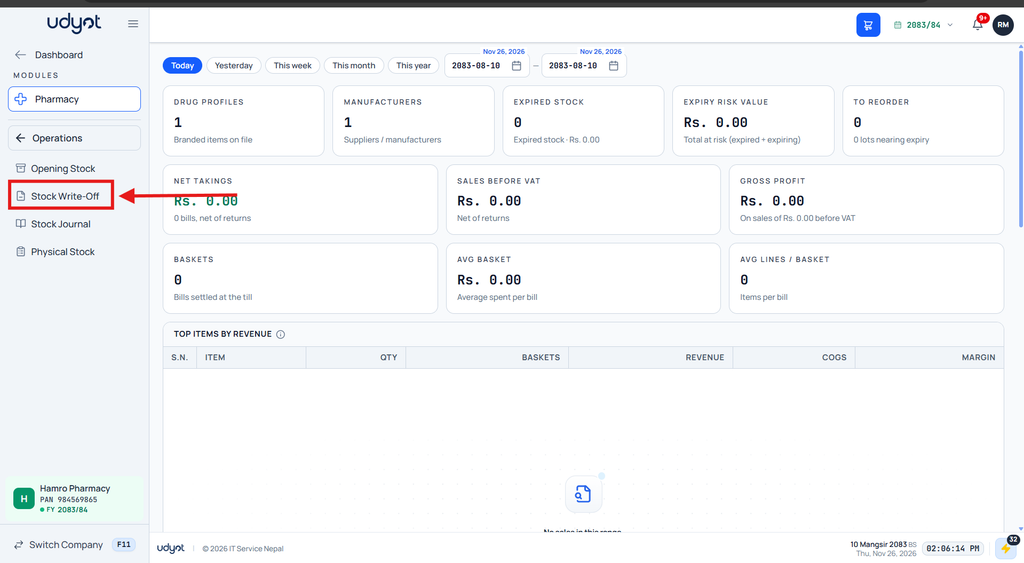
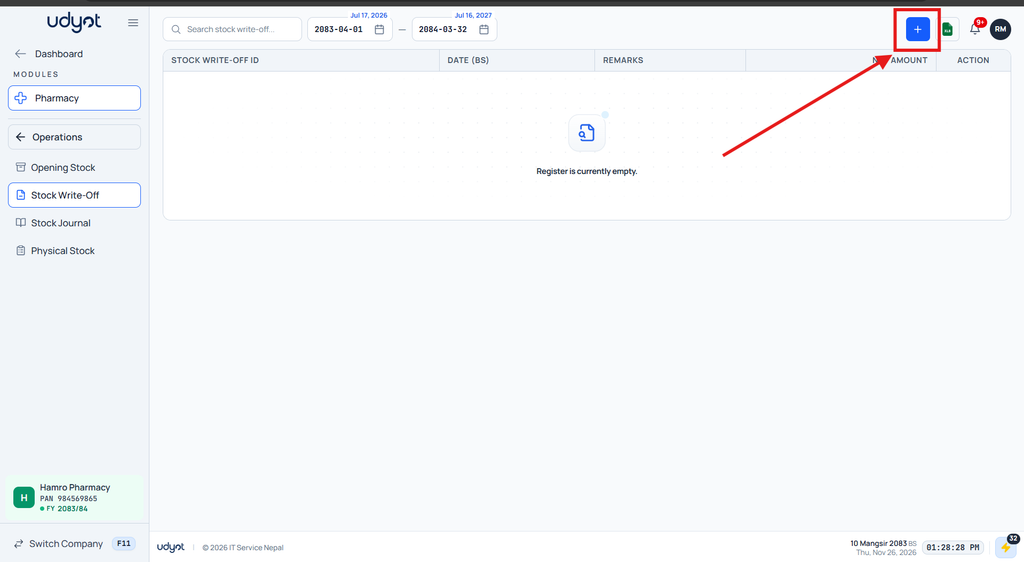
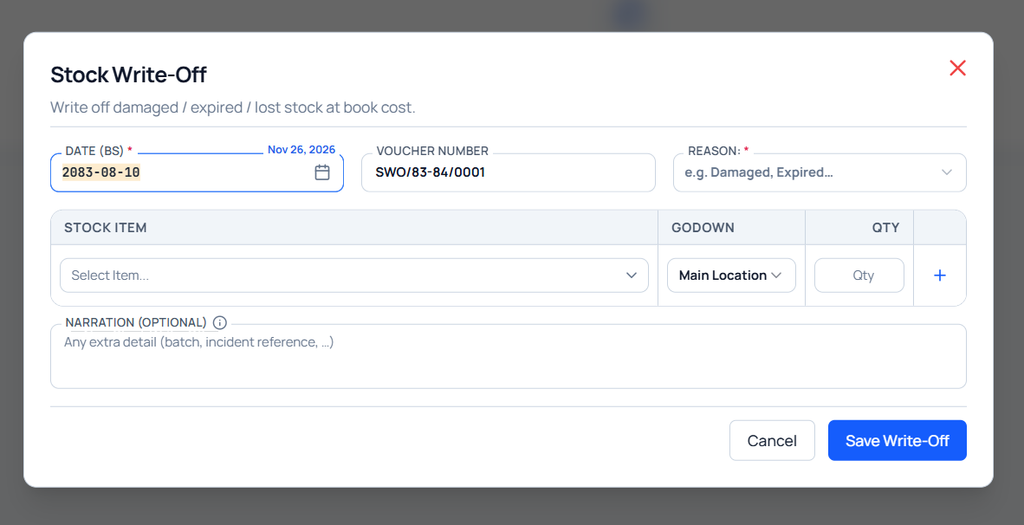
Pharmacy Updated November 27, 2026 How to Add Stock Written Off – Pharmacy Module 1. Click on Pharmacy Modules 2. Click on Operation 3. Click on Stock Written-off 4. Click on the + Icon 5. Fill the form and Save It ⬇ Download Documentation Was this article helpful? 👍 Yes 👎 No Need more help? Contact our support team From the blog How Business Software Integration Reduces Duplicate Data Entry When Should a Business Move Beyond Excel? 9 Signs It’s Time for an ERP How to Connect the Attendance Biometric Device (ZKTEco 2000) to the HR Module in Udyot ERP