Updated
How to Add Ledgers – Pharmacy Module
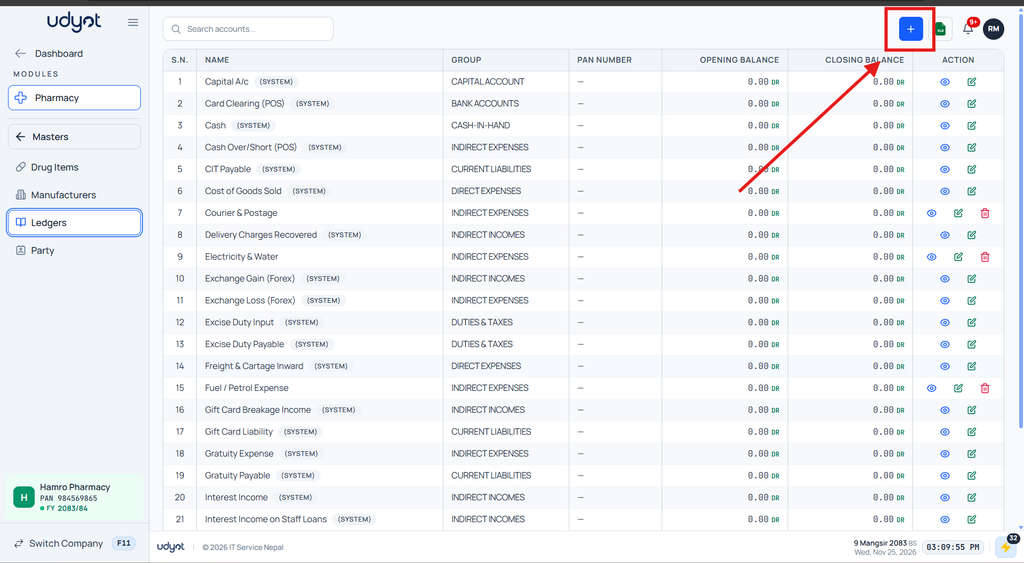
Ledgers: This section allows users to create and manage financial ledger accounts within the Udyot Pharmacy Management System. Users can add, edit, search, and organize different ledger accounts, including cash, bank accounts, sales, purchases, expenses, income, and other financial accounts. It helps pharmacies maintain accurate financial records, track debit and credit transactions, monitor account balances, and streamline accounting operations for better financial management
How to add Ledgers
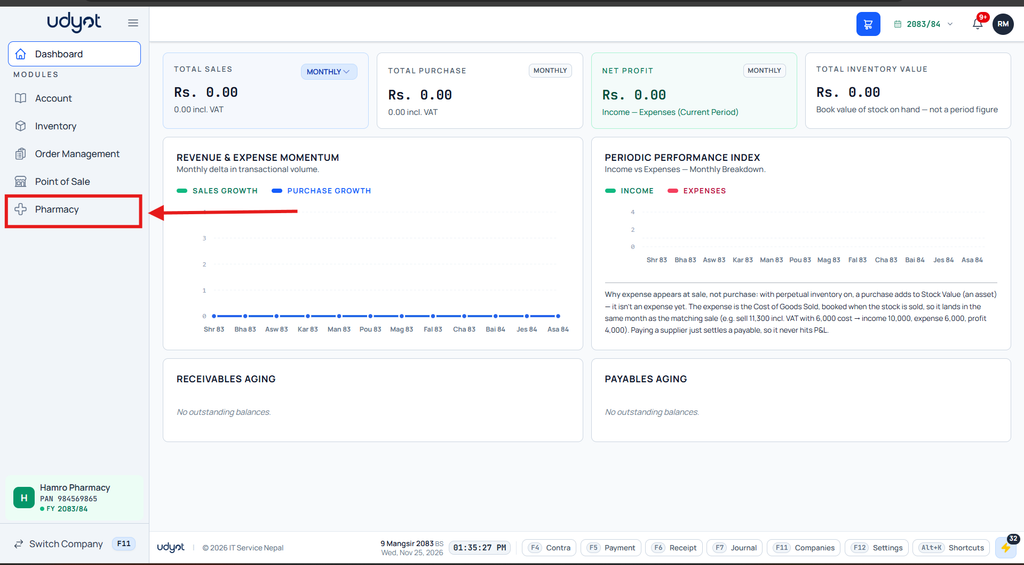
1. Click on Pharmacy Modules
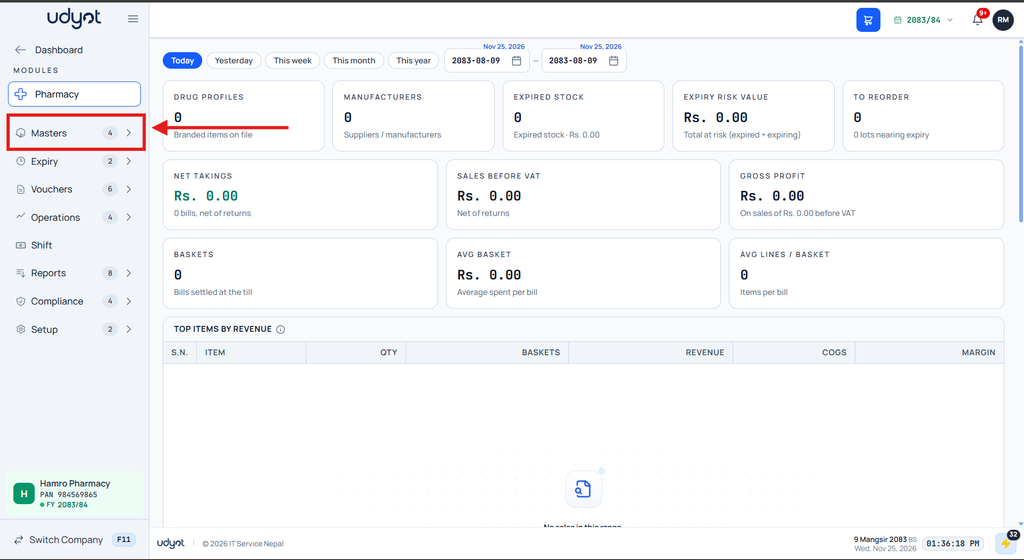
2. Click on Masters
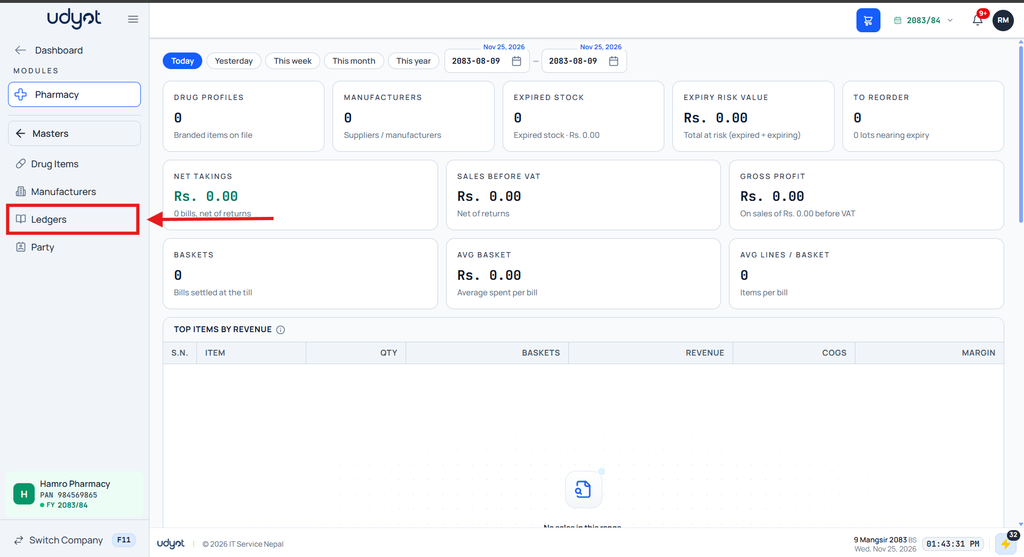
3. Click on Ledgers
4. Click on + Icons
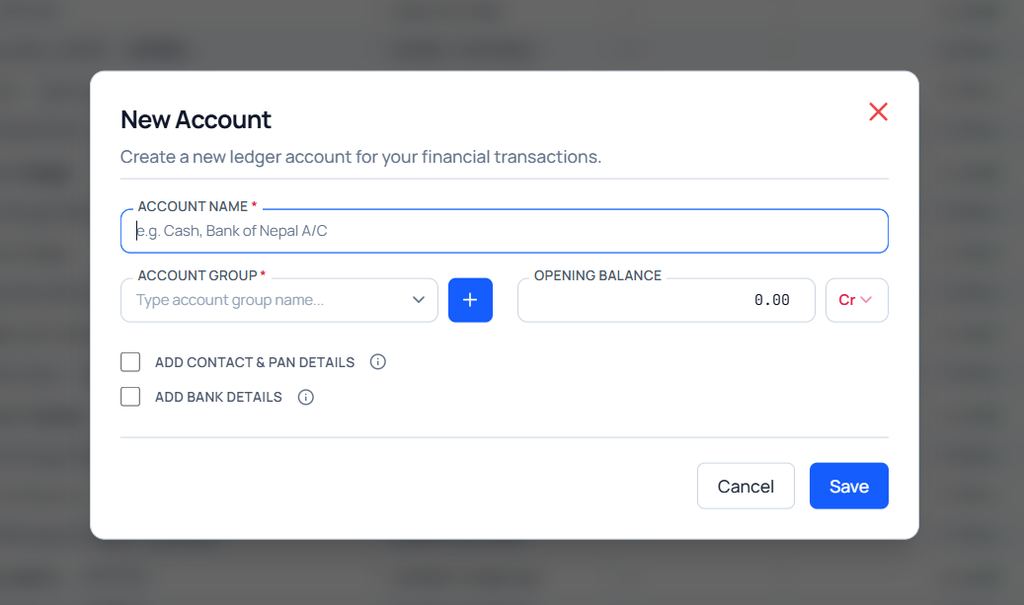
5. Fill the form and save it