Updated
How to See the Batch Recall Trace Report – Pharmacy Module
Batch Recall Trace
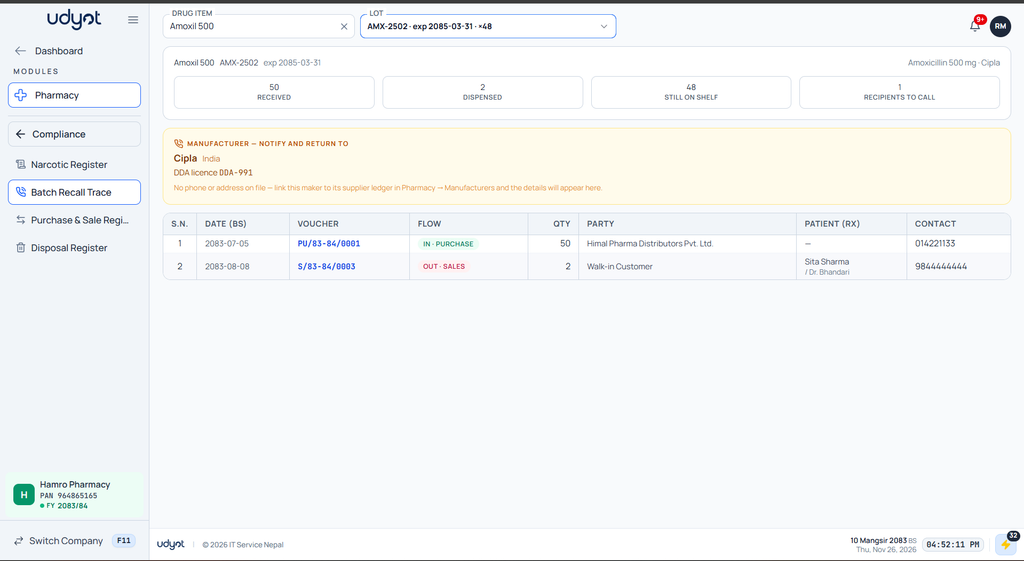
Batch Recall Trace: This section in Udyot Pharmacy Management Software helps pharmacies track medicines batch-wise, including received, dispensed, and available quantities. It provides manufacturer, supplier, patient, and transaction details to support quick product recalls, ensure medicine traceability, and maintain regulatory compliance.
How to view the Batch Recall Trace Report
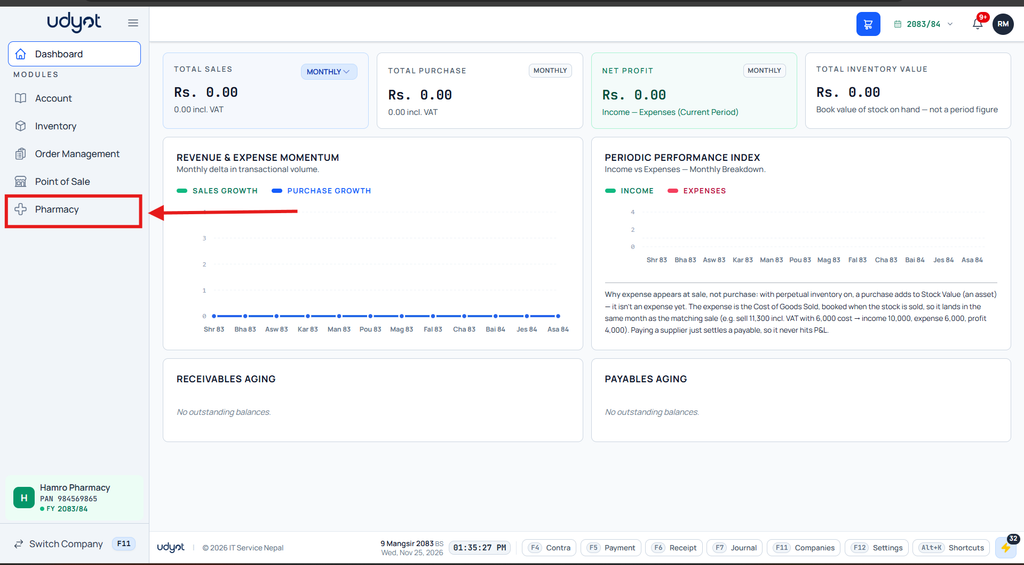
1. Click on Pharmacy Modules
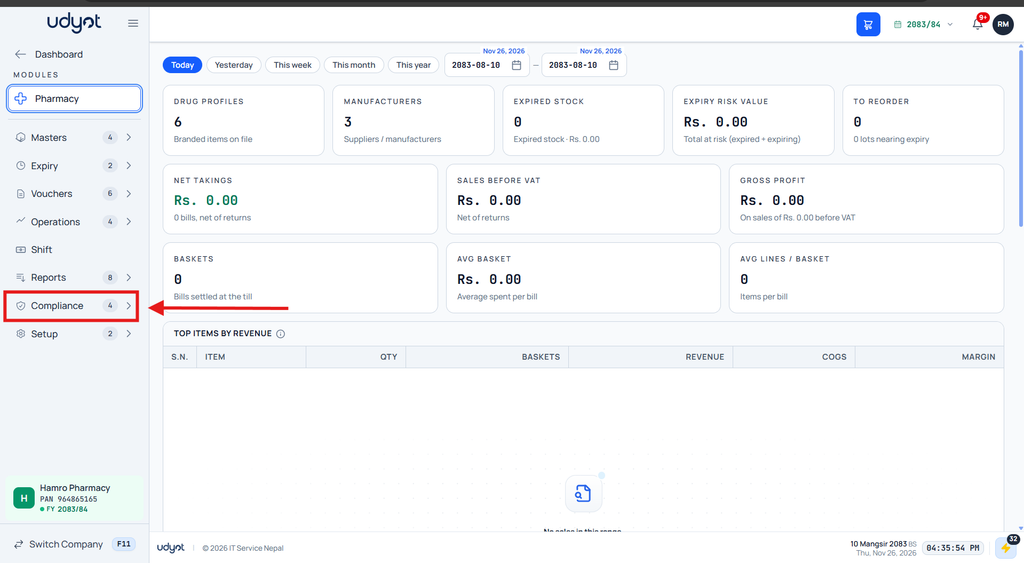
2. Click on Compliance
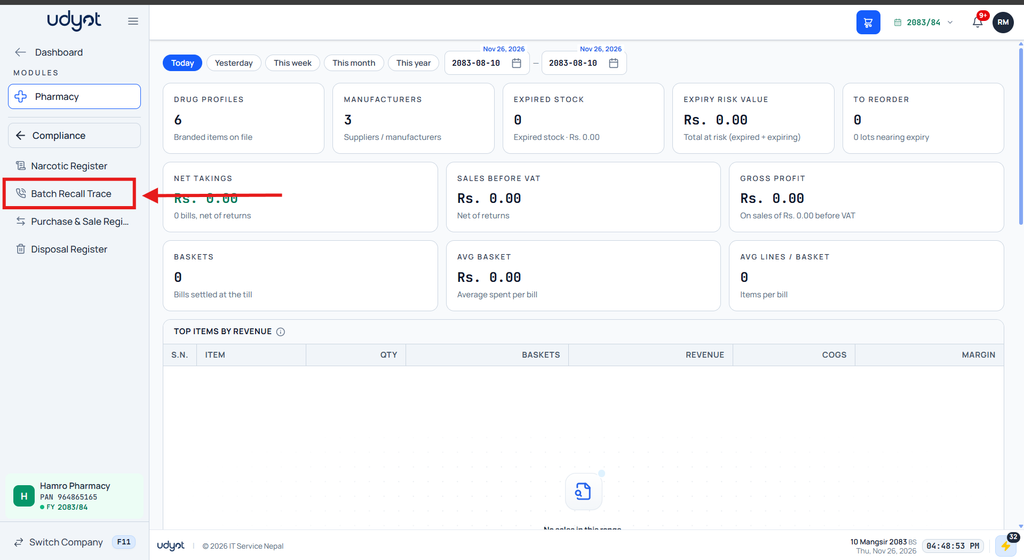
3. Click on Batch Recall Trace
4. Select Item and lot
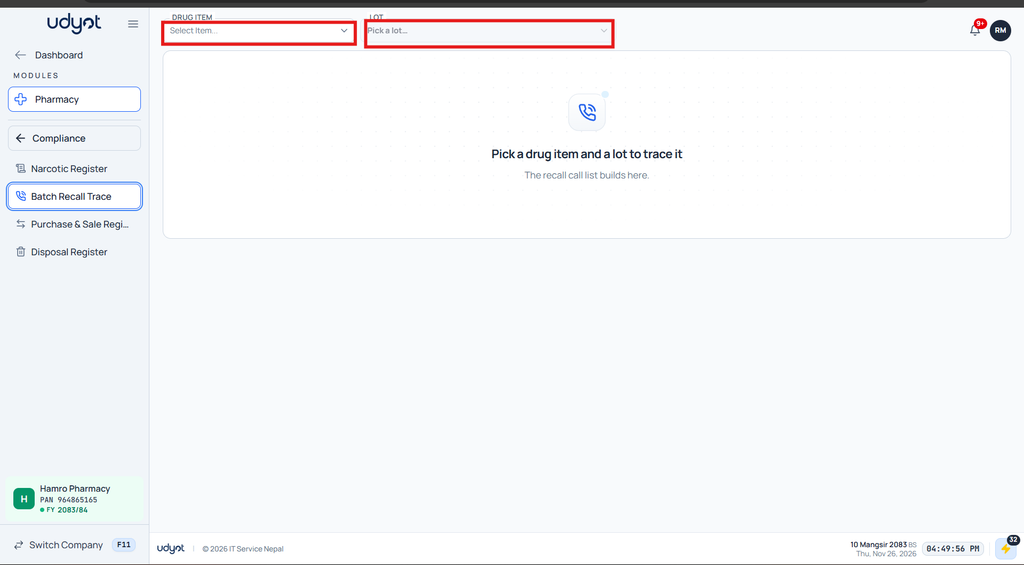
5. See the Report