Updated
How to Check the Usage Variance Reports – Udyot ERP
Usage Variance
Usage Variance: This section allows users to compare the actual ingredient consumption with the expected consumption based on menu item recipes and sales. It helps identify differences between expected and actual stock usage, monitor excess consumption, and detect possible wastage. This enables restaurant owners to control ingredient costs and improve inventory management.
How to see the Usage Variance Reports
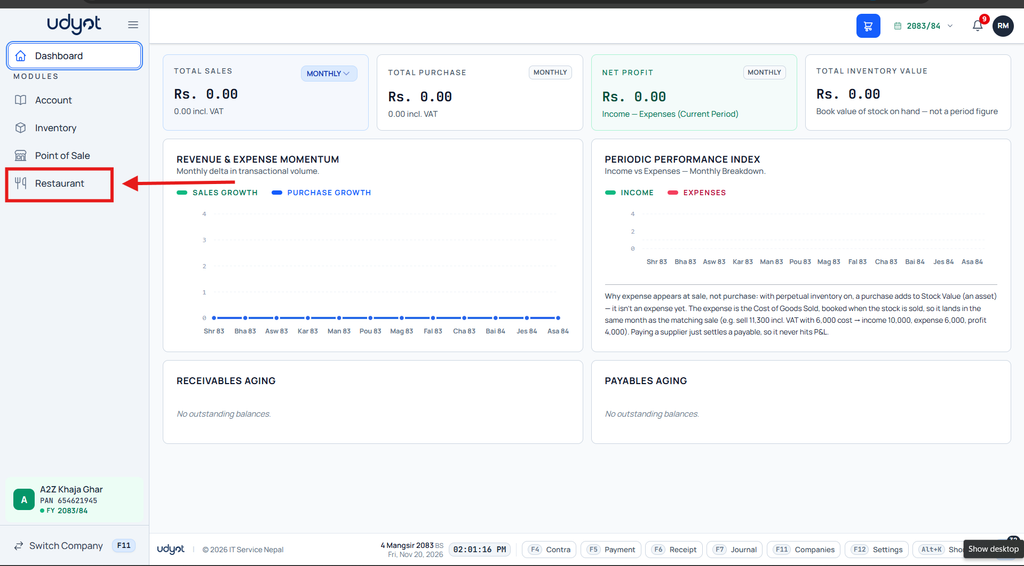
1. Select Restaurant Modules
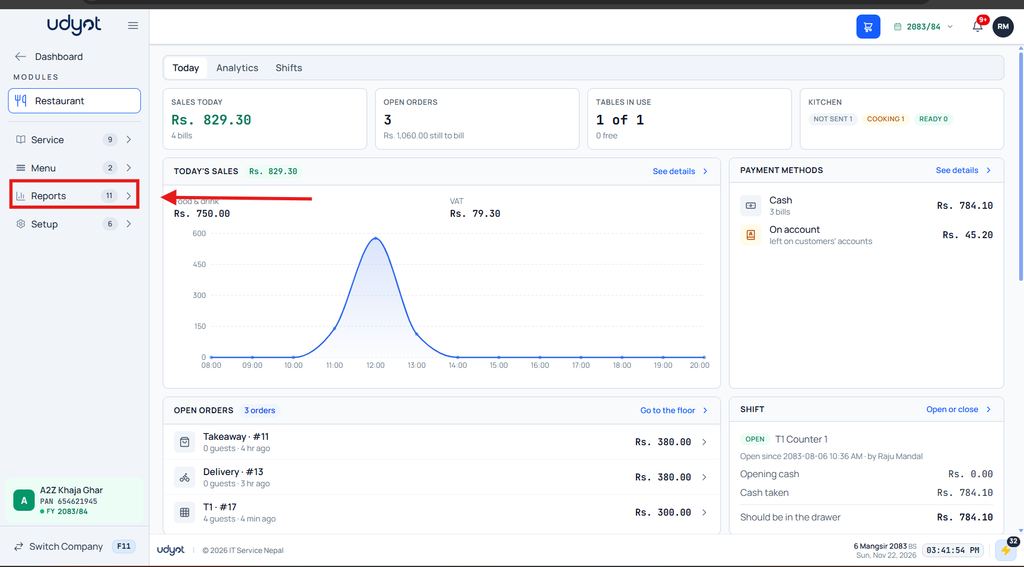
2. Select Reports
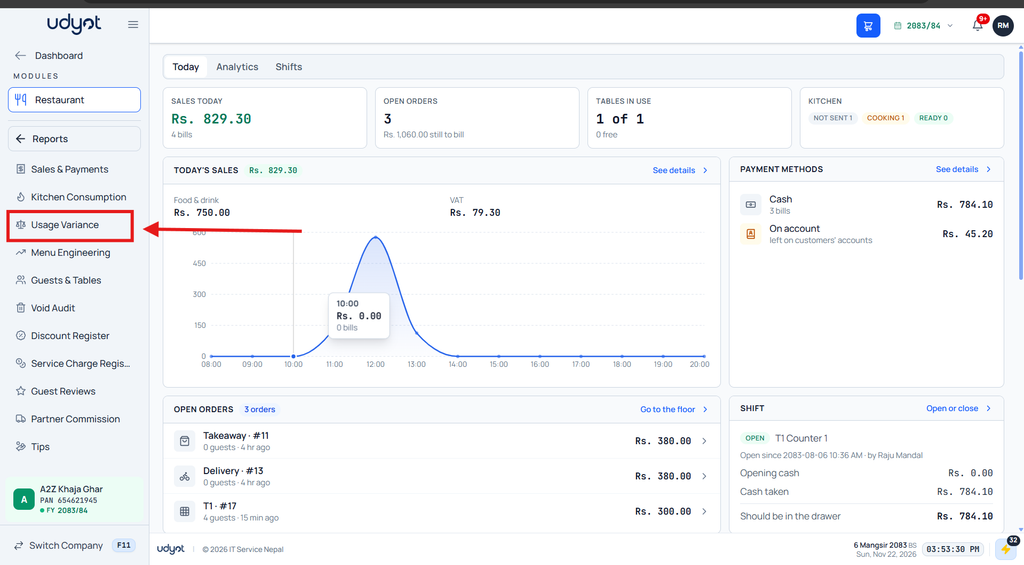
3. Select the Usage Variance