Updated
How to add stock count in Restaurant Modules – Udyot ERP
Stock Count
Stock Count: This section allows users to record and manage the physical stock quantities available in the restaurant. Users can count available inventory items, enter actual quantities, and compare them with the stock quantities recorded in the system. It helps identify stock differences, monitor inventory levels, and maintain accurate stock records.
How to add stock count
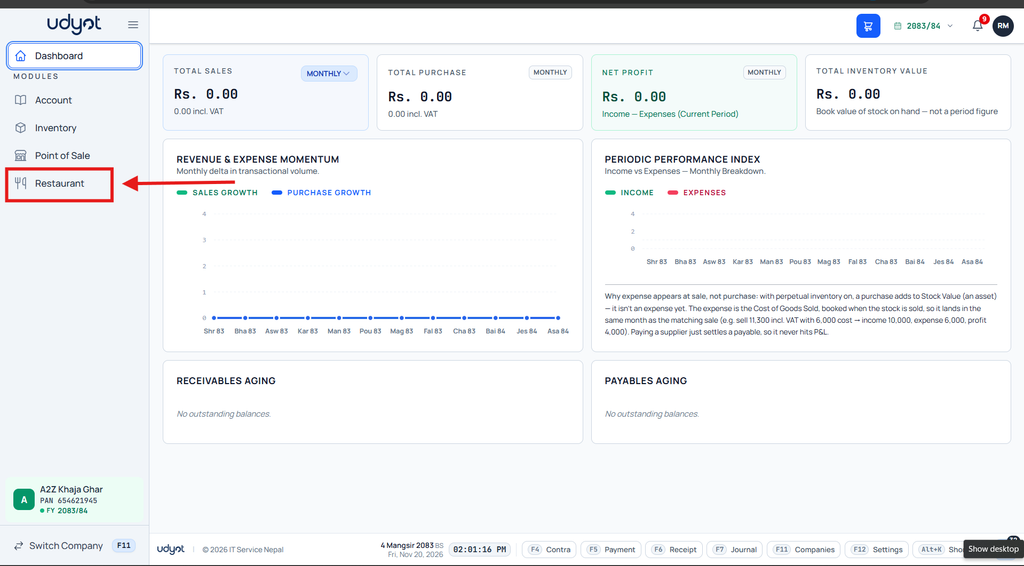
1. Select Restaurant Modules
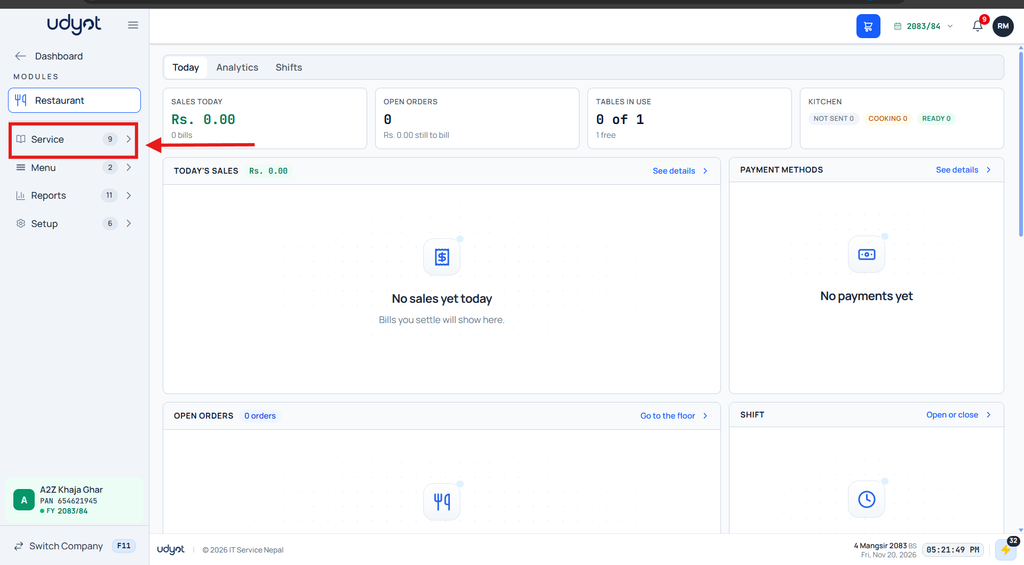
2. Click on Service
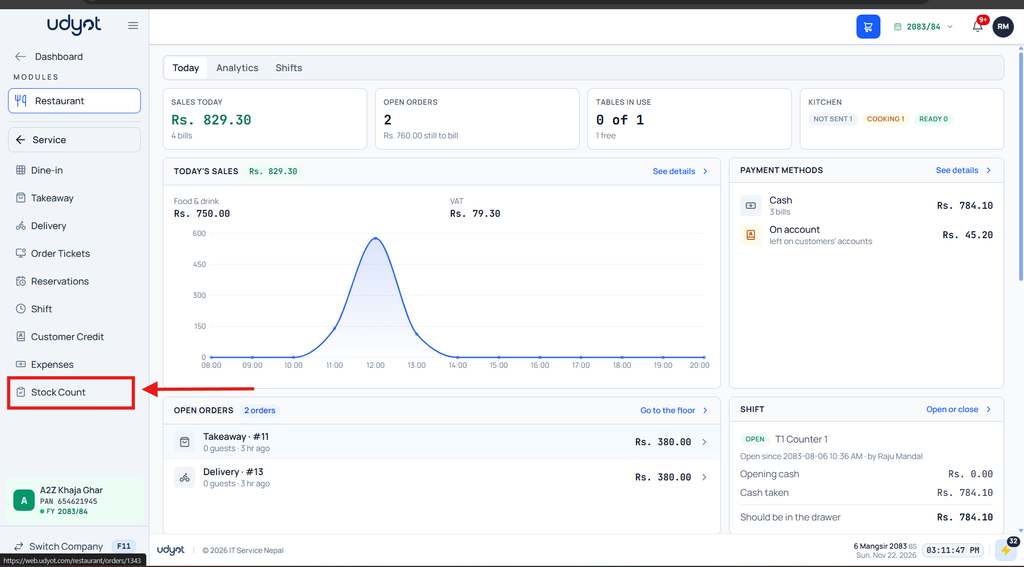
3. Select Stock Count
4. Click on + New Count
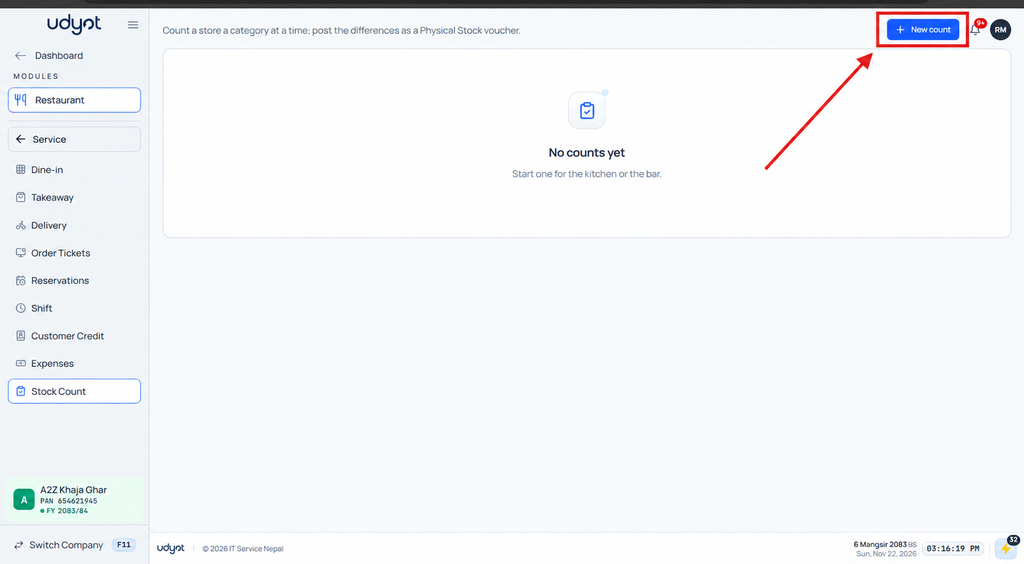
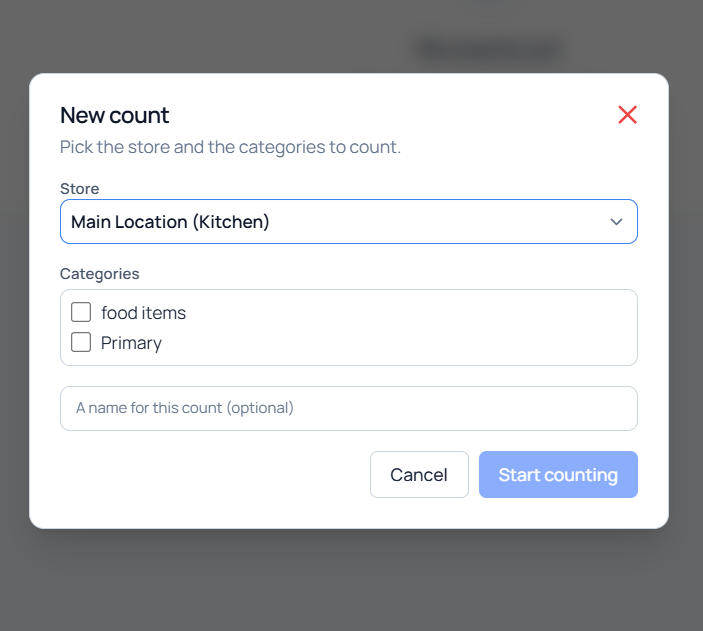
5. Fill in the information and save it