Updated
How to Check Sales and Payments Reports – Udyot ERP
Sales & Payments
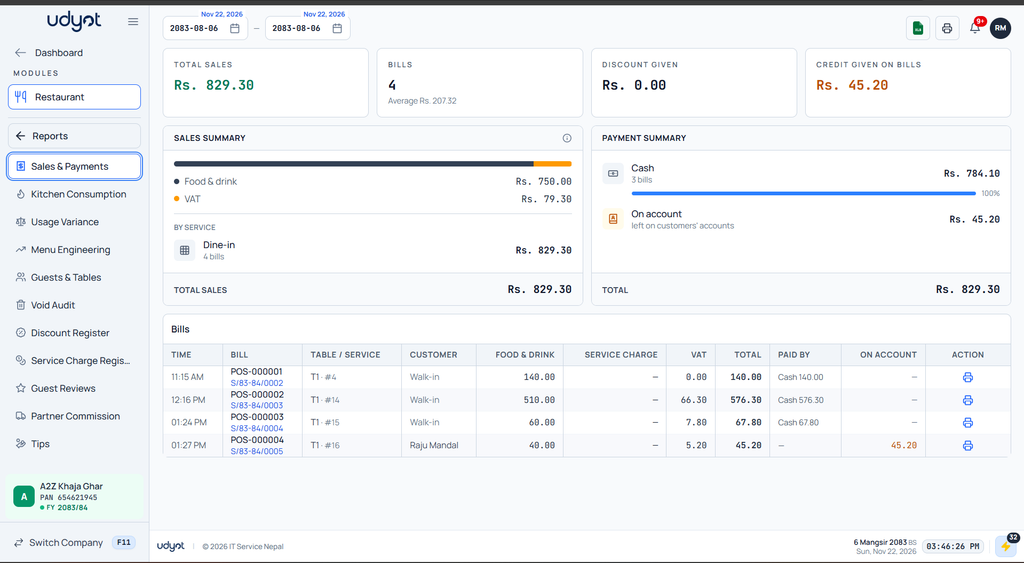
Sales & Payments: This section allows users to view and analyze restaurant sales and payment transactions. Users can track total sales, completed orders, payment collections, and payment methods such as cash, bank transfer, and digital wallets. It helps restaurant owners monitor revenue, review payment records, and keep track of daily sales performance.
How to See Sales and Payments Reports
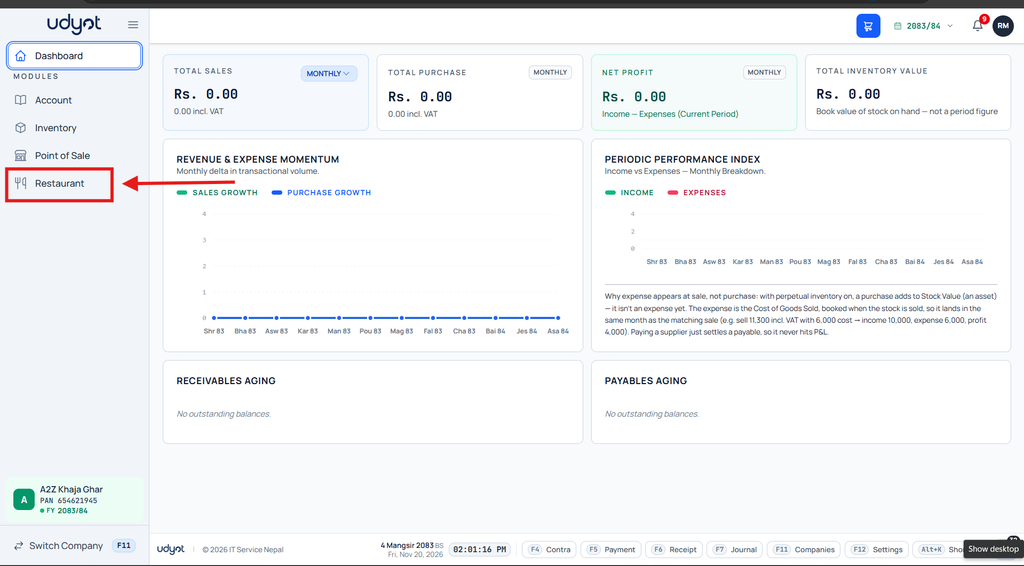
1. Select Restaurant Modules
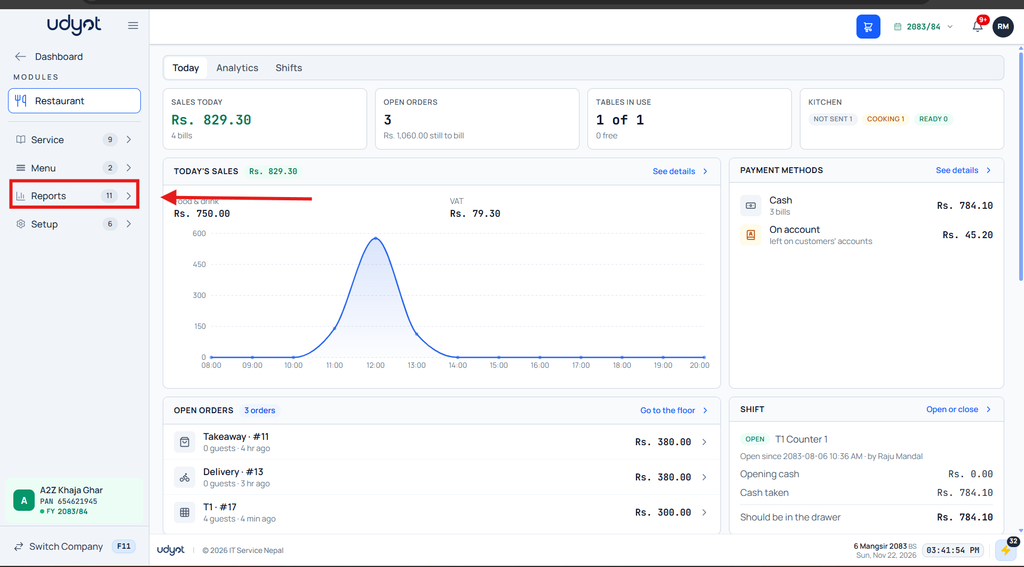
2. Select Reports
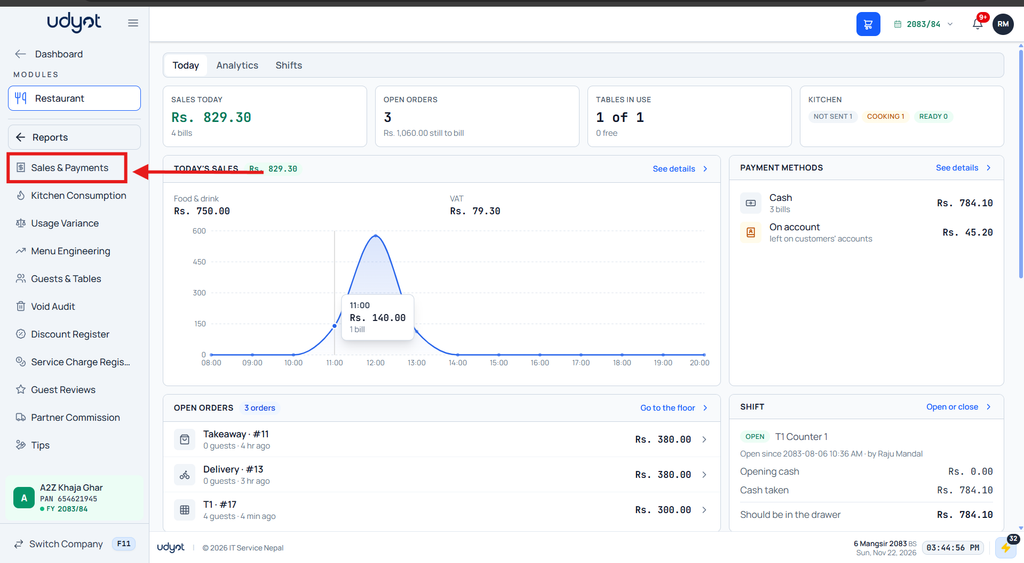
3. Select Sales & Payments
4. See the Reports