Updated
How to give advances in HRMS – Udyot ERP
- Click on the Human Resources Module

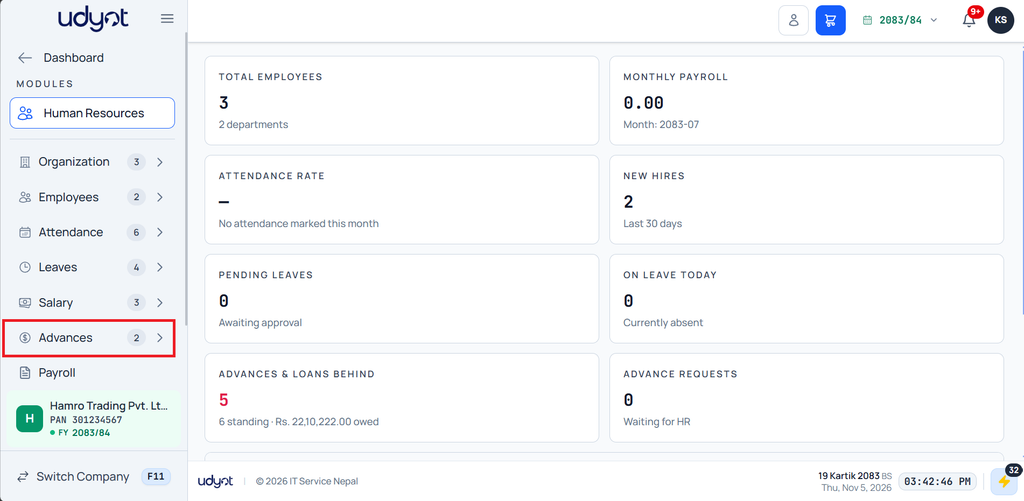
2. Click on Advances.
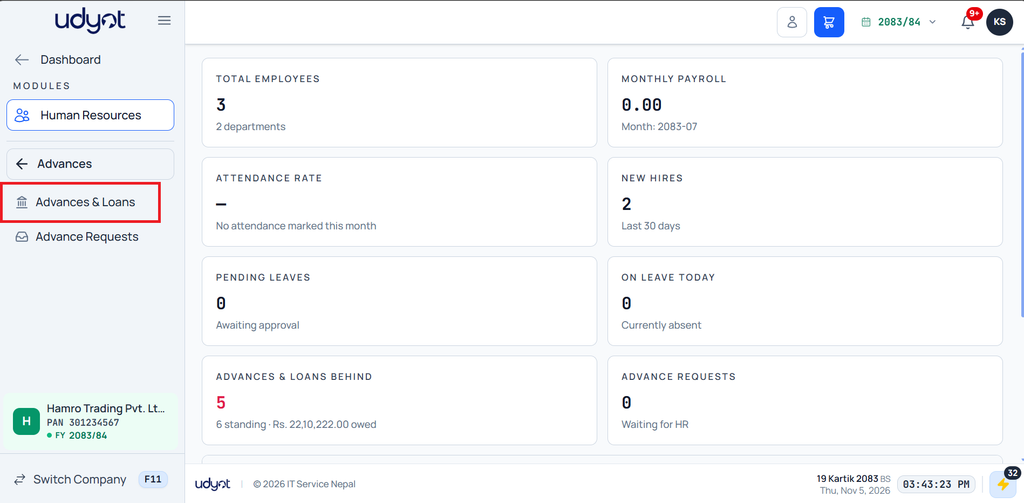
3. Click on Advances and Loans.
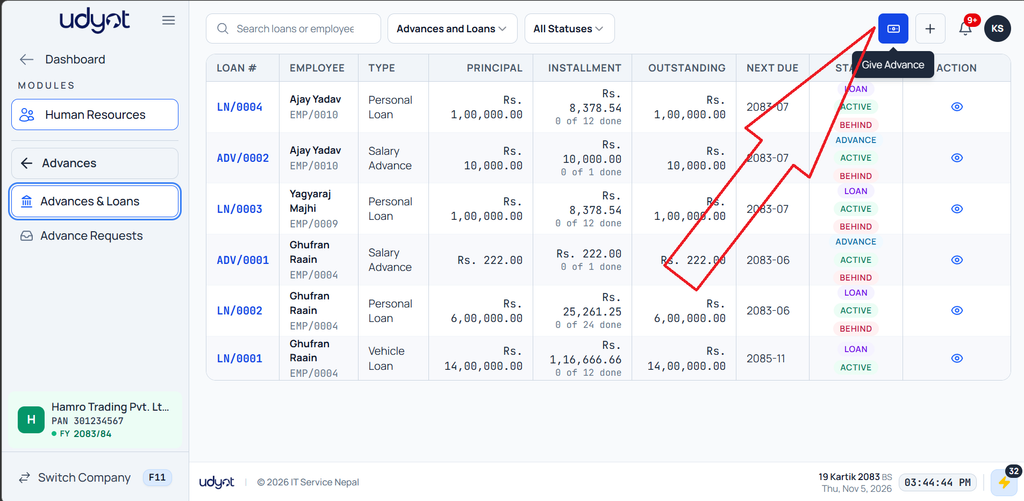
4. Click on the Blue Advance icon in the top right corner.
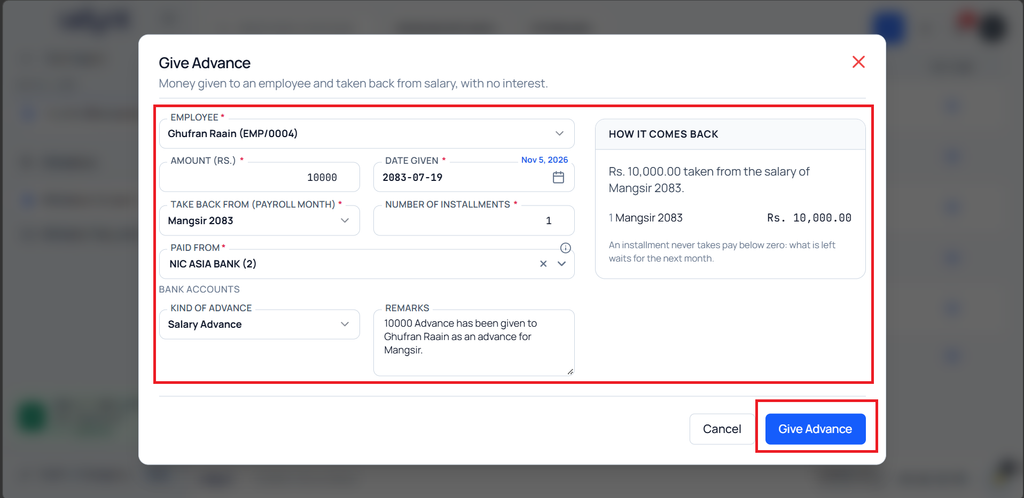
5. Select Employee, Amount, Given Date, Month, number of installments, Paid from account, kind of advance, and remarks, and click on Give Advance.