Updated
How to add tables in the Restaurant Module – Udyot ERP
Tables
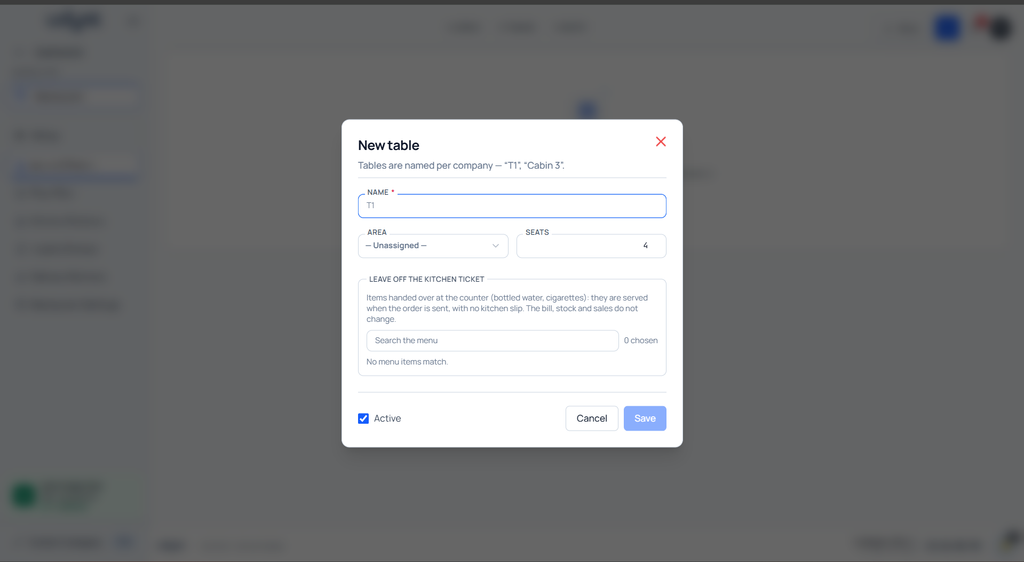
Tables: This section lets users create and manage restaurant tables by assigning names or numbers, selecting areas, and setting seating capacity. It helps staff identify available tables, assign customers, and manage dine-in orders efficiently.
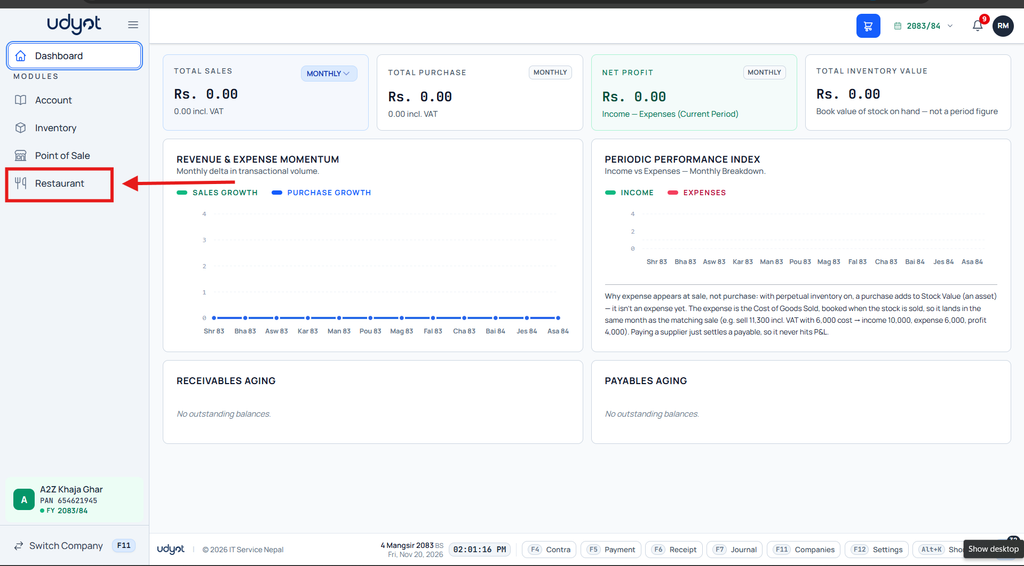
1. Select Restaurant Modules
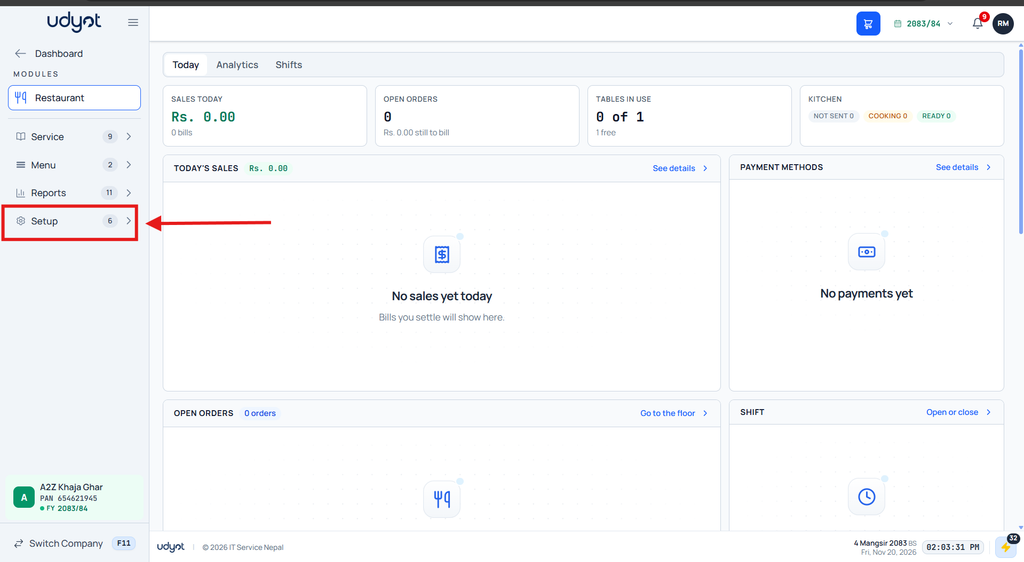
2. Select setup
3. Select Areas & Tables
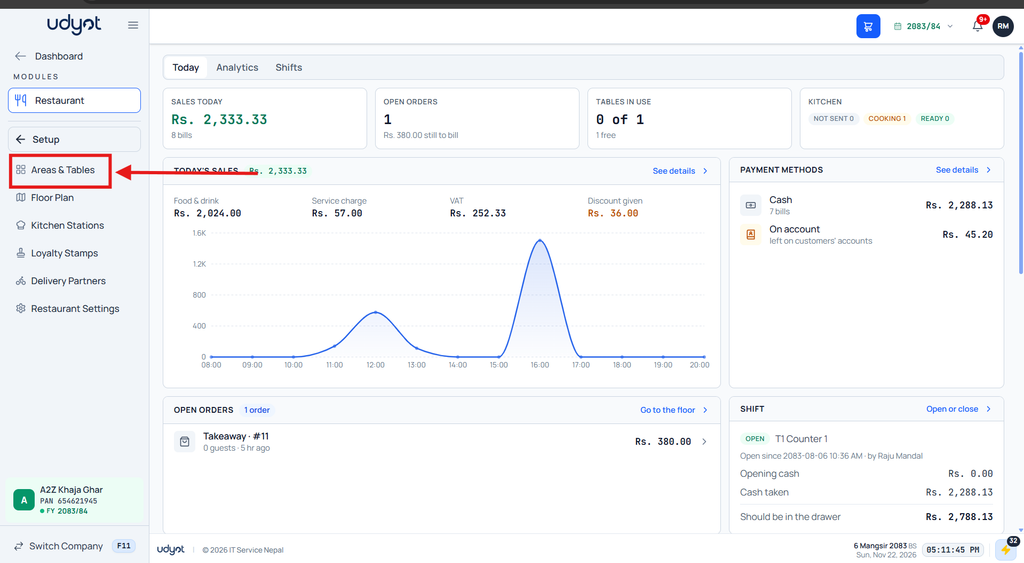
4. Click on the blue + icon
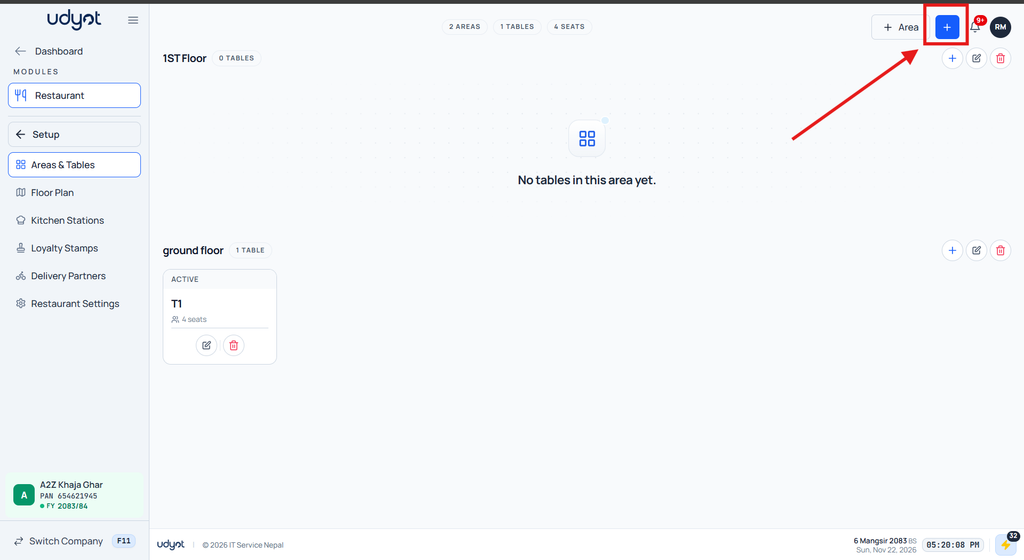
5. Fill the form and save it.